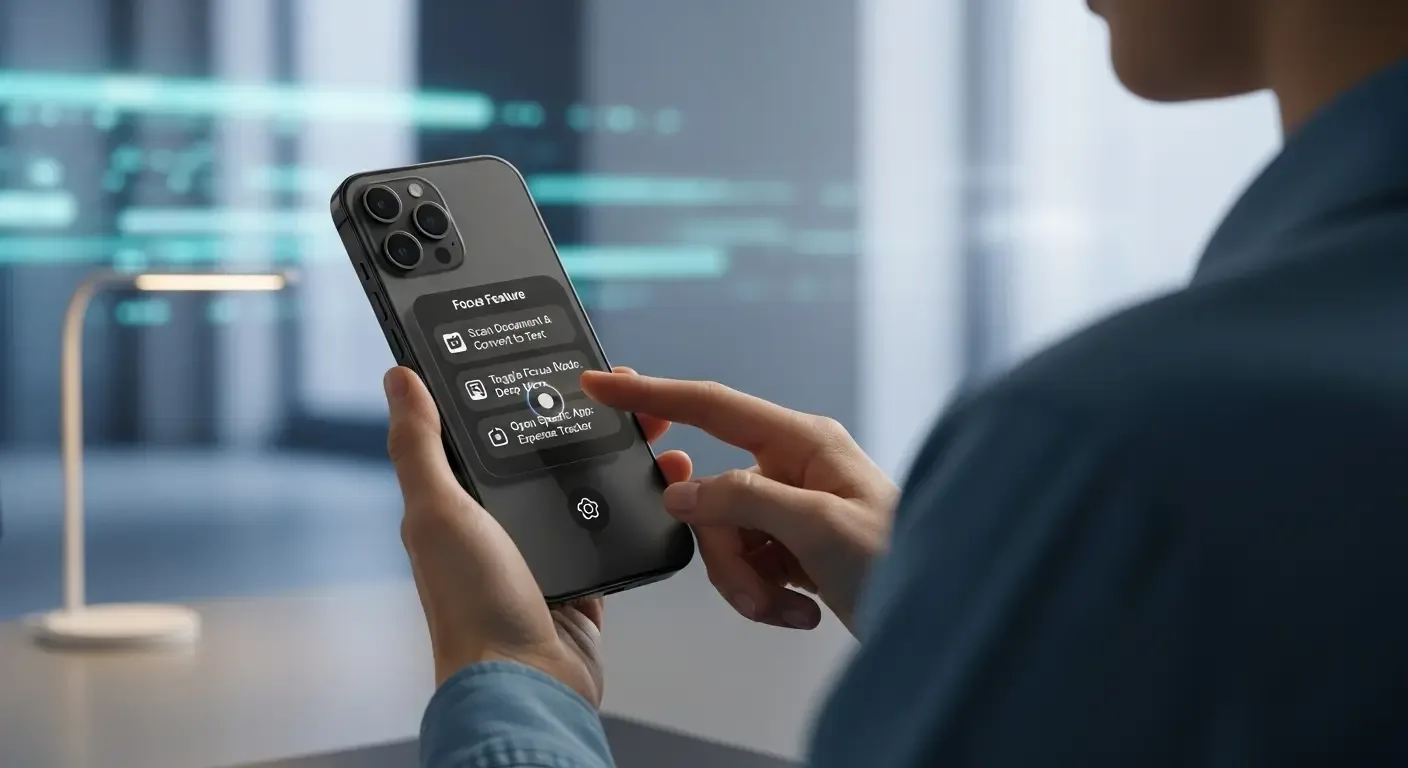
The iPhone is one of the most popular smartphones worldwide thanks to its versatile functions and stable iOS system. But did you know your iPhone hides many secret features that most people never realize exist? In this article, we’ll uncover 10 hidden iPhone features that can make your experience smarter, easier, and more fun in everyday life.
1. Back Tap for Quick Actions
Back Tap lets you double- or triple-tap the back of your iPhone to trigger actions like opening the camera, taking a screenshot, or switching apps. Available on iPhone 8 or later.
How to enable
- Go to Settings > Accessibility
- Select Touch > Back Tap
- Choose the action for double-tap or triple-tap
2. Scan Documents with Notes
The built-in Notes app can scan documents without third-party apps.
How to use
- Open Notes and create a new note
- Tap the camera icon > Scan Documents
- Align the paper, snap, and adjust corners
3. Hide Private Photos
You can hide personal photos so they don’t show in your main albums.
Steps
- Open Photos app
- Select the photo, tap Share
- Scroll down and choose Hide
4. Move the Cursor Easily
While typing, press and hold the Spacebar to turn the keyboard into a trackpad for precise cursor movement.
- Press and hold Spacebar
- Drag your finger to move the cursor anywhere
5. Headphone Accommodations
Improve clarity when listening on AirPods or other headphones.
How to enable
- Go to Settings > Accessibility > Audio/Visual
- Turn on Headphone Accommodations and adjust
6. Live Text: Copy Text from Images
On iOS 15+, you can use the camera to capture text in photos and copy it instantly.
- Open Camera and point at text
- Tap the Live Text icon
- Copy, translate, or search right away
7. Lock Notes with Face ID
Protect sensitive notes using Face ID or passcode.
- Open Notes
- Go inside a note > Tap Share > Lock Note
- Confirm with Face ID or password
8. Search Photos by Keywords
The Photos app can find pictures just by typing words like “cat” or “beach.”
- Open Photos
- Tap Search and type a keyword
- View results instantly
9. Measure a Person’s Height
iPhones with LiDAR (like iPhone 12 Pro and later) can measure height automatically.
- Open the Measure app
- Point at the person, the height will appear onscreen
10. Sleep Mode / Wind Down
Set sleep schedules to reduce distractions and dim the screen before bedtime.
- Open Health app > Sleep
- Set a bedtime and enable “Wind Down”
- Your screen darkens and notifications are silenced
FAQ
Q: Does Back Tap work on every iPhone?
A: No, only iPhone 8 and newer with iOS 14 or later.
Q: Are Notes scans as good as dedicated scanning apps?
A: Quality is good enough for everyday use like saving PDFs or sending via email.
Q: Does Live Text support Thai?
A: Since iOS 16, Live Text partially supports Thai, but accuracy isn’t perfect yet.
Conclusion
The iPhone offers more than just visible features—there are hidden tools that can make your daily use smarter and more efficient. Hopefully, these 10 hidden iPhone features help you get even more value and fun out of your device.