
Apple Watch Doesn’t Count Steps or Activity Rings Don’t Move? Check Health Details and Calibration
Review your health details, fit, and motion permissions before calibrating Apple Watch to improve distance and activity estimates.

Review your health details, fit, and motion permissions before calibrating Apple Watch to improve distance and activity estimates.
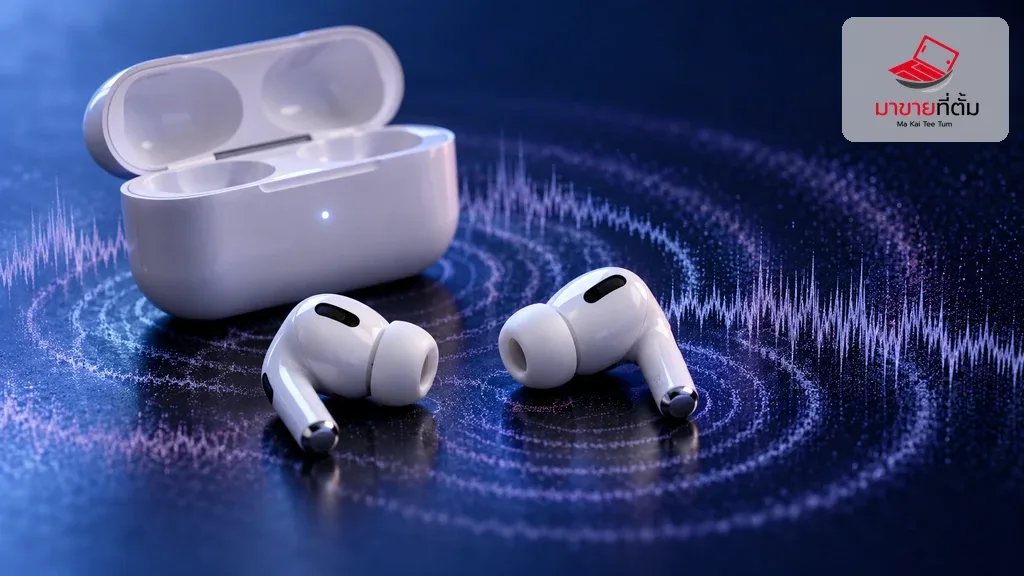
Find out whether the sound affects one earbud, one app, or multiple devices. Follow Apple’s cleaning guidance and reconnect before deciding the earbuds need service.
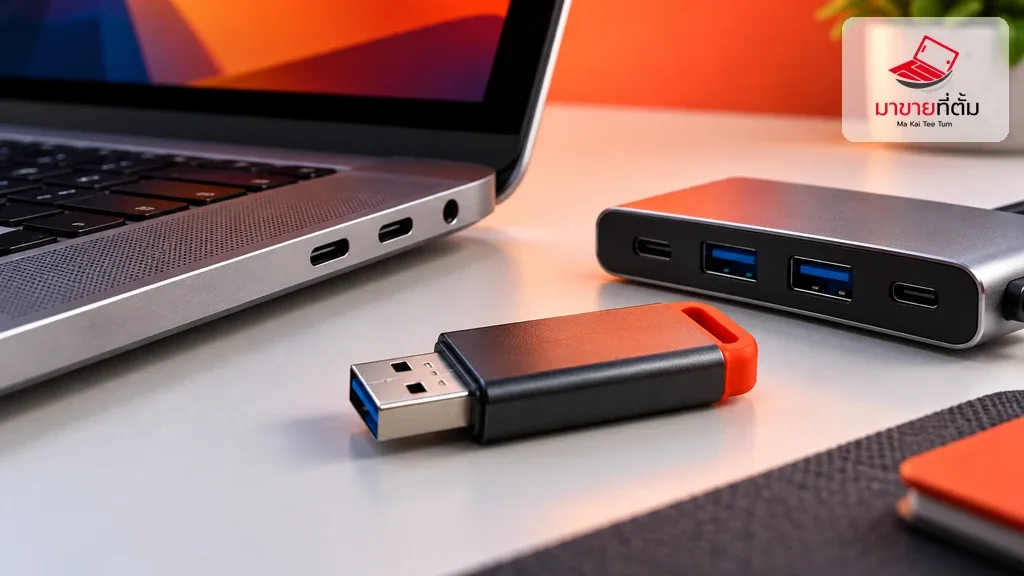
A USB device may be missing because of a cable, port, hub, or power issue. Test a direct connection and another port before replacing the accessory.
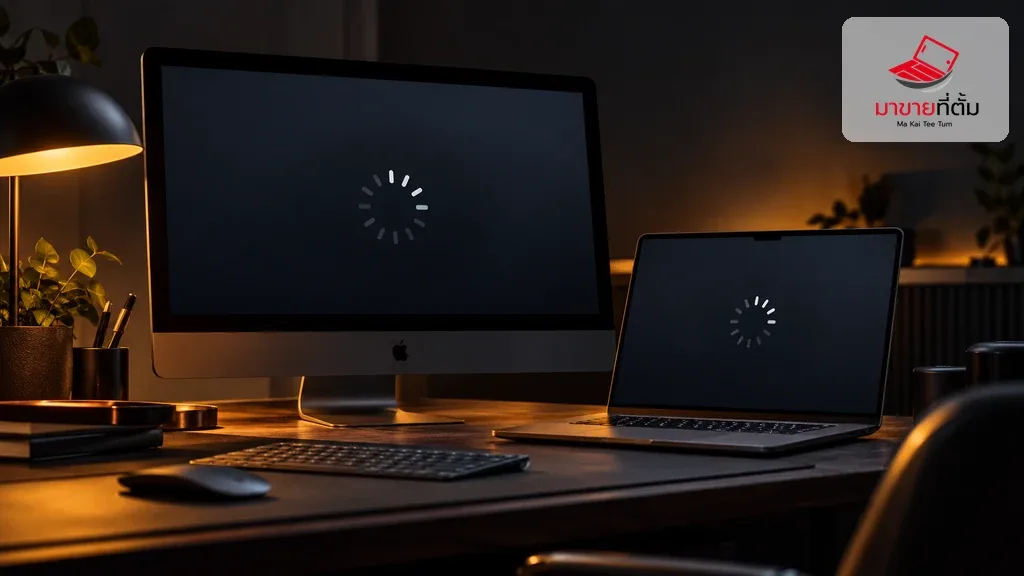
Unexpected restarts can involve software or connected devices. Update and isolate peripherals one at a time before concluding that hardware has failed.
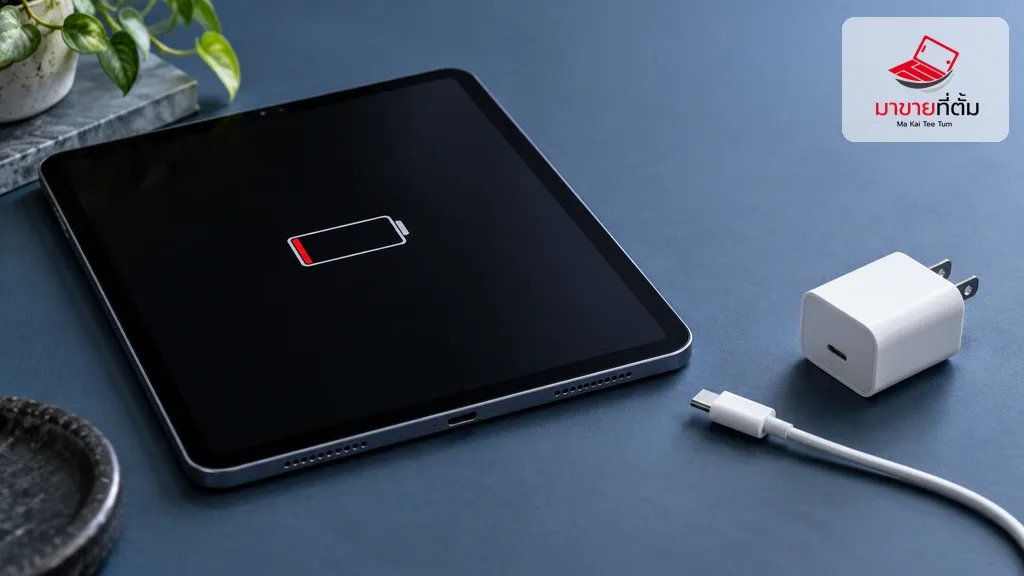
Start with a known working power source and cable. Check the charging indicator and device temperature before force restarting or arranging service.
Silent mode and Do Not Disturb should not mute an iPhone alarm. Check the alarm time, selected sound, volume, and whether you are editing a regular alarm or a sleep-schedule wake-up.
If new messages are missing from Mail, check connectivity, credentials, fetch settings, and your email provider before removing the account from your phone.

Try another network, compare multiple websites, and review VPN settings before clearing Safari data. The cause may be one website, one network, or a browser setting.
Waiting for activation or Activation unsuccessful can involve connectivity, date and time, SMS service, or number verification. Check these in order and allow time for activation to complete.
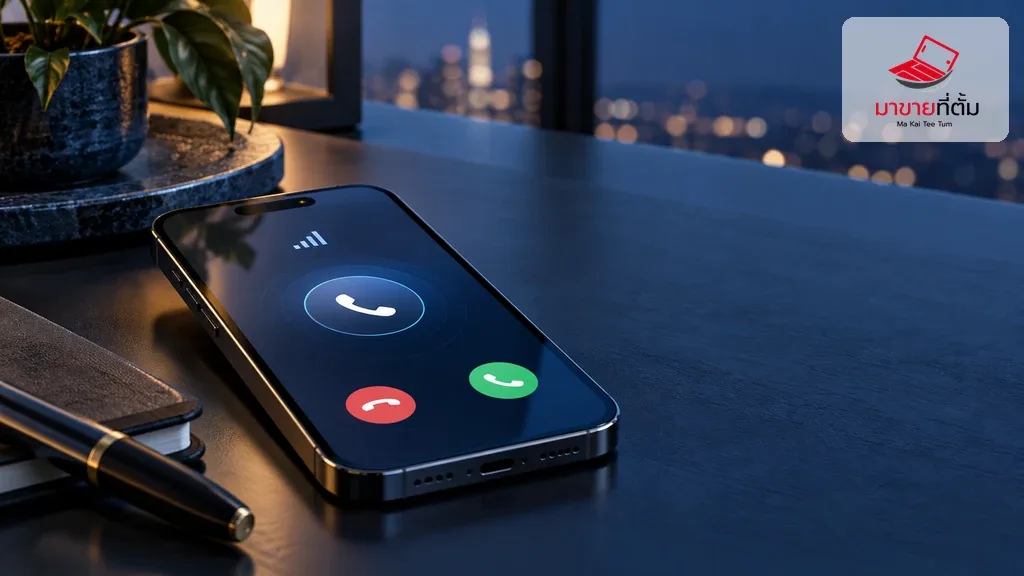
Failed outgoing calls or missed incoming calls can involve cellular coverage, call settings, or your carrier. Work through these checks before resetting saved network settings.
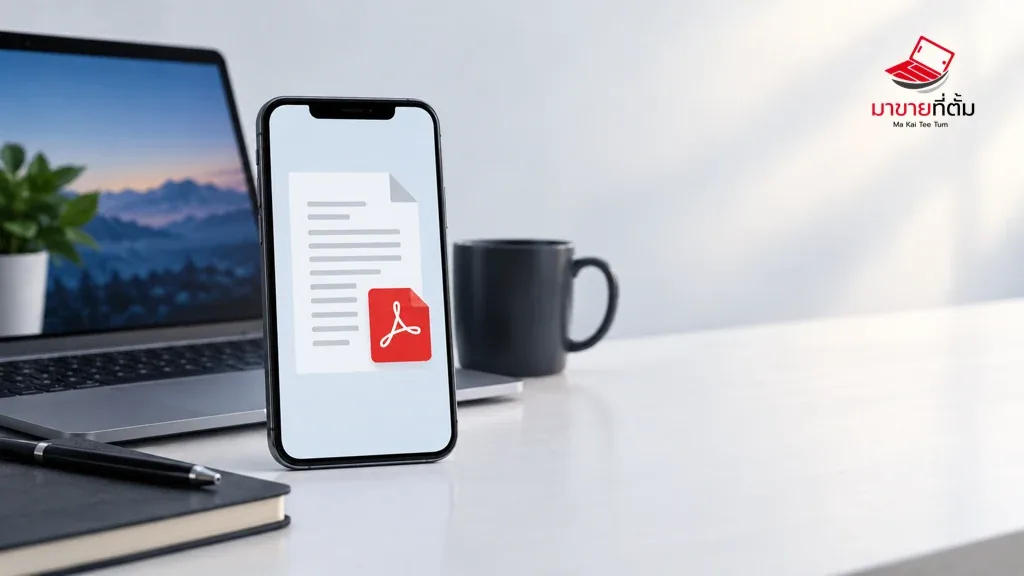
An iPhone may fail to open a PDF because the download is incomplete, the file is damaged, the chosen app lacks support, or storage is low. Compare the same file in another trusted viewer before troubleshooting the phone.
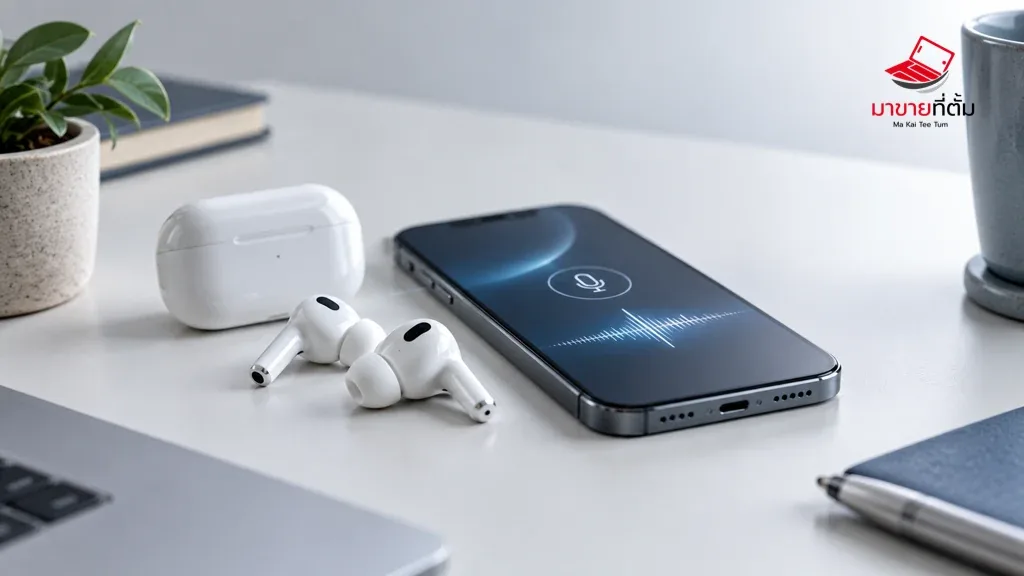
A failed AirPods microphone can be caused by the selected microphone, blocked mesh, low charge, app permissions, or a stale pairing. Test both earbuds and more than one app before assuming hardware failure.