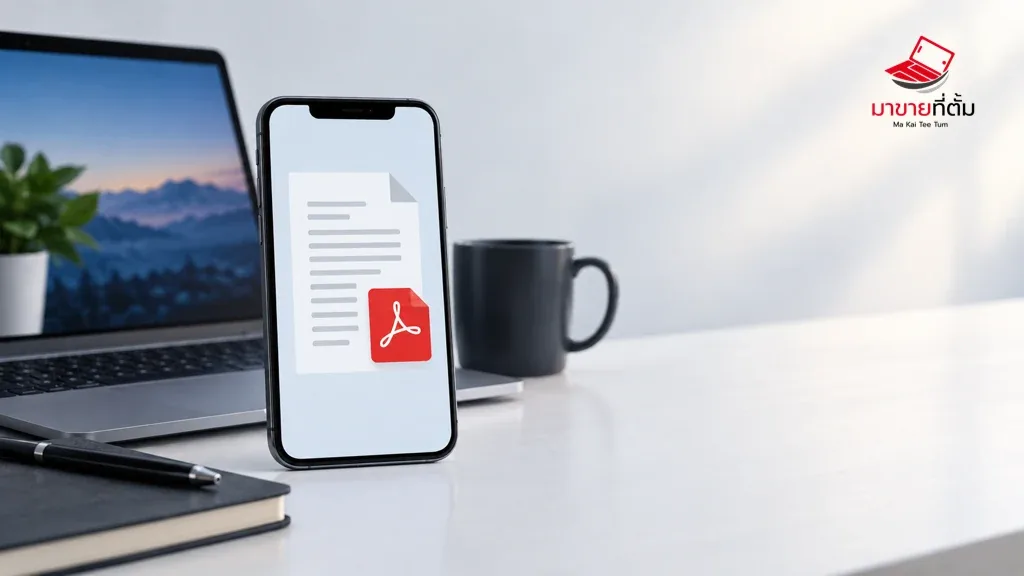
An iPhone may fail to open a PDF because the download is incomplete, the file is damaged, the chosen app lacks support, or storage is low. Compare the same file in another trusted viewer before troubleshooting the phone.
Checks to try first
- Download the file again over stable Wi-Fi and check that its name and size are not blank or zero
- Try Files, Safari, or a trusted PDF reader to compare viewers
- Use Share > Save to Files so the document is stored locally before opening it
- Check available storage and update the app used to read the document
- Ask the sender to export or resend the file if the same document fails on multiple devices
When to get further help
Avoid installing document apps from unknown sources. For sensitive files, verify the sender and the file’s origin before opening it.
Bottom line
Start with reversible checks that do not erase personal data. If the symptom continues or follows impact or liquid exposure, professional assessment is safer than repeated resets.
Thinking about selling or upgrading an Apple device?
When a device issue is part of an upgrade decision, MaKaiTeeTum can assess an iPhone, iPad, Mac, or Apple Watch and discuss your selling options.
- Call: 064-564-7945
- Line ID: @KunTum