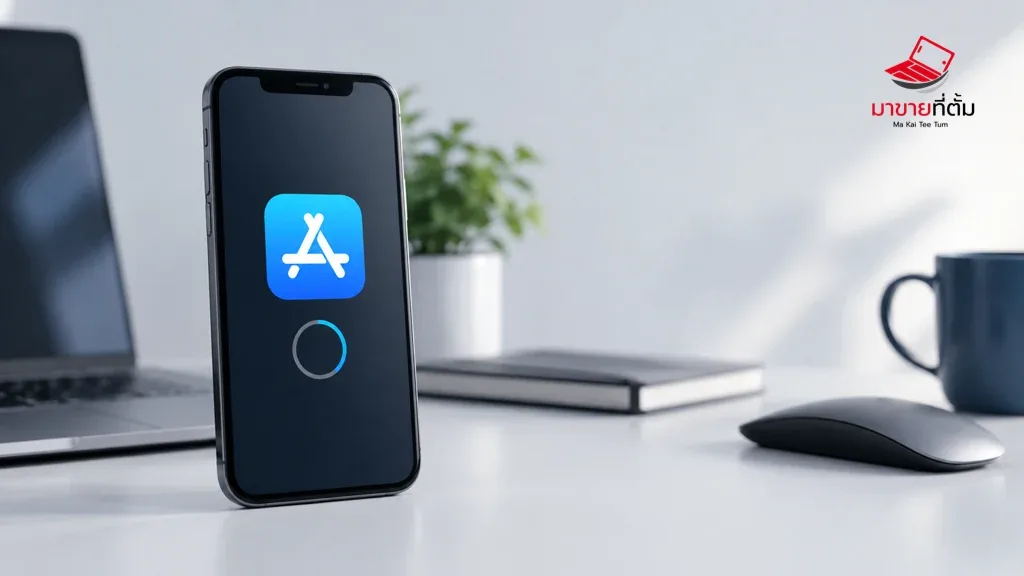
A stuck App Store download can be caused by connectivity, Apple Account billing, Screen Time restrictions, incorrect time settings, or low storage. Test those layers in order instead of repeatedly tapping the download button.
Checks to try first
- Open a website in Safari and switch between Wi-Fi and cellular data to test the connection
- Pause and resume the download, then check available iPhone storage
- Confirm automatic date and time and the Apple Account under Media & Purchases
- Review the payment method or an unpaid balance, even when the app itself is free
- Restart the iPhone, check Screen Time restrictions, and install available iOS updates
When to get further help
If only one account is affected, the account or billing system needs attention. If every account and network fails, arrange a device or system check.
Bottom line
Start with reversible checks that do not erase personal data. If the symptom continues or follows impact or liquid exposure, professional assessment is safer than repeated resets.
Thinking about selling or upgrading an Apple device?
When a device issue is part of an upgrade decision, MaKaiTeeTum can assess an iPhone, iPad, Mac, or Apple Watch and discuss your selling options.
- Call: 064-564-7945
- Line ID: @KunTum