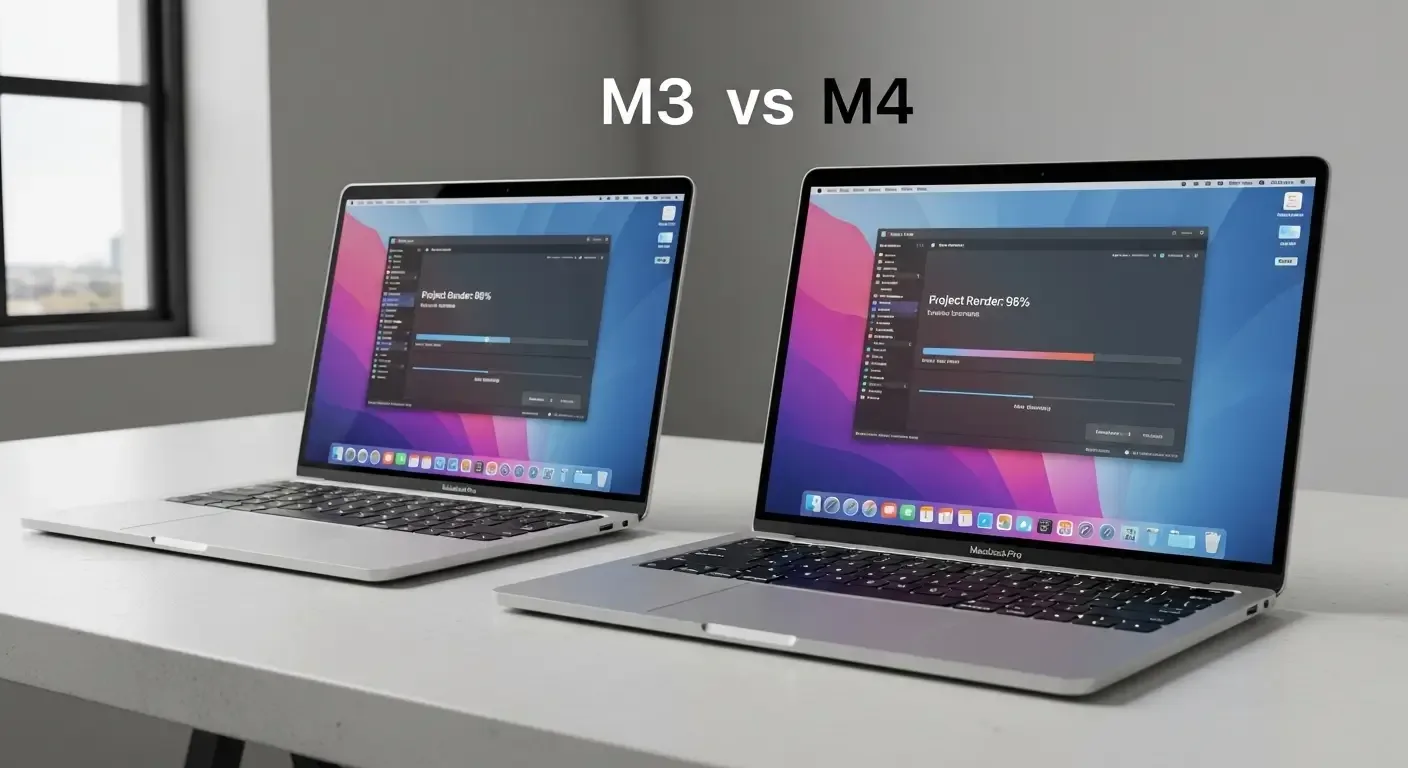
Apple continues to push the boundaries of its MacBook lineup, and the latest update introduces the powerful M4 chip. Following the release of the M3, many users are now asking: “Is it worth upgrading from MacBook M3 to M4?” This article breaks down the performance, efficiency, and value to help you decide.
Key Hardware Differences
M3 Chip
- Built on 3nm architecture
- Up to 8-core CPU and 10-core GPU
- Supports up to 24GB Unified Memory
- Solid performance for everyday tasks and entry-level pro work
M4 Chip
- Improved 3nm+ Enhanced architecture
- Up to 10-core CPU and 12-core GPU
- Supports up to 32GB Unified Memory
- Neural Engine 40% faster for AI/ML workloads
Performance: How Much Faster is M4?
Early benchmarks suggest the M4 delivers 18–25% faster performance than the M3, depending on workload type:
Everyday Tasks (Office, Web)
- Little noticeable difference for browsing, typing, or multitasking basic apps
Pro Workloads (Graphics, Video Editing, Programming)
- Project load times up to 20% faster
- Video rendering ~22% faster on average
- Smoother 4K streaming in specialized software
Power Efficiency and Battery Life
- M4 MacBooks last about 1 hour longer than M3 on average
- Heat reduced by 10–15% during sustained workloads
Exclusive Features of M4
- Wi-Fi 6E support
- Next-gen Neural Engine for ML and AI apps
- Optimized support for Apple’s new Studio Display with full XDR capabilities
Who Should Upgrade?
Upgrade to M4 if you:
- Work with graphics, video editing, or advanced programming
- Currently use M1 or M2 and want a significant leap
- Need long-term support for new features
Stick with M3 if you:
- Just bought an M3 MacBook recently
- Do general tasks and don’t face performance issues
- Want to wait for price drops or future models
Conclusion: Upgrade or Not?
The MacBook M4 is undeniably powerful and better suited for professional-grade tasks. However, if your M3 already meets your needs, the upgrade may not be essential right now. For those planning a new purchase, the M4 offers future-proof performance and efficiency worth the investment.
FAQ
Q: Is upgrading from M1 or M2 to M4 worth it?
A: Yes. The M4 delivers 60–70% better performance than M1 and supports the latest features.
Q: Which MacBook models use M4?
A: Currently available in MacBook Air, with MacBook Pro expected later this year.
Q: Which apps benefit from the new Neural Engine?
A: Video editing (Final Cut Pro, Adobe Premiere), AI tools, and some graphics apps like Pixelmator Pro.
Q: How much is the price difference between M3 and M4 MacBooks?
A: Around 4,000–6,000 THB depending on configuration.