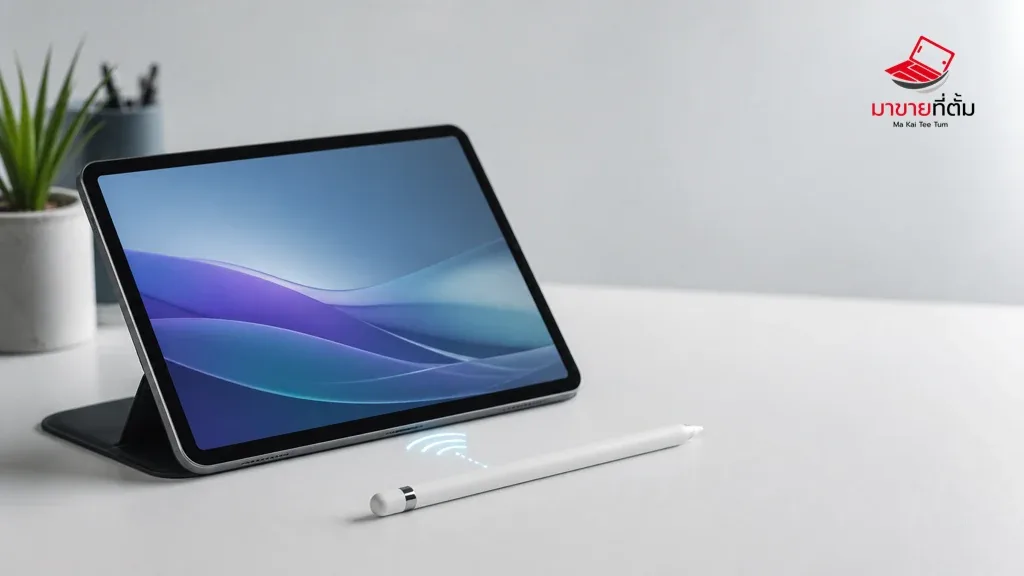
Apple Pencil pairing depends on the Pencil generation, the iPad model, its battery level, and the connection method. A compatibility check is more useful than repeatedly toggling Bluetooth when the two devices are not designed to pair.
Checks to try first
- Confirm that the Apple Pencil generation is supported by the iPad and that Bluetooth is on
- Charge the Pencil using the method designed for that model, such as a port or magnetic edge
- If it appears under My Devices, forget it and restart the iPad
- Reconnect it and wait for the Pair prompt before removing the Pencil
- Update iPadOS and inspect the connector or adapter for debris or damage
When the device needs further help
If a charged, compatible Pencil never shows a pairing prompt, or the connector feels loose, stop forcing the connection and arrange an inspection of the Pencil, adapter, or iPad port.
Bottom line
Start with reversible checks that do not erase personal data, then isolate the accessory, setting, network, or hardware involved. If the symptom survives the basic steps or follows impact or liquid exposure, professional assessment is safer than repeated resets.
Thinking about selling or upgrading an Apple device?
If the problem is part of an upgrade decision, MaKaiTeeTum can help assess an iPhone, iPad, Mac, or Apple Watch and discuss your selling options. Describe the real condition and repair history for a more useful valuation.
- Call: 064-564-7945
- Line ID: @KunTum