Before selling your MacBook, it’s essential to know the exact model and year. Properly informing buyers helps you get the best price and builds trust. This guide covers every method to check model year—from About This Mac to serial number lookup and identifier matching.
1. Use “About This Mac” in macOS
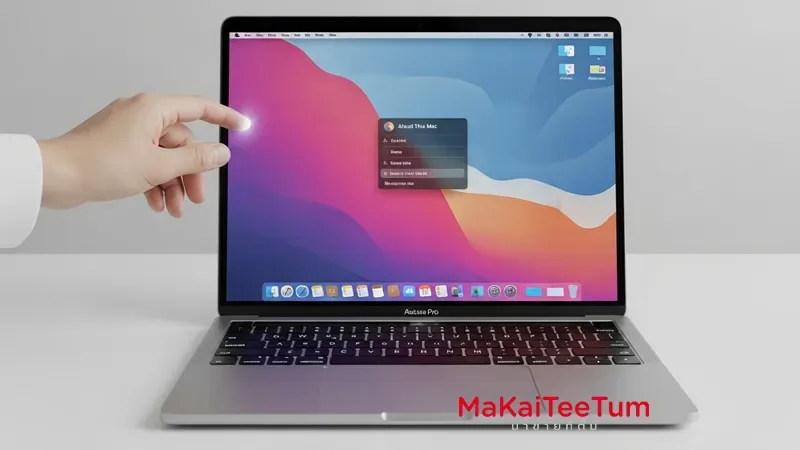
- Click the Apple menu and choose “About This Mac.” The overview will display your MacBook model name and the year it was introduced, such as “MacBook Air (13‑inch, 2020).”
- This is the easiest and most accurate method if the MacBook powers on.
2. Check System Information for Model Identifier
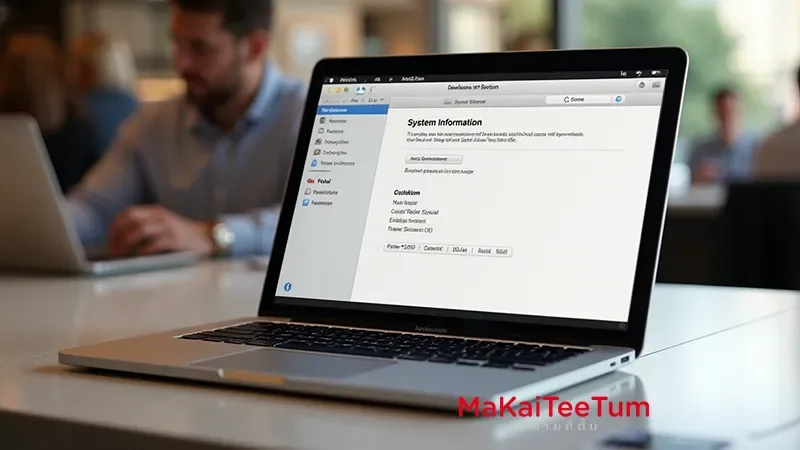
- Hold Option and go to Apple menu → System Information (or System Report).
- Look for “Model Identifier” (e.g. MacBookAir10,1). Then refer to Apple’s support pages or EveryMac.com lookup to determine the exact year and part number.
3. Use the Serial Number for Online Lookup
- Find the serial number under the MacBook, on original box packaging, or via About This Mac/System Information.
- Enter the serial on Apple’s Check Coverage page or lookup services like EveryMac.com or MacFinder for precise model year and specs.
4. Match Model or Part Number on the Case
- You may find a model number printed on the underside, such as “A2337.”
- Cross-reference that with Apple’s model list to identify the production year and variant.
5. Why Knowing the Year Matters When Selling
- Pricing Accuracy: Knowing exact model/year helps evaluate resale value correctly.
- Buyer’s Trust: Clear model info builds confidence in your listing.
- Compatibility & Warranty: Identifying year allows you to know macOS compatibility, repair parts, and service eligibility.
✅ Comparison of Methods
- About This Mac: Fast and accurate if device powers on.
- System Information: Offers model identifier when needed.
- Serial Lookup: Works offline and provides official data.
- Case model number: Useful if MacBook won’t boot or lacks power.
Need help identifying your MacBook model and year?
Contact MaKaiTeeTum — we’ll assist you in checking serial number, model identifier, and help price your MacBook accurately for resale.
Call: 064‑564‑7945
Line ID: @KunTum