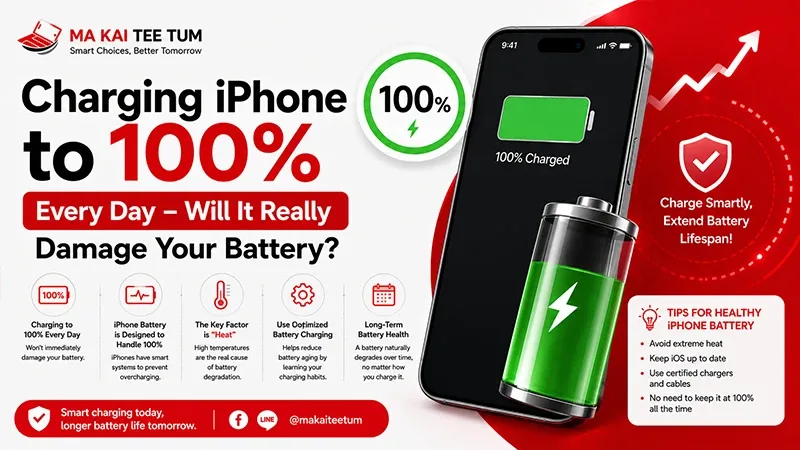
If your iPhone battery is draining faster than usual, don’t rush to replace your device. This in-depth guide will walk you through proven steps to fix battery issues and restore performance—no advanced tech knowledge needed.
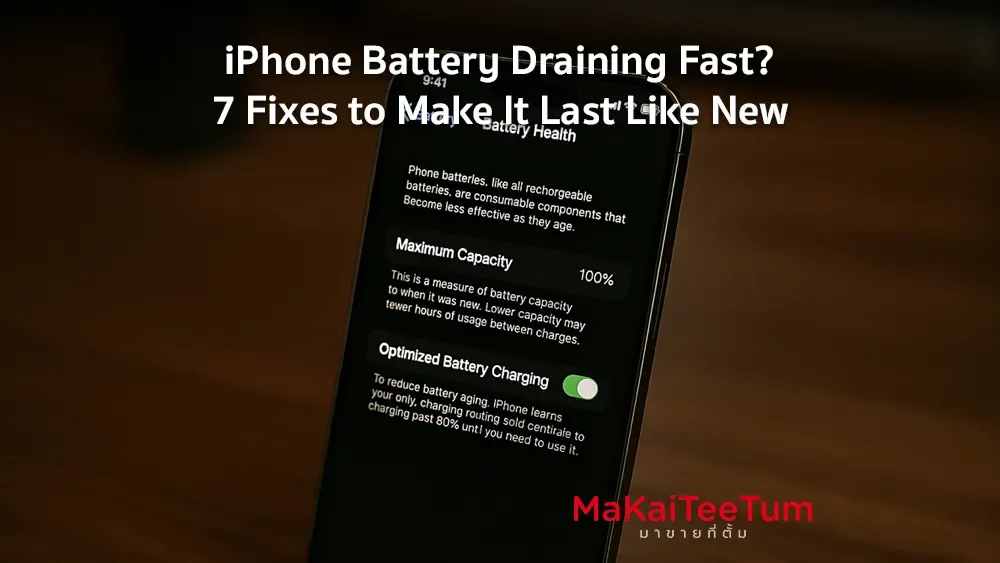
🔋 Check Battery Health
- Go to Settings > Battery > Battery Health & Charging
- If Maximum Capacity is below 80%, your battery might need replacement
⚙️ Adjust Settings to Reduce Battery Drain
- Enable Low Power Mode: Settings > Battery > Toggle on Low Power Mode
- Reduce Brightness or Use Auto-Brightness: Settings > Accessibility > Display & Text Size
- Disable Background App Refresh: Settings > General > Background App Refresh
- Manage Location Services: Settings > Privacy & Security > Location Services
- Set Auto-Lock: Settings > Display & Brightness > Auto-Lock to 30 seconds
📱 Analyze Battery Usage by App
- Check Settings > Battery for high-drain apps
- Limit background activity or notifications from heavy apps
🌡️ Avoid Overheating
- Don’t leave your iPhone in direct sunlight or hot environments
- Remove thick phone cases during charging to prevent heat buildup
🔄 Reset All Settings (Non-Destructive)
- Settings > General > Transfer or Reset iPhone > Reset > Reset All Settings
- This won’t delete your data but will reset preferences like Wi-Fi and notifications
🔧 Consider Battery Replacement
- If battery health shows a “Service” message, it’s time to replace
- Visit Apple Authorized Service Providers or trusted repair shops
📞 Selling Your Old iPhone? Contact MaKaiTeeTum!
Whether your iPhone battery is failing or you’re upgrading, MaKaiTeeTum buys all iPhone models at competitive prices. Fast service. Trusted by thousands.
- Call: 064-564-7945
- Line ID: @KunTum