Planning to sell your iPhone? The condition of your display can significantly impact its resale value. Using a non-genuine screen — even unknowingly — could lower your offer by 10–30%. Here’s a professional guide on how to check whether your iPhone screen is original or aftermarket.
1. Use Settings → General → About → Parts & Service History
For iPhones running iOS 15.2+ (iPhone 11 and newer), Apple now shows whether the display is “Genuine Apple Part” or not. If it says “Unknown Part” or “Non-Genuine Display,” it means the screen was replaced and not verified as Apple-original.
- Genuine: “Genuine Apple Part” label appears
- Aftermarket: “Unknown Part” or no label at all
2. Check for Face ID and True Tone functionality
Non-genuine screens often disable True Tone and may interfere with Face ID. If these features don’t work, it’s a major indicator that the screen isn’t authentic.
Tip: Re-enable True Tone via Settings → Display & Brightness, and test Face ID setup.
3. Visual inspection: color tone and touch sensitivity
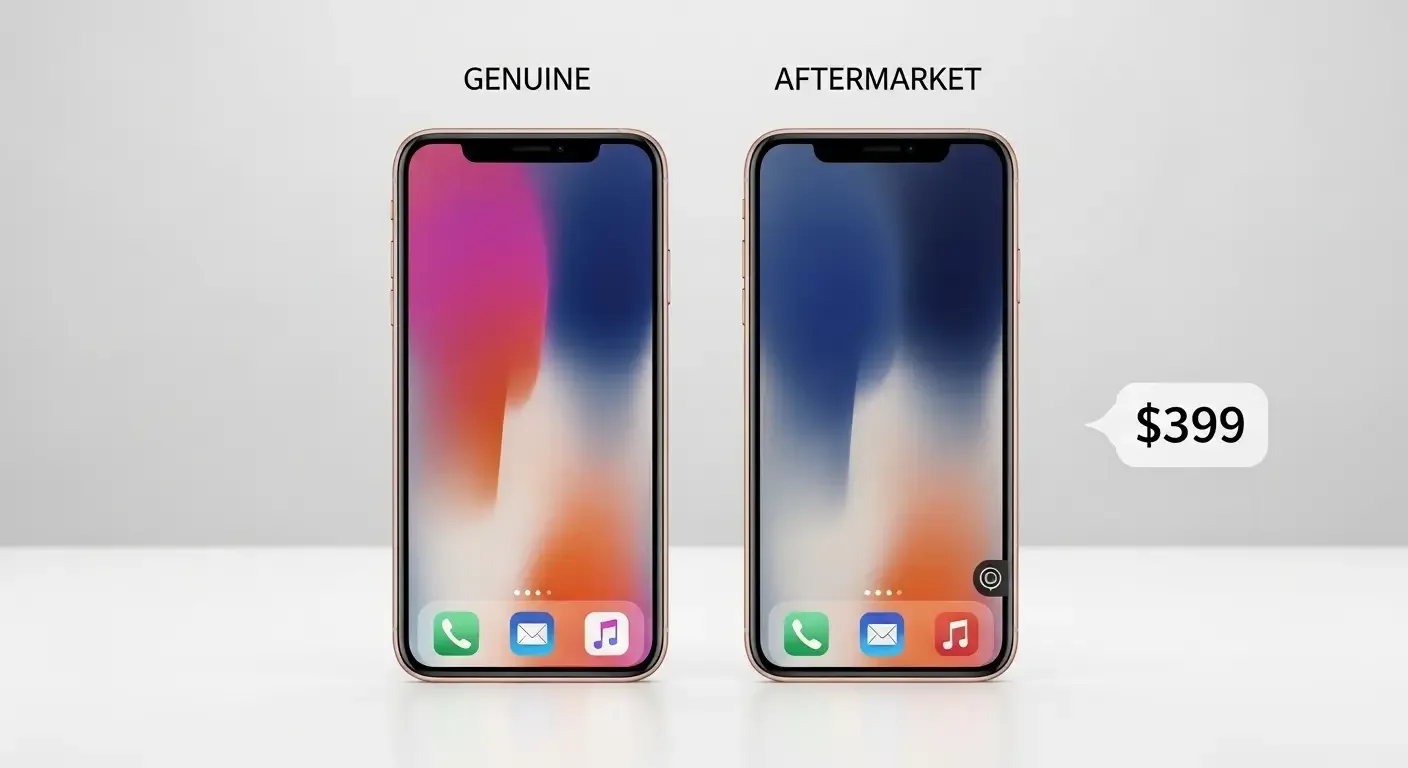
Aftermarket screens often have poor color balance (too blue or yellow), lower brightness, or sluggish touch response. Original displays provide smooth feedback, rich contrast, and accurate color tones.
Pro tip: Hold the device at an angle with the screen off. Genuine OLED screens appear deep black, while low-grade replicas may reflect more light or look greyish.
4. Check flex cable and internal components
If disassembled, Apple screens typically show printed logos, QR codes, and smoother flex cable finish. Aftermarket components may lack these markings or feel flimsy in build.
Note: This requires expert disassembly and comparison with known Apple parts.
5. Where the screen was replaced matters
Apple Authorized Service Providers (AASP) and Apple Stores only use genuine parts. Independent repair shops may vary — some use genuine Apple parts under Apple’s Independent Repair Provider Program (IRP), others use third-party or refurbished screens.
Tip: Ask for service records or receipts indicating “Genuine Apple Replacement” parts.
6. Side-by-side comparison with a known genuine iPhone
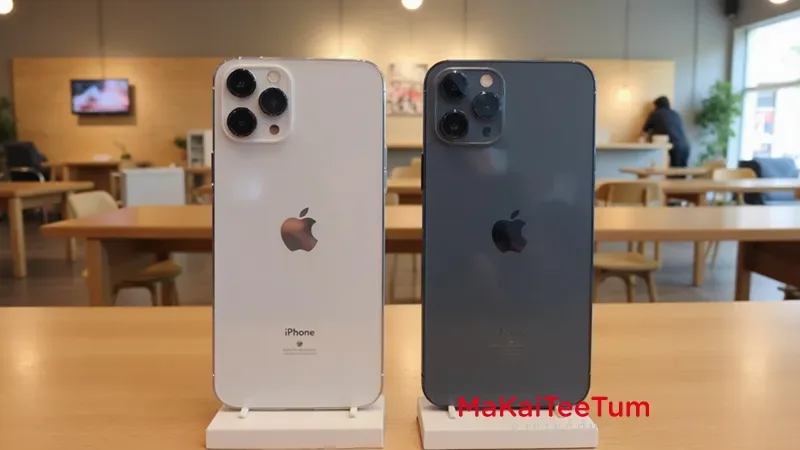
If available, compare your device with another iPhone known to have its original screen. Look at brightness, color consistency, touch smoothness, and viewing angles.
7. Consider resale value impact
A non-genuine display can lower resale offers by 10–30% depending on model and condition. If you have time and budget, replacing with a genuine Apple screen can recover this loss.
Suggestion: Calculate replacement cost vs. increase in resale value before selling.
Why Screen Verification Matters Before Selling
- A genuine screen ensures full feature functionality
- Buyers are more confident with verified Apple parts
- Aftermarket displays can trigger price deductions or rejection
- Apple’s iOS now shows screen authenticity — use it to your advantage
Need help verifying your screen before selling?
Let us inspect your device and give you a free resale estimate.
Call: 064-564-7945
Line ID: @KunTum