Verifying whether your iPhone is genuine, refurbished, or a replacement device is crucial before selling or buying a second-hand unit. This ensures you get the right value for your device and can provide accurate information to potential buyers. This article will guide you through the steps to check your iPhone’s status thoroughly.
Why Checking Your iPhone’s Status is Important
Knowing if your iPhone is new, refurbished, or a replacement unit helps in several ways:
- Resale Value – Genuine devices generally have a higher resale value than refurbished ones.
- Credibility – Buyers prefer devices with a transparent usage history.
- Warranty Status – Your iPhone’s status may affect its remaining warranty coverage.
How to Check If Your iPhone is Genuine or Refurbished
1. Check the Model Number
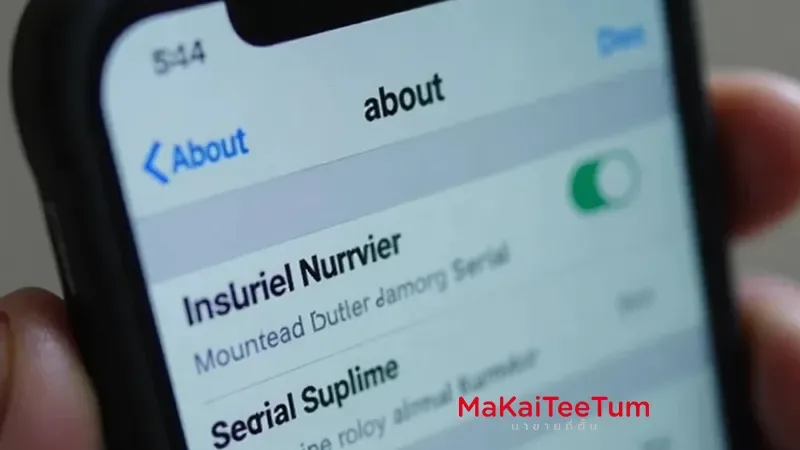
Your iPhone’s Model Number can indicate whether the device is new, refurbished, or a replacement. Follow these steps to find it:
- Open the Settings app.
- Go to General > About.
- Look for the Model Number.
Pay attention to the first letter of the Model Number:
- M – Brand new retail unit.
- F – Refurbished unit.
- N – Replacement device (issued by Apple for repairs).
- P – Personalized device (custom engraving or special edition).
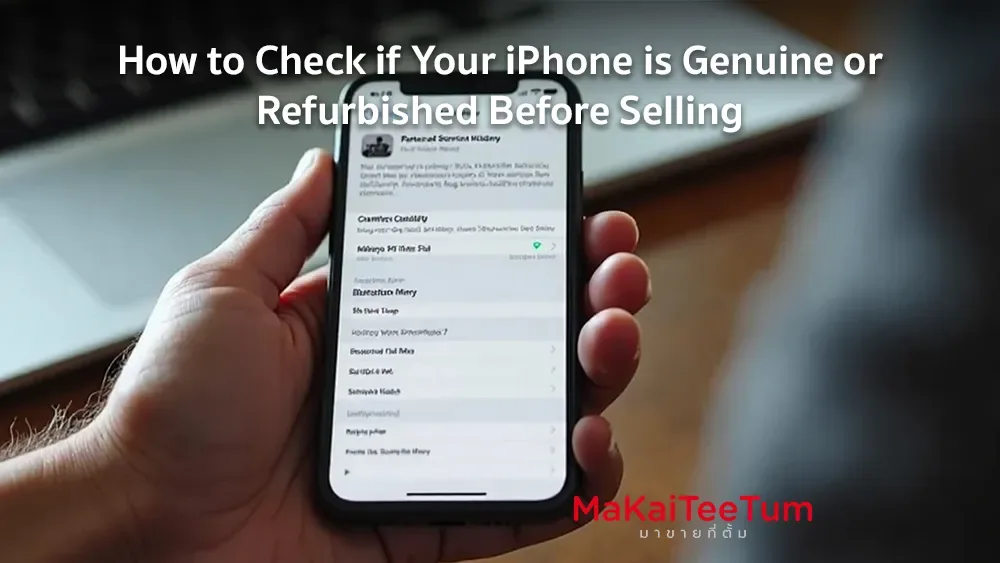
2. Check Parts and Service History
If your iPhone runs iOS 15.2 or later, you can check the device’s Parts and Service History to see if any components have been replaced.
- Open Settings > General > About.
- Look for the Parts and Service History section.
- If any components have been replaced, they will be listed here.
- If the part is genuine, you will see “Genuine Apple Part” next to it.
- If the part is unknown or non-genuine, it will be labeled as “Unknown”.
This method ensures you know whether the device has undergone major repairs
3. Check the Serial Number
The Serial Number can provide information about your iPhone’s manufacturing date and location. You can find it in the same About section.
To verify its authenticity, you can enter the serial number on Apple’s official Check Coverage page to see warranty details and confirm whether the device is recognized by Apple.
Additional Considerations
- Inspect the Exterior Condition – Check for signs of prior repairs, such as color inconsistencies or scratches.
- Test Device Functionality – Ensure buttons, display, and other functions work properly.
- Check the Warranty Status – Use Apple’s official warranty checker to confirm coverage.
Conclusion
Checking whether your iPhone is genuine or refurbished before selling is an important step. It ensures that you can price the device fairly and provide accurate information to potential buyers. By verifying the Model Number, Parts and Service History, and Serial Number, you can determine the true status of your iPhone with confidence.
📌 Looking to sell your iPhone? Contact MarKaiTeeTum for the best price! We buy iPhones in all conditions, offer fair prices, and provide fast service.
- Phone: 064-564-7945
- Line ID: @KunTum
References: