References:
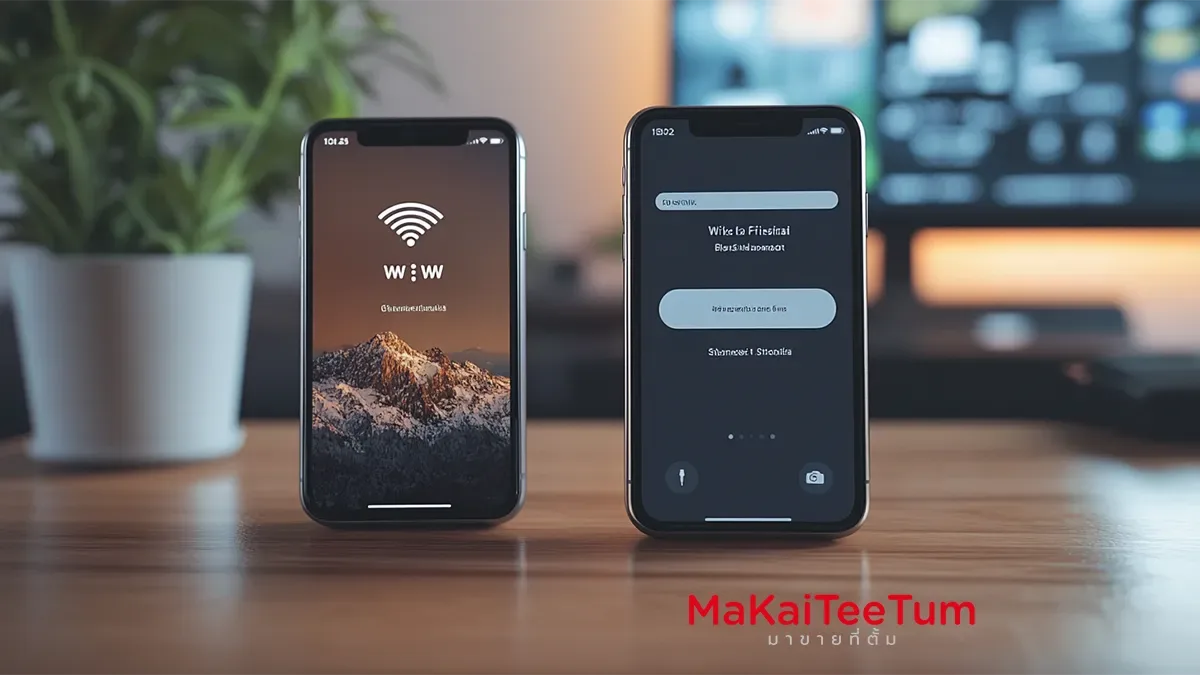
In today’s digital age, a stable Wi-Fi connection is essential for smartphone use. Wouldn’t it be great if you could share your Wi-Fi password between iPhones without manually typing it? Apple has introduced a seamless way to share Wi-Fi credentials securely and effortlessly. In this guide, we’ll walk you through how to use this feature effectively, along with tips to make the process even smoother.
What is the Wi-Fi Password Sharing Feature on iPhone?
This iOS feature allows you to share Wi-Fi credentials from one iPhone to another without manually entering the password. It’s a secure and convenient solution, especially when you need to connect friends or family to your network quickly.
Requirements for Sharing Wi-Fi Passwords on iPhone
Before sharing a Wi-Fi password, ensure both devices meet the following criteria:
- iOS 11 or later: This feature is available on iOS 11 and newer versions.
- Wi-Fi and Bluetooth enabled: Both iPhones must have Wi-Fi and Bluetooth turned on.
- Saved contacts: The receiving iPhone must have the sender’s Apple ID email saved in Contacts (and vice versa).
How to Share Wi-Fi Passwords Between iPhones
Follow these simple steps:
- Connect the first iPhone to Wi-Fi
Ensure the primary iPhone is already connected to the desired Wi-Fi network. - Bring the second iPhone close
Place the receiving iPhone near the connected device (within Bluetooth range). - Select the Wi-Fi network on the second iPhone
Go to Settings > Wi-Fi and tap on the network you wish to join. - Tap “Share Password” on the first iPhone
A prompt will appear on the connected iPhone asking if you want to share the password. Tap Share Password. - Connection is complete
The receiving iPhone will connect to Wi-Fi automatically without needing to enter a password.
Tips for a Smooth Wi-Fi Sharing Experience
- Keep iOS updated – Ensure both devices are running the latest version of iOS.
- Remove unused devices – Clear old connected devices from your network to avoid connection conflicts.
- Enable iCloud Sync – Having iCloud enabled helps improve Wi-Fi sharing efficiency.
Is Wi-Fi Password Sharing Secure?
Apple prioritizes security in all its features. The Wi-Fi password sharing function uses end-to-end encryption, ensuring the password is never displayed in plain text. This makes it a safe and reliable way to share network access without compromising security.
Troubleshooting Wi-Fi Password Sharing Issues
If Wi-Fi password sharing is not working, try these troubleshooting steps:
- Restart both iPhones.
- Turn Wi-Fi and Bluetooth off and on again.
- Remove and re-add the contact in Contacts.
Make the most of this convenient and secure Wi-Fi password-sharing feature! Looking for a new iPhone or planning to sell your old device? Contact MarKaiTeeTum for the best buyback prices and fast service. Call 064-564-7945 or Line ID: @KunTum
References: Apple Official Website, MacRumors, iMore, 9to5Mac