Planning to sell your old iPad, or looking to buy a second-hand one? This guide will show you how to evaluate the price of a used iPad by yourself—professionally and accurately—without relying solely on dealers or trade-in programs.
Why Evaluate the Price Yourself?
There are several advantages to knowing how to value your iPad:
- Better awareness: Understand the real worth of your device.
- Confident negotiation: Avoid being underpaid or overcharged.
- Smarter planning: Set realistic budgets for buying or selling.
Step-by-Step Guide to Evaluating a Used iPad
1. Check the Model and Year
Go to Settings > General > About and find the “Model Number.” Look it up on Apple’s official site or other online references to identify the exact model and release year.
2. Assess the Physical Condition
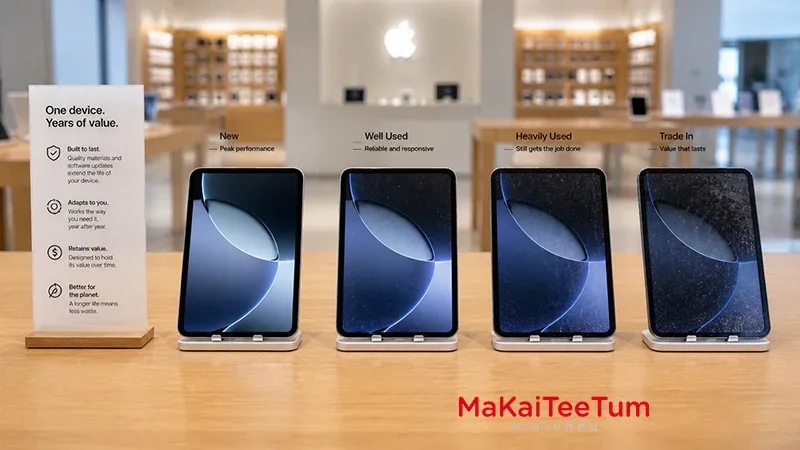
External condition impacts value significantly:
- Scratches or dents on the body
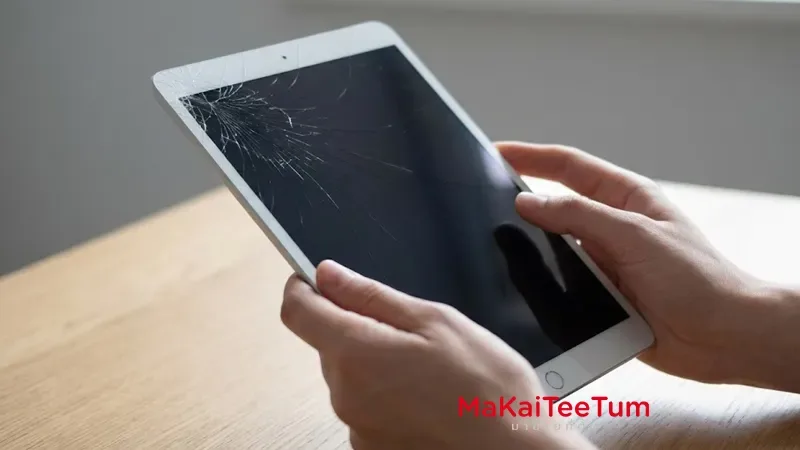
- Cracks or dead pixels on the screen
- Port damage, bends, or stains
Tip: Near-mint condition devices usually fetch the best resale prices.
3. Test the Performance
Make sure the device is working smoothly:
- Touchscreen responsiveness
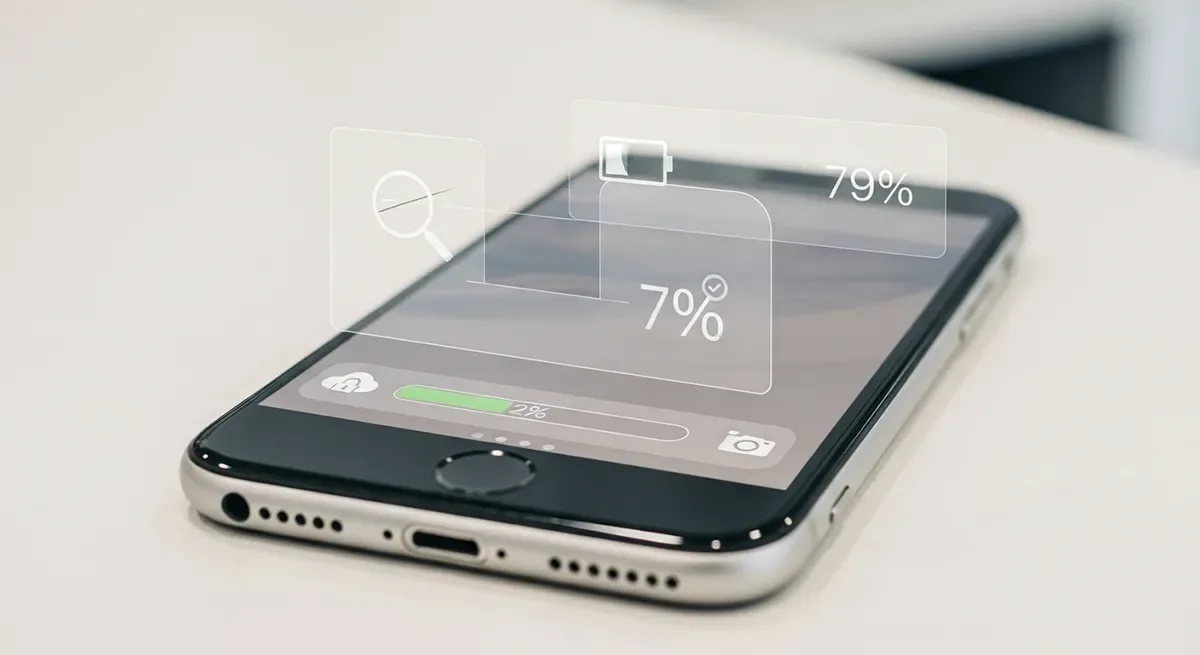
- Battery health and charging performance
- Camera, speakers, and microphone
- Wi-Fi and Bluetooth connectivity
4. Consider Storage and Connectivity
Capacity and type of connection matter. Wi-Fi + Cellular models are usually valued higher than Wi-Fi-only versions.
Example: A 256GB iPad Pro (Cellular) may be worth 3,000 THB more than a 64GB Wi-Fi model of the same year.
5. Check iCloud Lock and Activation Status
Make sure Find My iPad is disabled and that the device isn’t flagged as Lost/Stolen. Locked devices lose most of their resale value.
6. Compare Current Market Prices
Search online marketplaces such as Shopee, Kaidee, Facebook Marketplace, or second-hand sites. Also compare with Apple Trade-in or dealer buyback programs.
Tip: Prices vary by location. Always check multiple sources before setting or accepting a price.
7. Adjust Based on Usability
If the device still works well for streaming, casual gaming, or online learning, it holds value. But if battery life is poor or the OS is outdated, deduct around 500–1,500 THB for repair/replacement costs.
iPad Depreciation Rate
- Year 1: Value drops ~25–30%
- Year 2: ~45–55% of original price
- Year 3+: Around 30% or lower
Example: An iPad Pro originally priced at 35,000 THB may now be worth 15,000–18,000 THB after 2 years, depending on condition.
Precautions When Buying or Selling Used iPads
- Check warranty status and original accessories
- Always test before paying, or record a test video if buying online
- Use trusted sellers/buyers, and avoid rushed deals
FAQ
Q: How can I tell if the iPad has been repaired?
A: Look for signs like misaligned edges, replaced screws, or blurry cameras. Ask for repair receipts if possible.
Q: Does AppleCare+ affect the resale price?
A: Yes. Active warranty coverage increases buyer confidence and can raise resale value.
Q: Can I use an imported iPad in Thailand?
A: Generally yes, but check compatibility. For example, Japanese models can’t mute the shutter sound. For Cellular models, confirm network support with local carriers.
Conclusion
Evaluating a used iPad’s value isn’t complicated. By understanding the model, condition, storage, and market trends, you can confidently set or accept a fair price. With these tips, you’ll be able to buy or sell like a pro and get the best value possible.