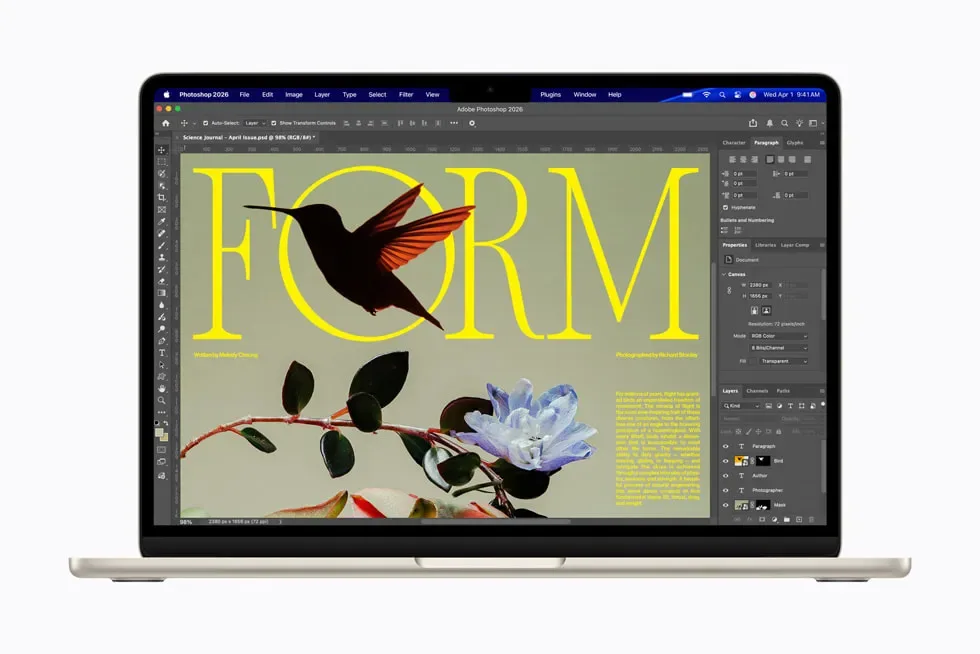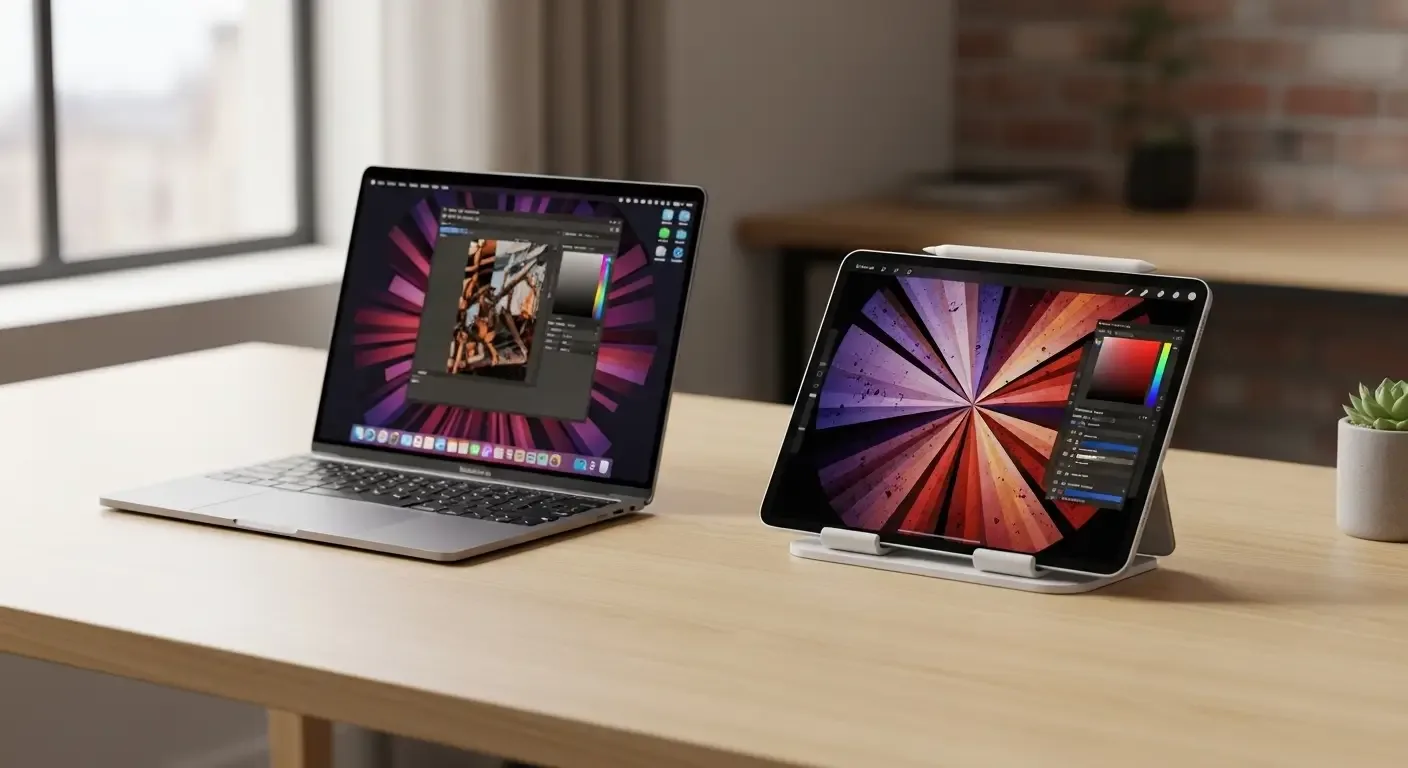
When Apple introduced the iPad Pro M4 and MacBook Air M4 in 2024, one big question came up: “Which one should you choose?” Both devices offer powerful features, but the right choice depends on your usage. This article dives into their differences to help you decide.
Key Specs Comparison
| Feature | iPad Pro M4 | MacBook Air M4 |
|---|---|---|
| Operating System | iPadOS 18 | macOS Sonoma |
| Processor | Apple Silicon M4 | Apple Silicon M4 |
| Display | 11″ or 13″ OLED | 13.6″ or 15.3″ LED |
| Weight | 460–580 g | 1.24–1.51 kg |
| Input | Touchscreen + Apple Pencil + Magic Keyboard (optional) | Built-in Keyboard & Trackpad |
| Ports | USB-C (Thunderbolt) | 2× USB-C (Thunderbolt), MagSafe |
| Starting Price | ~฿42,900 | ~฿39,900 |
Why Choose iPad Pro M4?
- OLED Display: Stunning color accuracy, ideal for design, drawing, and video editing.
- Apple Pencil support: Perfect for note-taking and creative work with precision.
- Ultra-portable: Much lighter and easier to carry.
- 2-in-1 device: Works as both a tablet and a laptop with Magic Keyboard.
Best For:
Students, designers, creators, or anyone who values flexibility, portability, and touch-based input.
Why Choose MacBook Air M4?
- Serious productivity: Great for coding, office apps, multitasking, and professional workloads.
- macOS ecosystem: Runs pro apps like Final Cut Pro, Xcode, and Logic Pro.
- No extra costs: Comes with keyboard and trackpad built-in.
- Battery life: Up to 18 hours on a single charge.
Best For:
University students, office workers, programmers, video editors, or anyone needing a reliable laptop for daily use.
Which Device Fits Your Needs?
1. Portability & Flexibility
Go for iPad Pro M4: Lightweight, touchscreen, and versatile for creative and casual use.
2. Heavy Workloads & Professional Apps
Go for MacBook Air M4: Handles multitasking and professional apps better with macOS.
3. Budget-Friendly
Though prices are close, MacBook Air M4 is slightly better value since you don’t need to buy accessories like Magic Keyboard and Pencil.
4. Online Learning & Note-taking
iPad Pro M4 with Apple Pencil is ideal for handwriting, diagrams, and interactive study.
FAQ
Can iPad Pro M4 replace a MacBook?
Yes, for everyday tasks like browsing, documents, and notes. But for multitasking with multiple windows or pro apps, macOS is more efficient.
What extra accessories do I need for iPad Pro M4?
Apple Pencil and Magic Keyboard if you want full laptop-like functionality—adding ~฿10,000–15,000 to the cost.
Does the MacBook Air M4 overheat?
No, despite being fanless, the M4 chip manages heat very well for normal to medium workloads.
Final Verdict – Which Should You Buy?
- iPad Pro M4: For creatives, students, and flexible use cases.
- MacBook Air M4: For serious work, pro apps, and all-round productivity.
Both devices showcase Apple’s excellence in performance and design. Choose the one that aligns with your lifestyle and work style.