When your iPhone gets wet or falls into water, acting fast and correctly can prevent permanent damage. This comprehensive guide will walk you through emergency steps, common mistakes to avoid, and best practices backed by Apple and expert advice.
Immediate Steps to Take
- Remove the iPhone from water immediately: Even short immersion can lead to circuit damage, so act fast.
- Turn off the device immediately: Press and hold the power button until it powers off. Avoid using any other buttons.
- Remove all accessories: This includes the case, screen protector, SIM card, and other attachments to help air circulate.
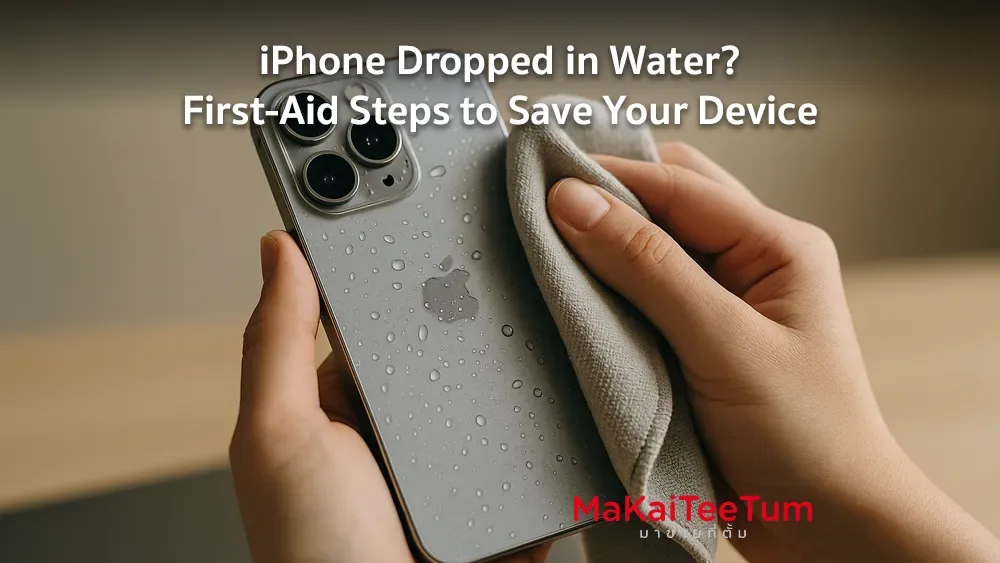
- Gently dry the exterior: Use a microfiber or lint-free cloth to blot out moisture from the surface, speaker grills, and Lightning port.
- Position upright with the Lightning port facing down: This helps gravity pull water out of the phone.
What NOT to Do
- Don’t use a hair dryer or heat source: Heat can damage internal circuits or push water deeper inside.
- Don’t shake the phone aggressively: This can spread water to sensitive components like the logic board.
- Don’t plug in a charger or headphones: Wait until the device is completely dry.
- Don’t place the phone in rice: Apple advises against this as rice can leave particles inside ports and doesn’t absorb moisture effectively.
How to Save Your iPhone After Water Exposure
- Use silica gel packs: Place the phone with several silica gel packets inside a sealed container. Leave it for at least 24–48 hours.
- Do not power on during this time: Wait until you’re confident it’s fully dry.
- Check the LCI (Liquid Contact Indicator): Most iPhones have a color indicator inside the SIM tray. If it turns red, liquid has entered the device.
- Back up data immediately if it powers on: Water damage may worsen over time, even if the device seems functional.
- Seek professional help: If you notice glitches like screen flickering, muffled audio, or charging issues, take it to a certified technician.
Common Misconceptions
- “All iPhones are waterproof”: While newer iPhones are water-resistant (IP67/IP68), they are not fully waterproof.
- “If it turns on, it’s fine”: Damage can be internal and progressive, manifesting days or weeks later.
How to Prevent Future Incidents
- Use a certified waterproof case (IP68 rated) if you use your iPhone near water often.
- Avoid unnecessary water exposure, even if your device is rated as water-resistant.
- Back up your data regularly via iCloud or a computer to avoid losing important information.
Need Help or Want to Sell a Water-Damaged iPhone?
If your iPhone no longer functions after water exposure, MaKaiTeeTum offers expert diagnostics and fair pricing for devices in any condition.
- Call: 064-564-7945
- Line ID: @KunTum