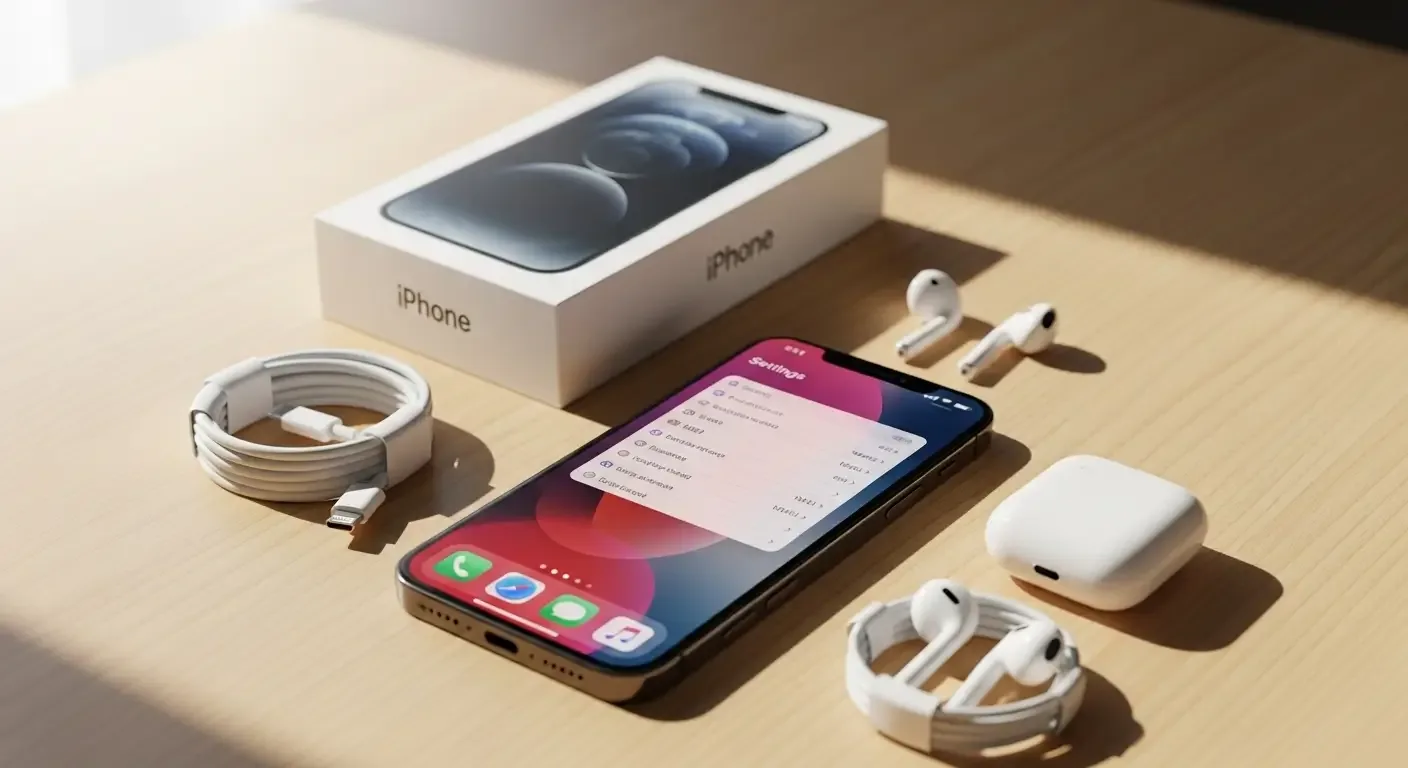
Selling your old iPhone to upgrade to a new model in 2025 is common practice. However, proper preparation before selling is crucial — not only does it help you get a better price, but it also protects your personal data and prevents potential issues for the new owner. This article will walk you through each essential step, from backing up your data to performing an in-depth system check.
1. Back Up Data and Sign Out of All Accounts
Start by backing up your data to iCloud or a computer via iTunes / Finder to ensure no important information is lost. Next, sign out of Apple ID, iCloud, and iMessage so the device is ready for its new owner. If these remain linked, your phone will trigger the Activation Lock and be unusable by the buyer.
2. Proper eSIM Management
For newer iPhones that support eSIM, many users forget this step, which can confuse the next owner. To remove the eSIM profile, go to Settings > Cellular > eSIM and choose Remove eSIM to fully deactivate your phone number from the device.
If you’d like to transfer your eSIM to a new iPhone, use the Transfer or Convert to eSIM feature on iOS 18 and follow the on-screen instructions to retain your service access.
3. Turn Off Stolen Device Protection
Starting with iOS 17.1, Apple introduced Stolen Device Protection for extra security. Before selling or resetting your phone, temporarily disable this feature; otherwise, multiple verification steps will be required during the reset. Navigate to Settings > Face ID & Passcode > Stolen Device Protection and turn it off.
4. Check Repair History and Parts
From iOS 15.2 onwards, you can check whether your iPhone has been previously repaired through Settings > General > About, under the Parts and Service History section. It displays whether parts like the battery, display, or camera are genuine Apple components.
Showing this information helps sellers be transparent about the device’s condition, increases buyer confidence, and directly affects your secondhand sale price.
5. Test Hardware and Neural Engine Performance
Besides checking the Battery Health, test features related to the Neural Engine such as Live Text in videos or image processing in Cinematic mode to ensure image and AI systems are functioning efficiently.
If you notice lag or freezing, this could indicate hardware issues that should be addressed before selling to avoid complaints from the buyer.
6. Reset and Clean Your iPhone
Once your backup is complete and all systems are ready, perform a reset by going to Settings > General > Transfer or Reset iPhone > Erase All Content and Settings. Your device will return to a factory-fresh state so the new owner can set it up from scratch.
Before handing it over, wipe down the device and clean the USB-C port. A clean and well-presented iPhone appears more attractive and can fetch a better resale value.
7. Compare Prices and Trade-In Programs
To get the best deal, compare offers from multiple sources such as:
- Apple Trade In program on Apple Thailand’s official website
- Online buyback platforms like Kaidee and Shopee Recommerce
- Mobile carriers such as AIS, True, and Dtac that offer old-for-new campaigns
- Authorized secondhand kiosks or repair shops with promotional offers
Comparing these sources ensures you have accurate price references and helps you choose the most worthwhile selling method.
8. Summary of All Steps
- Back up data and sign out of Apple ID
- Remove or transfer eSIM profiles
- Disable advanced security features like Stolen Device Protection
- Review repair history and parts status
- Test performance, especially the Neural Engine
- Wipe and clean the device
- Check prices from multiple sources before selling
FAQ: Common Questions About Selling an iPhone
Q: What happens if I forget to remove the eSIM before selling?
The buyer may not be able to register a new number immediately, and your old number could remain linked to the device. Contact your network provider to cancel the eSIM service.
Q: Is checking the Parts and Service History necessary?
Yes, it’s crucial if you want to achieve a higher resale value. Devices with original factory parts typically hold more value than those repaired with equivalent replacements.
Q: When is the best time to sell USB-C iPhone models?
If your iPhone model has just launched, wait about 3–6 months after the next release for the market to stabilize — this usually results in a higher resale estimate.
References
- What to do before you sell, give away, or trade in your iPhone or iPad – Apple Support
- Apple Trade In – Thailand
- Carrier websites: AIS, True, Dtac (old-for-new program sections)
- iFixit – iPhone Repair Information