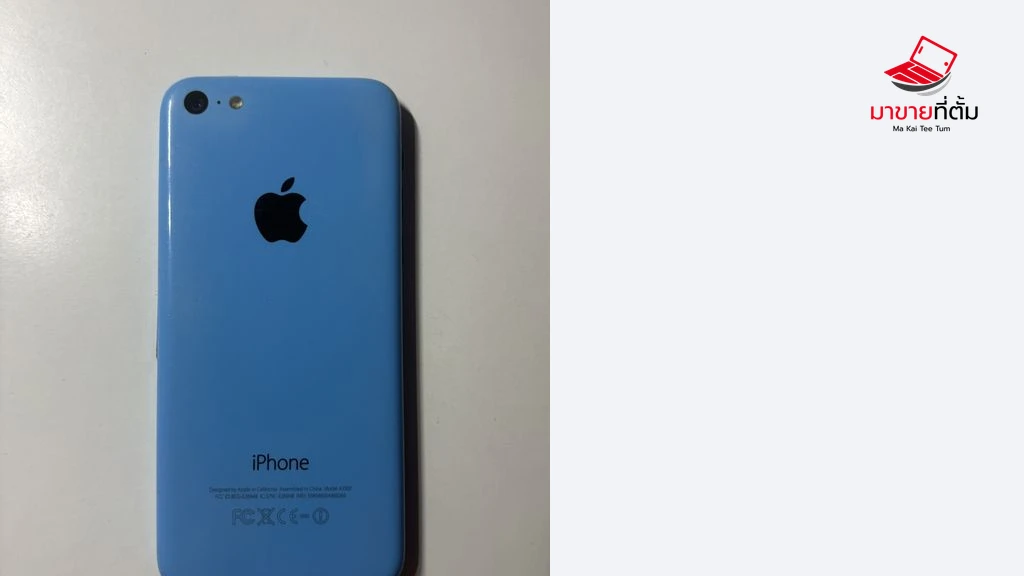
A used iPhone 5c can make a fun pocket camera, but the right unit is one you can shoot with, carry and import from. Ask for enough time to try the complete workflow before handing over your money.
Try the photos you actually want
The 5c has an 8-megapixel rear iSight camera and records 1080p video at 30 frames per second. Take a daylight shot of something with fine detail, then photograph a face near a window. Finish with a dim scene with the flash off and on. Review the photos at full size if possible. Judge whether the indoor grain, direct flash and rendering are what you want from a camera of this age.
Test the selfie camera if you plan to use it. If the rear camera repeatedly fails to focus on a well-lit subject, or a dark mark remains in the same place across different frames, hold off on the purchase until you understand the fault.
Make one recording and import it
Record a short clip with sound and play it back. Then use a data-capable Lightning cable to import one photo and the clip to the computer you intend to use. Open both files. For a remote sale, ask for original files from the exact unit and review the return policy. Check available storage and watch for abrupt shutdowns or a steep battery drop during the test. A short test can expose obvious problems, but it cannot predict a full day of battery life.
Verify activation at handover
After the seller backs up their data and removes the device from their account, have them erase it and let you start setup. Continue far enough to confirm that it activates without asking for the previous owner's Apple Account. Pay once the camera and file transfer meet your needs and the phone can be set up by its new owner.