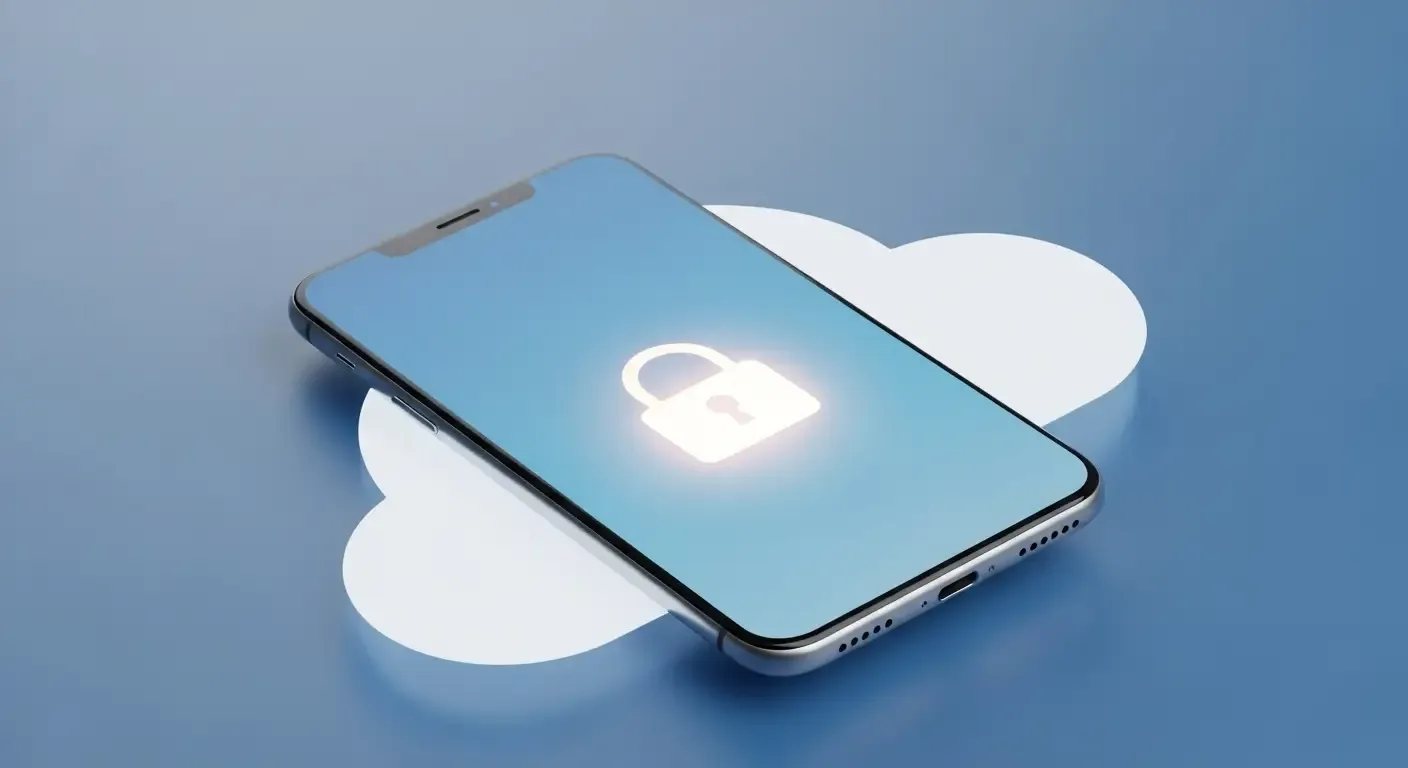
In an age where personal data is more valuable than physical items, selling or handing over your iPhone isn’t just about making it look brand new. It’s also about safeguarding your personal information to prevent unauthorized access—especially as Apple introduces new security features like Stolen Device Protection and End-to-End Encryption for iCloud in 2025.
Why You Should Prepare Your iPhone Before Selling
Preparing your device before selling ensures that all your personal data—such as photos, messages, payment cards, and passwords—are securely erased. It also helps prevent complications for the new owner, such as being locked out by Activation Lock or being unable to activate the device after resetting.
Checklist: Steps to Take Before Selling Your iPhone
- 1. Back up your data — Use iCloud or iTunes (Finder on Mac) to make a complete backup before wiping your device.
- 2. Turn off Find My iPhone — Go to Settings > [Your Name] > Find My > Find My iPhone and disable it.
- 3. Turn off Stolen Device Protection — This feature may delay disabling Find My or erasing the device for up to an hour if done in an unfamiliar place, such as a café or a phone store. Turn it off while you’re at home or work for faster and safer processing.
- 4. Manage your eSIM — Go to Settings > Cellular > Select your plan > Remove eSIM. This step is essential since if skipped, the buyer may not be able to use cellular service.
- 5. Sign out of your Apple ID — Signing out automatically removes all associated Passkeys from the account to prevent future unauthorized access.
- 6. Check Advanced Data Protection — If you’ve enabled Advanced Data Protection for iCloud, your information is protected with End-to-End Encryption. Once you sign out, no one else can retrieve these encrypted items.
- 7. Erase your device — Go to Settings > General > Transfer or Reset iPhone > Erase All Content and Settings.
- 8. Confirm Activation Lock is removed — If the device shows the setup screen, it’s ready to hand over to the new owner.
Diving Deeper Into Key Security Features
1. What Is Stolen Device Protection?
This system acts as an additional layer of defense in newer versions of iOS, preventing others from immediately turning off Find My or erasing your device while outside familiar locations such as your home or workplace. To perform these actions elsewhere, the system enforces at least a one-hour waiting period, reducing theft-related risks.
Tip: Before selling, disable this feature from a trusted location, making the reset process quicker and smoother.
2. eSIM: A Commonly Forgotten Detail
Since many modern iPhone models no longer include a physical SIM tray, handling the eSIM correctly is crucial. To remove it, go to Settings > Cellular > select your plan, then tap Remove eSIM to unlink the profile before you sell the device.
This helps prevent issues like carrier account conflicts or your old number remaining attached to the sold device.
3. Passkeys and Apple ID: The Next Phase of Secure Sign-In
Passkeys are Apple’s new passwordless login technology set to replace traditional passwords in 2025. When you sign out of your Apple ID, all connected Passkeys are automatically removed from the device, reducing the risk of account breaches.
4. Advanced Data Protection for iCloud
Apple’s Advanced Data Protection allows users to enable End-to-End Encryption for their iCloud data—meaning only your authorized devices can decrypt this information. Therefore, signing out properly is one of the most critical steps to ensure data never falls into the wrong hands.
Frequently Asked Questions (FAQ)
Q: What if I forget to turn off Find My before erasing the device?
A: You can’t proceed—the device will remain locked by Activation Lock. You must turn off Find My before performing a full data wipe.
Q: What if the new owner receives the device but the old eSIM is still active?
A: The buyer must contact their carrier to detach the old number, which can take time and may incur a fee. Removing the eSIM before sale prevents this inconvenience.
Q: What iCloud data isn’t encrypted under Advanced Data Protection?
A: Certain types—such as Mail, Contacts, and Calendar—remain stored in standard formats for compatibility with third‑party services.
Conclusion: Security Begins With Attention
Preparing your iPhone before selling not only ensures a smooth handover for the buyer but also protects your privacy in this digital era. With Apple’s new 2025 security focus, thorough preparation is key. Review every checklist item above before handing over your device to guarantee a worry-free and secure sale.
References
- Apple Support: What to do before you sell, give away, or trade in your iPhone or iPad
- Apple Support: About Advanced Data Protection for iCloud
- Apple Support: About Activation Lock
- Apple Support: About Stolen Device Protection for iPhone