Losing important data such as photos, messages, or documents from your iPhone can be stressful. This guide provides step-by-step methods to recover lost data effectively, whether you have backups or not.
1. Check the ‘Recently Deleted’ Folder
iPhone has a built-in ‘Recently Deleted’ folder that stores deleted files temporarily:
- Open the Photos or Files app
- Navigate to Recently Deleted
- Select the files and tap Recover
Deleted items stay here for up to 30 days before being permanently erased.
2. Restore from iCloud Backup
If you’ve previously enabled iCloud Backup, follow these steps:
- Go to Settings > General > Transfer or Reset iPhone
- Select Erase All Content and Settings
- After reboot, choose Restore from iCloud Backup
- Sign in with your Apple ID and select the relevant backup
Note: This will erase your current data and replace it with the backup.
3. Restore from iTunes or Finder Backup
If you have backed up to a computer:
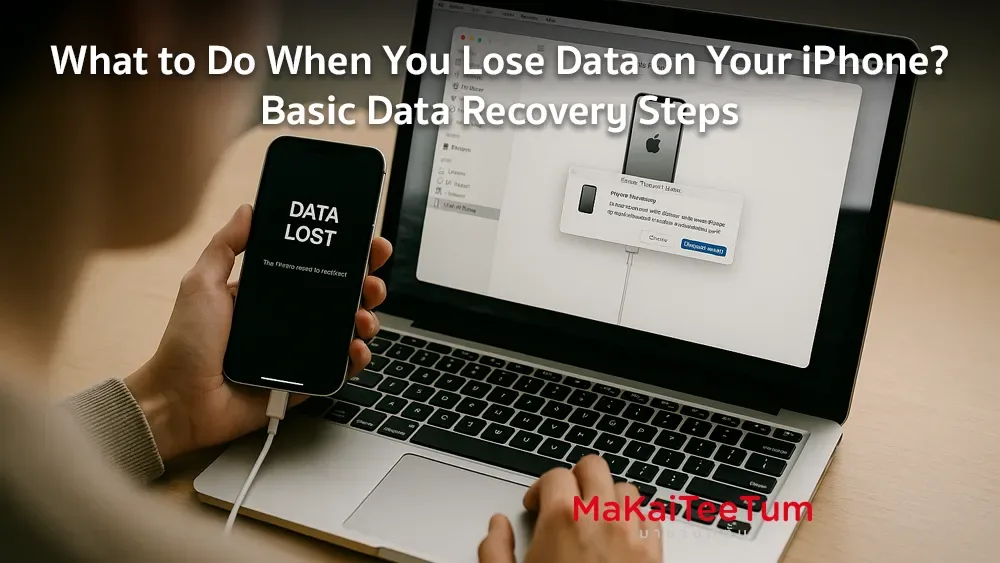
- Connect your iPhone via USB
- Open iTunes (Windows/macOS Mojave or earlier) or Finder (macOS Catalina or later)
- Select your device and click Restore Backup
- Choose the backup and confirm
Note: This process will replace your existing iPhone data.
4. Use Third-Party Data Recovery Software
If no backups exist, consider data recovery software:
- iMyFone D-Back – Recovers data directly from iPhone
- Dr.Fone by Wondershare – Offers recovery from iCloud, iTunes, and the device
- Disk Drill – Supports recovery from iOS and Mac devices
Note: These tools may require payment and success depends on the deletion stage.
5. Contact Professional Recovery Services
If all else fails, contact a data recovery expert:
- Ontrack – Specializes in Apple device recovery
- Authorized Apple Service Providers – Can offer support and official repair
Warning: Third-party recovery may void your Apple warranty.
Tips to Prevent Data Loss
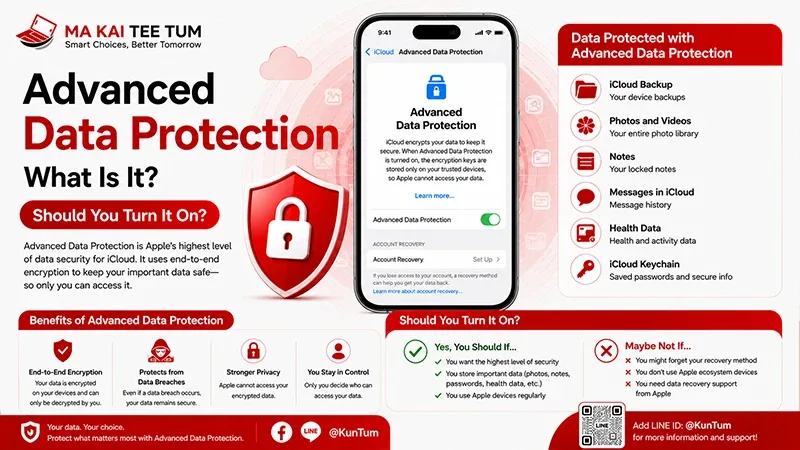
- Enable iCloud Backup in Settings > [Your Name] > iCloud > iCloud Backup
- Regularly back up to a computer via iTunes or Finder
- Use file management apps with auto-backup features
Contact Us
If your iPhone has lost data and you’re considering an upgrade, we offer trade-in and purchasing options:
- Call: 064-564-7945
- Line ID: @KunTum
We offer the best value and advice for your Apple devices.