A new Apple teaser puts next week in focus
Apple marketing executive Greg Joswiak shared a “Pro and Tell” teaser on October 19, 2026, pointing to product news the following week, according to MacRumors. Buyers should distinguish that announcement signal from confirmed specifications, pricing and availability.
The reported media appointment, in Thailand time
9to5Mac reports a Los Angeles media experience on October 28 at 10 a.m. Pacific Time. That converts to midnight at the start of October 29 in Thailand. The reported press appointment does not establish a public livestream schedule.
Which products are being discussed?
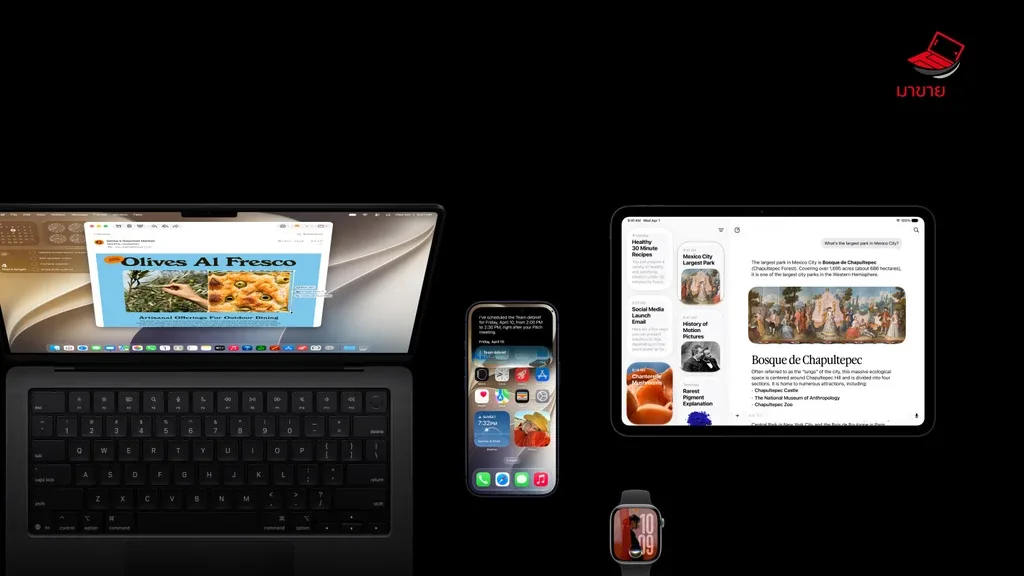
Prelaunch coverage from MacRumors and 9to5Mac points to OLED touchscreen MacBook Pro models, M6 versions of the iMac and entry-level MacBook Pro, and an OLED iPad mini. These remain reported expectations rather than a confirmed specification sheet.
MacRumors separately relayed Mark Gurman’s possible November 6 release window. It should not be treated as a confirmed Thai launch date. Local pricing, configurations and ordering details still need to be checked after Apple’s announcement.
Prepare an upgrade budget without rushing the sale
MaKaiTeeTum’s practical view is to document your current device now and compare it with confirmed products later. A launch teaser alone does not establish how much a used device will be worth or whether replacing it will improve your everyday work.
- Record the configuration: note the exact model, chip, memory and storage so a valuation matches the device you own.
- Describe its condition: check the display, keyboard, ports and casing, and disclose any intermittent faults.
- Compare the full cost: use the actual new-device price, a current valuation and any accessories you need, rather than an assumed resale figure.
- Plan the handover: allow time to migrate files and test essential software before giving up your working computer.
Protect your files before handing over a Mac
Apple recommends making a backup before preparing a Mac for a new owner. Time Machine is one option; check that the backup has completed and that the files you need are available before erasing anything. Eligible Apple silicon or T2-equipped Macs running macOS Monterey 12 or later can use Erase All Content and Settings. Other Macs require the alternative steps in Apple’s guide. Follow the instructions for your hardware and software version.
Ask about your existing device
For an assessment of your current Mac or other Apple device, see MaKaiTeeTum’s Apple device buyback service or contact LINE @KunTum. Supply the model, configuration and condition. A valuation depends on the device and the time of assessment.
Sources
- MacRumors — Apple Announcing New Products Next Week: Pro and Tell (19 October 2026)
- 9to5Mac — Apple announces special event for October 28 (19 October 2026)
- MacRumors — Apple Expected to Release New Products on Next Four Fridays (18 October 2026)
- Apple Support — Back up your Mac with Time Machine
- Apple Support — What to do before you sell, give away, trade in, or recycle your Mac
Cover image: Apple, via MacRumors. The artwork is a teaser and does not confirm a product design.