Introduction
The screen is arguably the most critical component of your iPhone, directly impacting its performance, user experience, and long-term durability. A genuine iPhone screen ensures optimal touch responsiveness, accurate color reproduction, and robust protection. Conversely, a non-genuine or poorly installed replacement screen can significantly degrade these aspects and even compromise the device’s safety.
Understanding screen authenticity is paramount, whether you’re looking to purchase a used iPhone or preparing to sell one. It helps you assess the true value and condition of the device. For those considering selling, knowing your iPhone’s screen history is vital for a fair valuation. MaKaiTeeTum (มาขายที่ตั้ม) offers professional and honest evaluations, providing peace of mind for sellers by ensuring transparency in every assessment.

1. The Most Accurate Way: Check “Parts and Service History” (iOS 15.2+)
What it is:
Apple’s integrated diagnostic feature designed to inform users about the authenticity of key components, including the screen.
How to check:
- Navigate to Settings > General > About.
What to look for:
- “Genuine Apple Part”: If you see this next to “Display,” it indicates that the screen has been replaced with a genuine Apple part, performed by Apple or an authorized service provider.
- “Unknown Part”: This notification suggests that the screen is either a non-genuine, aftermarket replacement, or a screen swapped from another device without Apple’s verification process.
- No “Parts and Service History” section: If this section doesn’t appear under “About,” it typically means that the screen is original to the device and has never been replaced. It can also mean the iPhone model is older than those supported by this feature.
Compatibility:
This invaluable feature is available for iPhone XR, XS, XS Max, and iPhone 11 models onwards.
2. Verify True Tone Functionality
What True Tone does:
True Tone is an Apple technology that automatically adjusts the screen’s color and intensity based on the ambient light conditions of your environment. This creates a more natural and comfortable viewing experience by making whites and colors appear consistent.
How to check:
- Swipe down from the top-right corner of your screen (or up from the bottom for older models) to open the Control Center.
- Press and hold the brightness slider.
Indicators:
- Missing True Tone button: A strong indication that the screen has been replaced with a non-genuine part, or the repair technician failed to transfer the original screen’s data (which is required for True Tone functionality). Without the correct data transfer, True Tone will not work, even with a genuine Apple display. (Note: Some advanced non-genuine screens or specialized tools can now restore True Tone functionality, making this test less foolproof than it once was, but it remains a strong indicator for many non-genuine replacements).
- True Tone button is present: While a good sign, it doesn’t guarantee a 100% genuine screen, as some non-genuine parts can mimic this functionality if data from the original screen was properly transferred.
3. Physical Inspection: What to Look For with Your Own Eyes
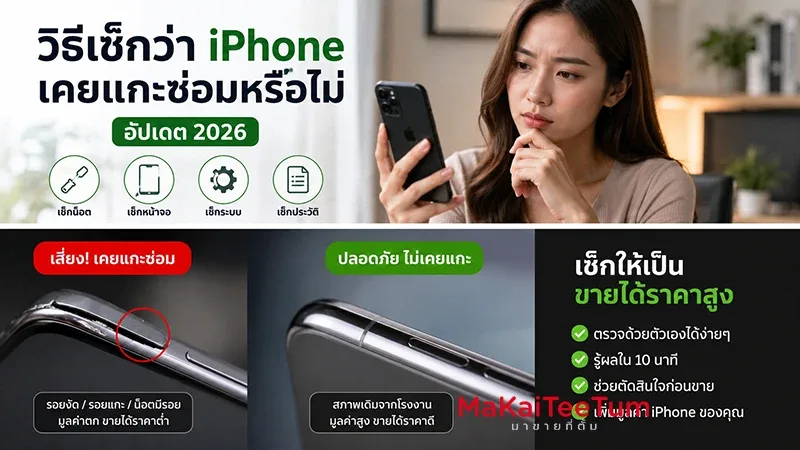
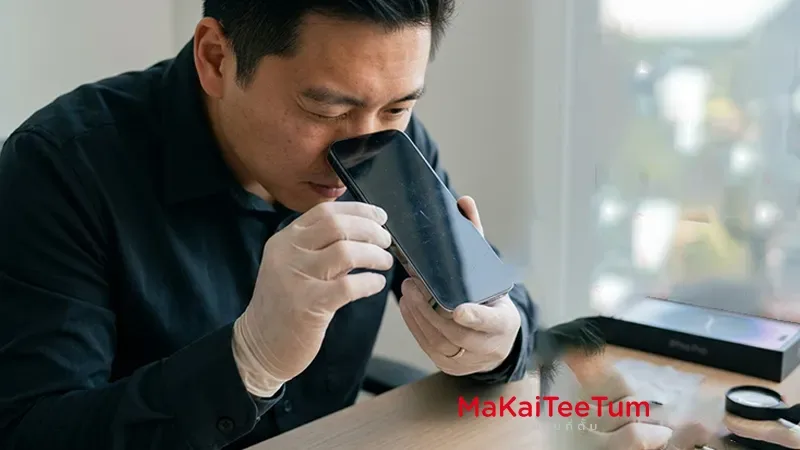
A careful visual and tactile examination can reveal much about a screen’s authenticity and installation quality.
-
Screen Bezels (ขอบจอ):
- Carefully observe the black borders around the screen.
- Non-genuine: Screens often have noticeably thicker bezels, especially along the bottom edge, compared to genuine ones.
- Genuine: Bezels are uniformly thin and consistent.
-
Color and Brightness:
- Compare the screen’s appearance to a known genuine iPhone, if possible.
- Genuine: Displays accurate, vibrant colors, deep blacks, and maintains good visibility even in bright sunlight.
- Non-genuine: May exhibit color shifts (e.g., an excessively blue, yellow, or grey tint), lower overall brightness, and poor readability in direct sunlight.
-
Screen Flushness (ความเรียบเนียน):
- Gently run your finger along the edges where the screen meets the phone’s frame.
- Genuine: The screen will sit perfectly flush and seamlessly with the body, with no gaps or raised areas.
- Non-genuine: You might detect slight gaps, unevenness, or visible adhesive residue along the seams, indicating a non-original or poorly installed screen.
-
Proximity Sensor Functionality:
- Test: Make a phone call and bring the phone close to your ear (as if you’re speaking).
- Functional: The screen should turn off automatically to prevent accidental touches.
- Non-functional: If the screen does not turn off automatically when brought to your ear, it suggests an issue with the proximity sensor, often due to improper screen assembly or a faulty non-genuine part.
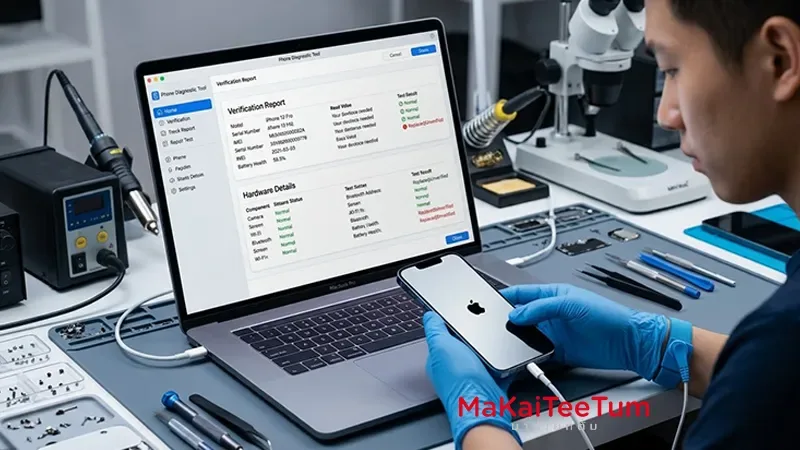
4. Using 3uTools (For PC Users)
What it is:
3uTools is a popular third-party software application for Windows PCs that provides detailed diagnostic information about iOS devices, often going beyond what is available on the device itself.
How to use:
- Connect your iPhone to a computer with 3uTools installed.
- Launch the software and navigate to the “View Verification Report” section.
Key indicator: “Screen Serial Number”
- Green text “Normal”: Indicates that the screen’s serial number matches the original factory data, suggesting an original screen.
- Red text “Exchanged” or “Apple ID Abnormal”: This clearly flags that the screen’s serial number does not match the device’s original records, unequivocally confirming a screen replacement.
Why Knowing Your iPhone’s Screen History Matters
- Resale Value: An iPhone with a genuine, original screen or an Apple-certified replacement commands a significantly higher resale value. Buyers are willing to pay more for devices with confirmed authentic components.
- Performance & Durability: Non-genuine screens can lead to reduced touch sensitivity, inaccurate color reproduction, slower response times, and a shorter overall lifespan. They may also be more fragile and prone to damage.
- Safety: Poorly manufactured or installed screens might pose safety risks, such as overheating, battery drain issues, or even fire hazards due to non-compliant components.
- Informed Decision Making: This knowledge is essential for both potential buyers to ensure they get what they pay for and for sellers to understand their device’s true condition, helping them set a realistic and fair price.
Considering Selling Your iPhone? Get a Professional, Honest Evaluation from MaKaiTeeTum!
At MaKaiTeeTum, we understand the importance of a transparent and fair assessment, especially when it comes to a crucial component like the screen. Our service is designed to give you confidence when selling your used Apple devices.
- MaKaiTeeTum’s Expertise: Our professional team accurately assesses every aspect of your device, including screen authenticity and condition, typically within 10 minutes. We ensure a transparent and fair evaluation without bias.
- Transparent & Fair Pricing: We pride ourselves on giving honest, competitive offers. Our policy, “ประเมินตรงไปตรงมา ไม่กดราคา” (honest evaluation, no price squeezing), means you receive the best possible price for your iPhone without hidden deductions for minor issues that aren’t truly significant.
- Quick & Convenient Service: Experience our fast assessment process, immediate payment (cash or bank transfer), and flexible nationwide pickup/drop-off options, including doorstep service in Bangkok and surrounding areas.
- Peace of Mind: Sell your iPhone with confidence, knowing you’re dealing with a trusted service known for its integrity and numerous positive customer reviews. We handle your device with care and respect your privacy.
Conclusion
Checking if your iPhone screen has been replaced is a crucial step for both buyers and sellers to ensure device quality and value. For newer iPhones (XR, XS, 11+), checking the “Parts and Service History” is the most reliable method. For all models, however, a thorough physical inspection and, if available, using tools like 3uTools can provide additional confirmation.
Prioritizing this check ensures you maintain the quality and true value of your device, whether for personal use or future sale. An informed decision always leads to a better outcome.
Ready to find out your iPhone’s true value?
Send your iPhone model for an instant price estimate with MaKaiTeeTum today!
- Website: makaiteetum.com
- LINE OA: @KunTum
- Phone: 08-1154-5496