When buying a used iPhone, many buyers worry whether the device is a genuine Apple product or a “rebuilt” unit assembled from multiple parts — or worse, a fake. This guide walks you step by step on how to check a used iPhone thoroughly, ensuring you make a safe and informed purchase.
Understand the Terms: Genuine, Refurbished, and Rebuilt
- Genuine (Original): An iPhone directly from Apple’s factory, never repaired or replaced.
- Refurbished: Devices officially repaired and certified by Apple, then resold with warranty.
- Rebuilt (Reassembled): Devices assembled from various parts, often using non-Apple components.
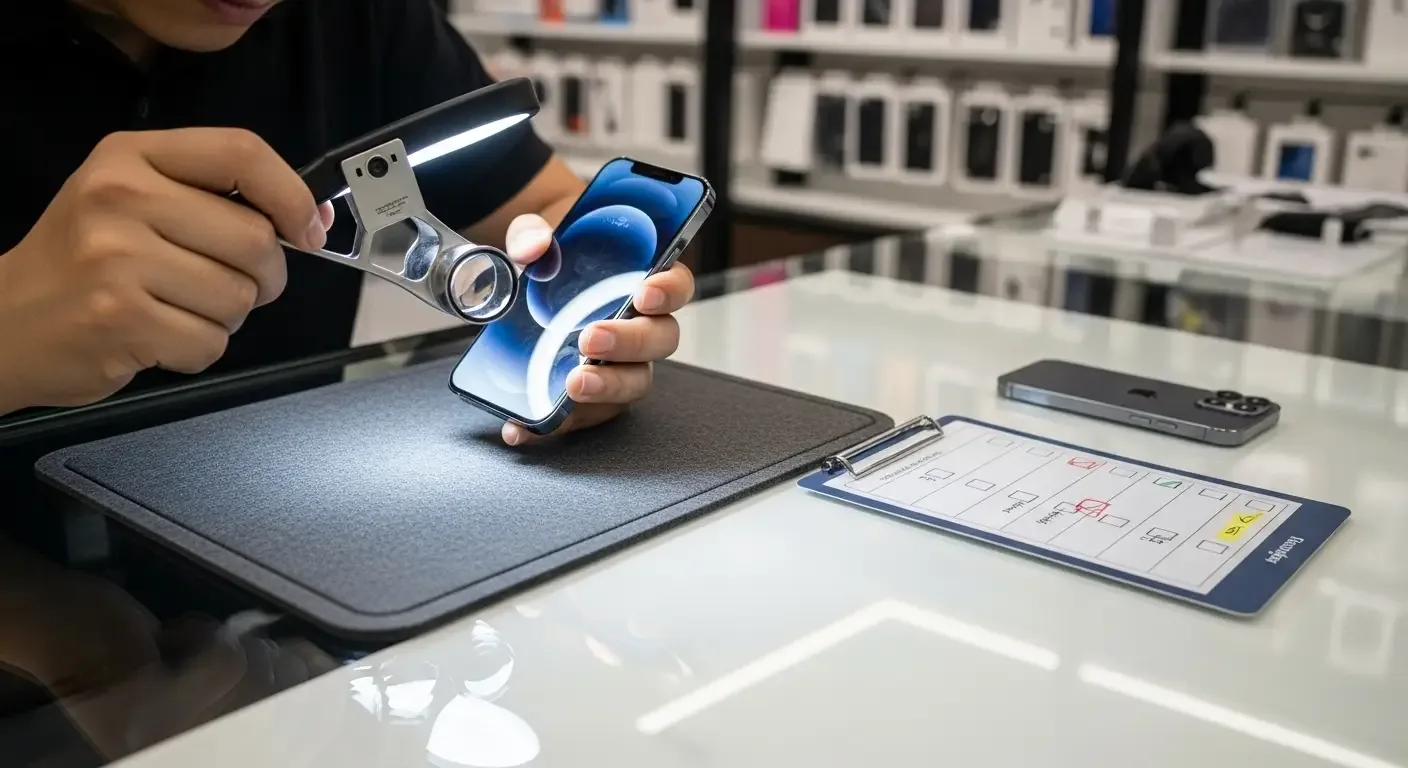
1. Check the Exterior
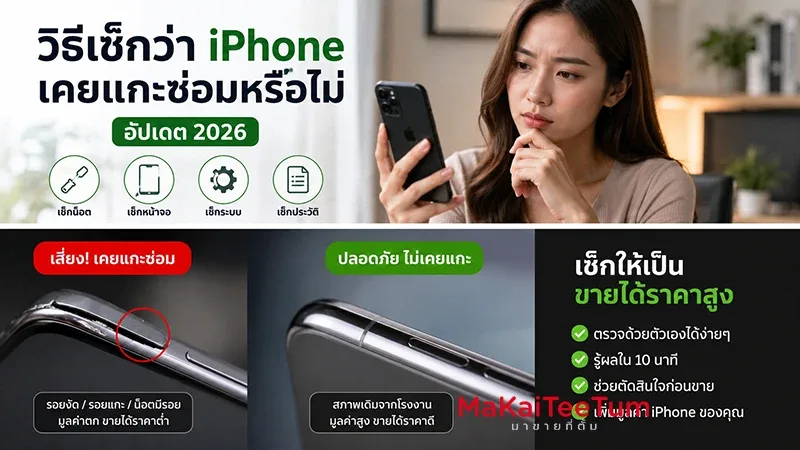
- Inspect body seams — genuine iPhones have precise, seamless build quality.
- Look at the display fit — no gaps between screen and body.
- Check the Apple logo — it should be sharp, aligned, and not peeling.
2. Verify IMEI and Serial Number
- Go to Settings > General > About.
- Note the IMEI and Serial Number.
- Visit https://checkcoverage.apple.com/.
- Enter the Serial Number to confirm warranty and authenticity.
Tip: If the details don’t match or can’t be found, the device may not be from Apple.
3. Check Model Number
Find it under Settings > General > About. The prefix reveals the device type:
- M = Brand new
- F = Refurbished by Apple
- N = Replacement device (AppleCare)
- P = Customized order
4. Test Core Functions
- Touchscreen responds accurately
- Front/rear cameras work
- Speakers & mic sound clear
- All buttons function properly
- Face ID or Touch ID works normally
5. Check Battery Health
Go to Settings > Battery > Battery Health. Look for:
- Battery Health above 80%
- No “Service” warning messages
6. Use 3uTools (Windows)
3uTools provides deeper analysis, such as repair history, screen or motherboard replacements, and battery details. Download at https://www.3u.com/.
7. Ask the Seller
- Where the iPhone was purchased
- If it’s a Thai-market unit (or local equivalent)
- Any repair history
- Proof of purchase, original box, and accessories
8. Avoid iCloud Locked Devices
Ensure Find My iPhone is turned off and the device is reset to factory settings before purchase. This prevents iCloud lock issues.
Additional Tips
- Buy only from trusted sellers
- Always request device reset and Apple ID sign-out
- Test the device for at least 1–2 days if possible
FAQ
Q: What is a rebuilt iPhone?
A: A device assembled from multiple parts, e.g., a motherboard from one phone and screen from another.
Q: Is it risky to use a rebuilt iPhone?
A: Yes — risks include poor battery life, faulty touchscreens, or faster breakdowns. Apple warranty does not cover these.
Q: Is 3uTools reliable?
A: Yes, it’s widely used by repair technicians. However, always combine it with manual inspection.
Conclusion
Buying a used iPhone requires careful inspection. By following the checks above — IMEI, exterior, functions, battery, and history — you can protect yourself from fake or rebuilt devices and ensure long-term usability. Always buy from reputable sellers and double-check before paying.