In today’s digital age where communication is crucial, one of the standout features that improves call quality on iPhone is Voice Isolation. Designed to filter out background noise, it ensures your voice remains clear and distinct for the person on the other end. Whether you’re in a café, a busy street, or a crowded market, this guide will show you how to enable and use Voice Isolation effectively.
What Is Voice Isolation?
Voice Isolation is a microphone mode introduced in iOS 15. It uses AI and advanced microphone technology to reduce surrounding noise, making your voice sound sharper and clearer during calls. Initially available for FaceTime calls, Apple expanded its support to regular phone calls starting with iOS 16.4.
Supported Devices
Voice Isolation is available on:
- iPhone XR and later
- iOS 15 or later
- FaceTime calls (iOS 15+) and regular phone calls (iOS 16.4+)
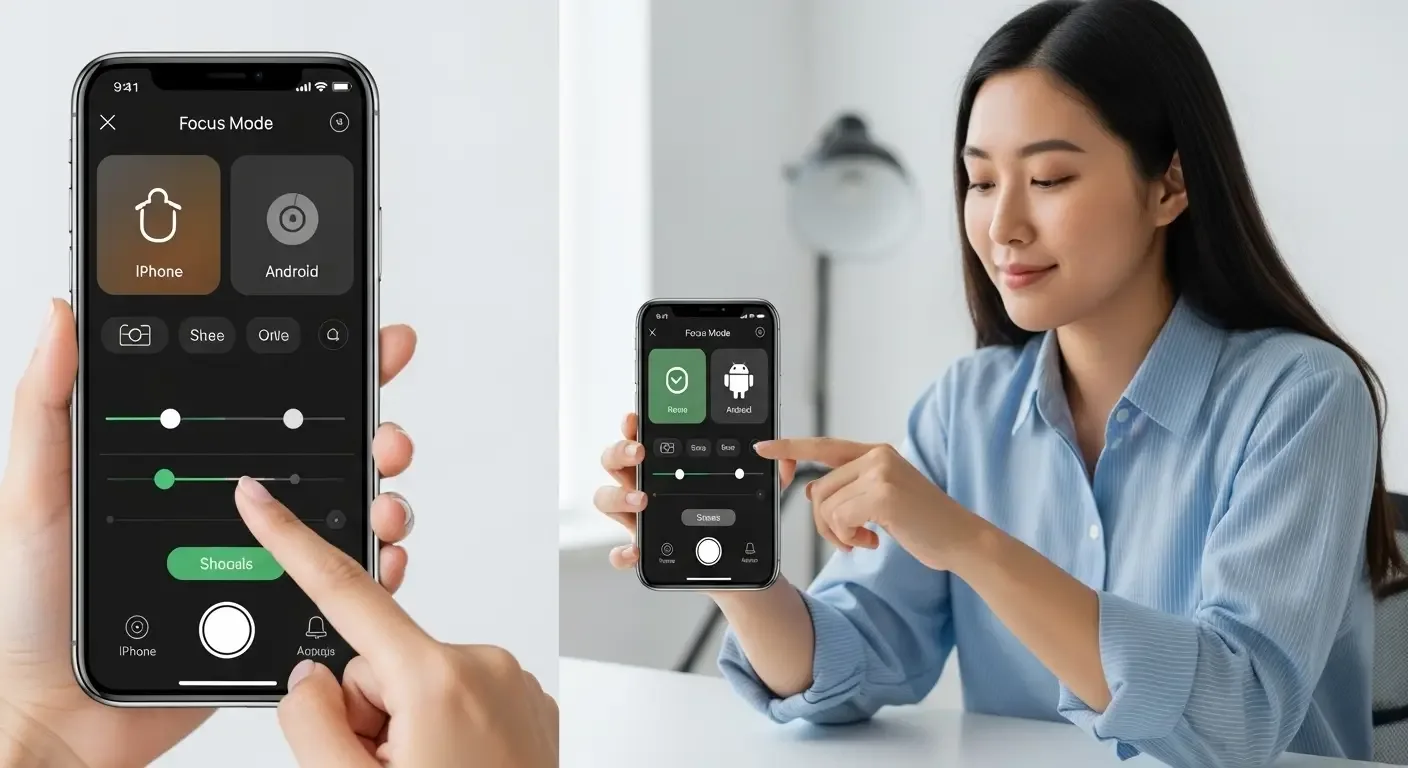
How to Enable Voice Isolation in FaceTime Calls
- Start a FaceTime call
- Swipe down from the top-right corner to open Control Center
- Tap Mic Mode
- Select Voice Isolation
Once enabled, your voice will sound clearer, while background noise fades away.
How to Enable Voice Isolation for Regular Phone Calls
Starting with iOS 16.4, you can also use Voice Isolation during normal phone calls:
- While on a call, open Control Center
- Tap Mic Mode
- Select Voice Isolation
iPhone Mic Modes Explained
- Standard: Default mode, captures both your voice and background noise
- Voice Isolation: Focuses on your voice, cutting out surrounding sounds
- Wide Spectrum: Captures all sounds around you, useful when you want others to hear the environment (e.g., music, ambience)
Benefits of Voice Isolation
- Clearer voice: Ensures your speech is sharp and distinct
- Noise reduction: Minimizes unwanted background noise
- Ease of use: Built-in, no extra apps required
- Hands-free convenience: No need to hold the mic close to your mouth
When to Use Voice Isolation
- During calls in restaurants or cafés
- While walking along busy roads
- In public spaces like airports or train stations
- Working from home with background noise
Frequently Asked Questions (FAQ)
Which iPhones support Voice Isolation?
All iPhones from XR, XS, and later models with iOS 15 or newer support it.
Does it work with every type of call?
Initially, only FaceTime calls. From iOS 16.4, it also supports regular cellular calls.
Can I use it with third-party apps?
Yes, some apps like WhatsApp, Messenger, and LINE support Mic Mode settings if integrated.
Does it cost extra?
No, Voice Isolation is a built-in iOS feature with no additional fees.
Conclusion
Voice Isolation is a must-use feature for anyone who makes calls in noisy environments. It’s easy to activate, improves clarity instantly, and ensures smooth communication no matter where you are. If you haven’t tried it yet, enable it today to experience a noticeable difference in your iPhone calls.