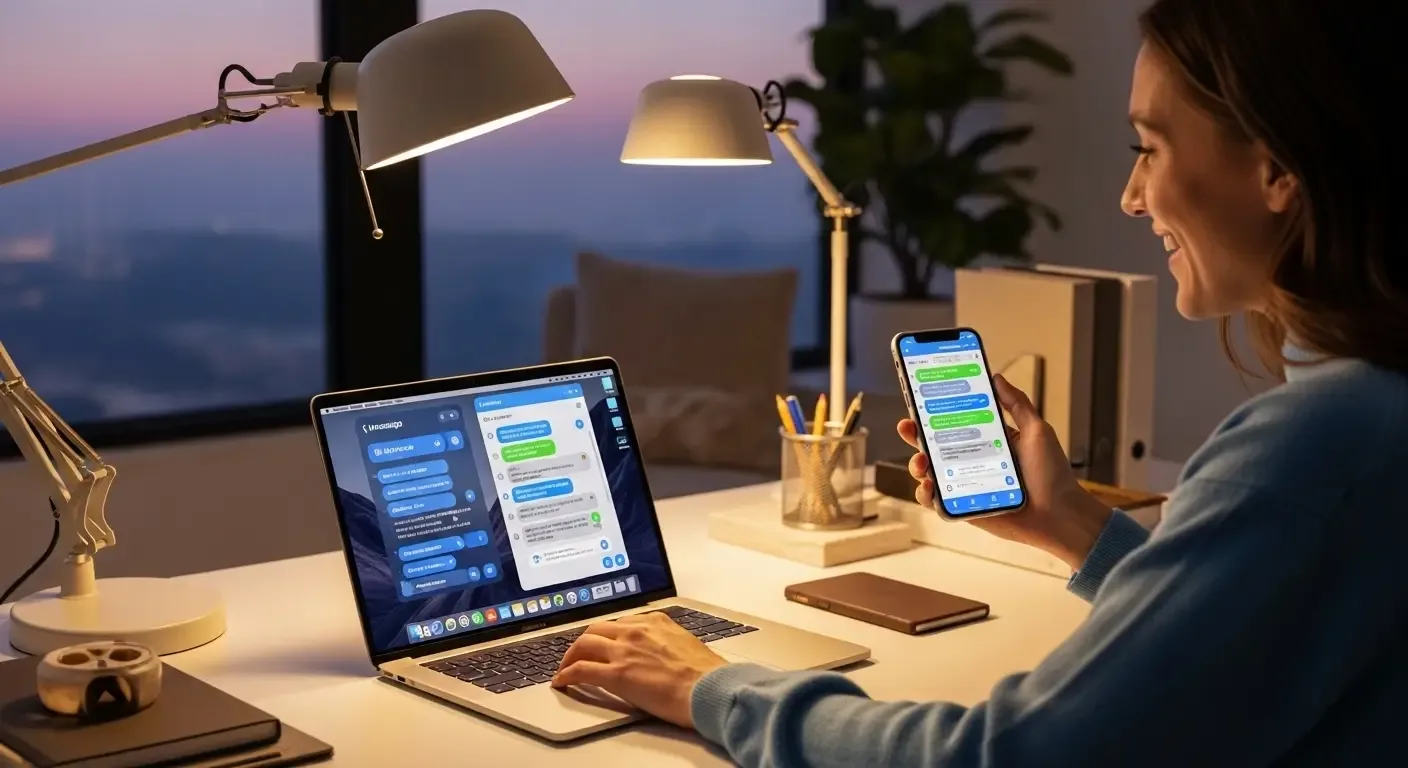
Many Apple users who own more than one device encounter the issue of iMessage not syncing between iPhone and MacBook. This can disrupt communication and create inconsistencies across devices. In this guide, we’ll cover common causes and effective solutions to help restore seamless iMessage syncing.
Why iMessage May Not Sync Between iPhone and MacBook
Some common reasons include:
- Mismatched Apple ID accounts across devices
- iMessage not enabled or incomplete email/phone number setup
- Poor or unstable internet connection
- Bugs in iOS or macOS
- Text Message Forwarding not enabled
How to Fix iMessage Not Syncing
1. Verify You’re Using the Same Apple ID
Ensure both devices are logged in with the same Apple ID.
- On iPhone: Settings > [Your Name] > Apple ID
- On Mac: System Settings > Apple ID (or System Preferences > iCloud)
2. Enable iMessage and Select All Numbers/Emails
- On iPhone: Settings > Messages > Enable iMessage > Send & Receive > select all phone numbers and emails
- On Mac: Messages > Preferences (or Settings) > Accounts > ensure the same numbers/emails are selected
3. Check Internet Connection
Both devices must have a stable internet connection (Wi-Fi or cellular). Poor connections often cause delayed or missing syncs.
4. Enable Text Message Forwarding
This allows SMS messages to sync across devices too.
- On iPhone: Settings > Messages > Text Message Forwarding
- Select your MacBook and toggle it on
5. Update iOS and macOS
Outdated software may contain bugs affecting iMessage.
- On iPhone: Settings > General > Software Update
- On Mac: System Preferences > Software Update
6. Enable iCloud for iMessage
iCloud sync ensures all conversations stay updated across devices.
- On iPhone: Settings > [Your Name] > iCloud > Messages > On
- On Mac: Messages > Preferences > iMessage > Enable Messages in iCloud
7. Sign Out and Back In
If syncing still fails, try signing out of iMessage and signing back in on both devices.
8. Restart Both Devices
A simple restart of both your iPhone and MacBook often resolves temporary glitches.
FAQ
Q: Do I need both phone number and email set up for iMessage sync?
A: Yes, enabling both phone and email ensures full compatibility across devices.
Q: iMessage works on iPhone but not showing on Mac?
A: Double-check Text Message Forwarding and confirm both devices are using the same Apple ID.
Q: Can I use third-party apps to sync iMessage?
A: No, Apple does not allow third-party tools for iMessage syncing. Only Apple’s built-in system ensures security and reliability.
Conclusion
Troubleshooting iMessage syncing issues may take several steps, but following these solutions systematically should restore smooth messaging across your iPhone and MacBook. If the issue persists, consider contacting Apple Support or visiting an Apple Store for further assistance.