If you’re planning to upgrade to a new MacBook or sell your old one, preparation is key. Before passing your device to its next owner, you should carefully secure your data and ensure the machine is in its best possible condition. This guide covers the 5 essential steps you need to take before selling your MacBook—to protect your privacy and boost your resale value.
1. Back Up All Important Data
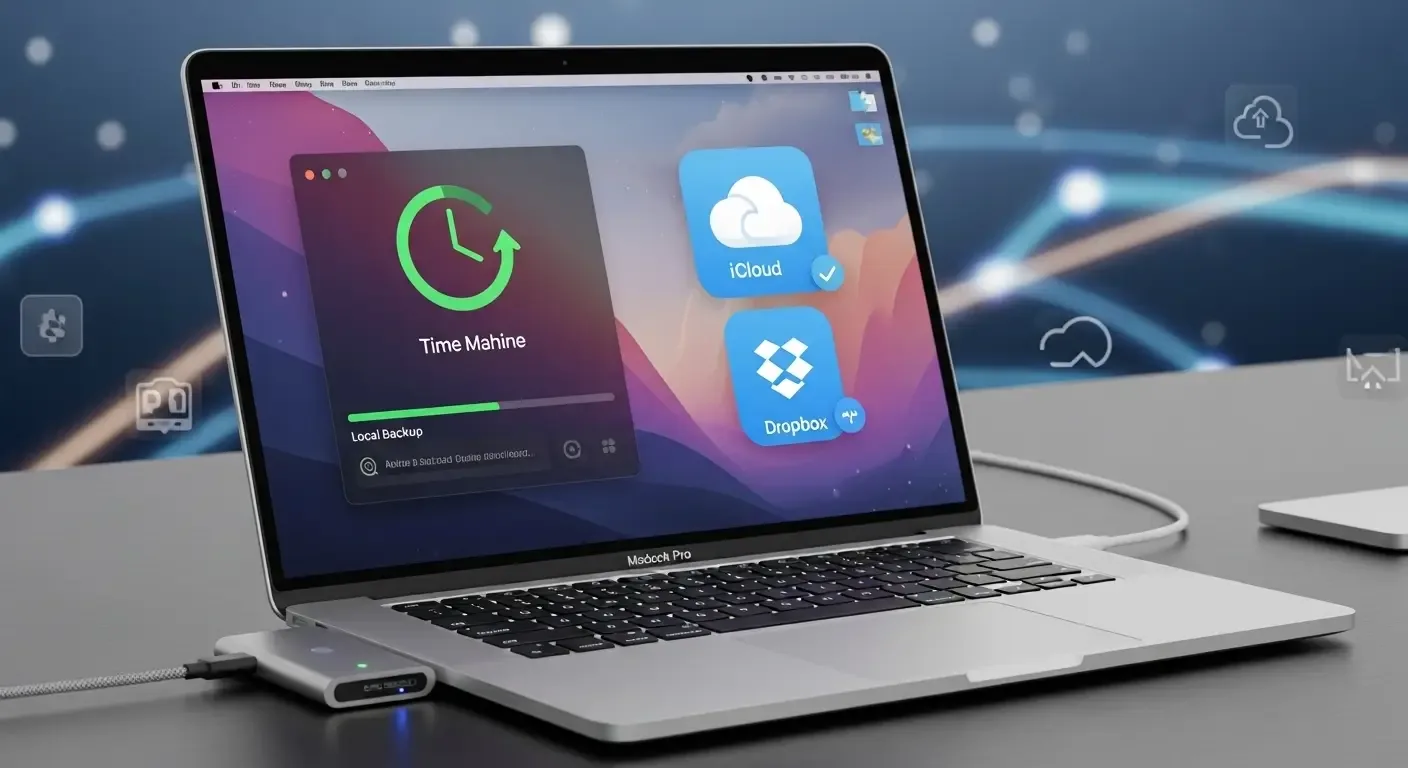
Start by creating a full backup of your files, photos, videos, and other important data. You can do this in several ways:
- Time Machine: macOS’s built-in backup tool, easy to use and reliable.
- External Hard Drive: Copy files manually to an external disk.
- Cloud Storage: Upload to iCloud, Google Drive, Dropbox, or similar services.
2. Sign Out of Apple ID, iCloud, and Linked Services
Protect your privacy by logging out of all Apple services linked to your MacBook:
- Go to System Settings > Apple ID > Sign Out
- Turn off Find My Mac
- Sign out of iMessage, FaceTime, and iTunes
This ensures the new owner won’t face Activation Lock issues when setting up the MacBook.
3. Erase and Reset macOS to Factory Settings
Once your data is backed up and accounts are signed out, erase all content and reinstall macOS:
- Restart and hold Command + R to enter macOS Recovery Mode
- Open Disk Utility and erase “Macintosh HD”
- Select “Reinstall macOS” to install a fresh copy of the system
This ensures the new owner can set up the device as if it were brand new.
4. Clean the Device and Accessories
A clean device makes a better impression and can increase resale value. Don’t skip this step:
- Wipe down the MacBook with a microfiber cloth to remove dust and smudges
- Blow out dust from the keyboard and vents
- Check that the charger, cables, and box (if available) are in good condition
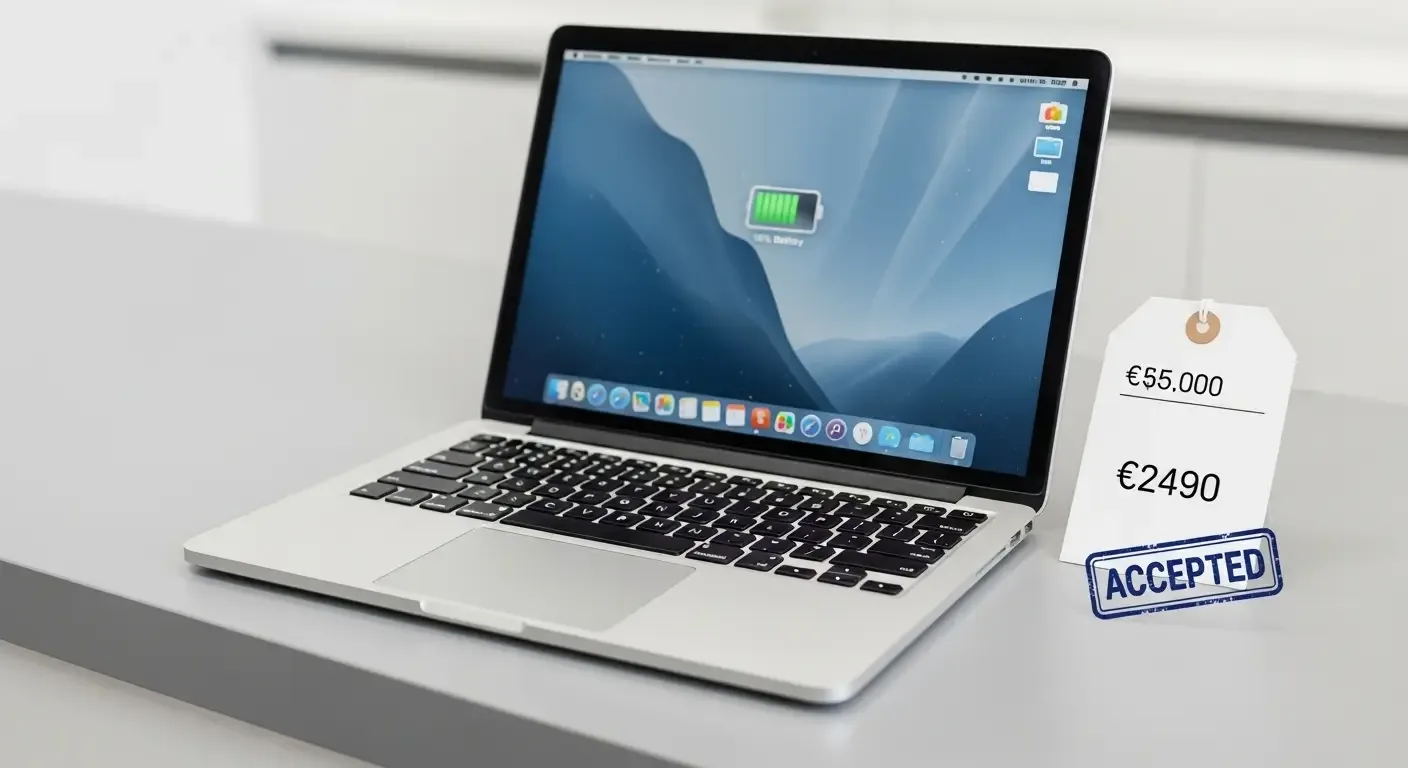
5. Check Specs and Set a Fair Price
Gather details about your MacBook to provide accurate listing info:
- Model and production year
- CPU, RAM, and SSD capacity
- Battery health (via System Report > Power)
- Remaining warranty or AppleCare coverage
Compare prices on platforms like Facebook Marketplace, eBay, or local resellers to determine a competitive yet fair price.
FAQ: Common Questions Before Selling a MacBook
Q: Do I really need to erase all data?
A: Absolutely. Erasing ensures your personal information won’t be accessed by the new owner.
Q: What happens if I forget to sign out of Apple ID?
A: The device will remain locked with Activation Lock, preventing the buyer from using it until your Apple ID credentials are entered.
Q: Should I disclose cosmetic flaws like screen scratches?
A: Yes. Full transparency avoids disputes and builds buyer trust.
Conclusion
Selling your MacBook isn’t just about creating a listing—it requires careful preparation. By following these 5 essential steps, you’ll protect your privacy, enhance the device’s appeal, and increase the chances of closing the deal quickly and smoothly.