Many long-time MacBook users eventually face the issue of a degraded battery. When it comes time to sell or upgrade, it’s important to understand the factors that affect resale value, repair opportunities, and whether to sell or trade in. Let’s look at what you should prepare for in 2025, as the differences between Intel and Apple Silicon models become more significant.
Differences Between Intel MacBooks and Apple Silicon (M-series)
By 2025, MacBooks running on Intel chips will be considered very outdated, directly impacting resale or trade-in value. Even with a new battery, they cannot compete with the performance and power efficiency of Apple Silicon (M1, M2, M3) MacBooks.
- Intel MacBook: Much lower resale prices, often worth selling for spare parts or as “scrap.”
- Apple Silicon MacBook: Higher demand, still delivers strong performance even with a degraded battery. Replacing the battery may increase value before selling.
Battery Replacement Options: Apple Service, Independent Shops, and Self Service Repair
There are several replacement options, each with its own costs, advantages, and drawbacks.
- Apple Authorized Service: Replacing a MacBook M2 battery through Apple may cost more, but you’re guaranteed genuine parts and warranty.
- Independent repair shops: Generally cheaper and faster, but battery quality depends on the source.
- Apple Self Service Repair: Users can order genuine batteries and tools from Apple to replace them independently. This saves labor costs but is complex, requires skill, and often includes deposits for certain tools.
Before selling, consider whether replacing the battery will add enough value to make it worthwhile, or if selling the MacBook “with a degraded battery” is more practical and letting the buyer handle repairs.
Security Features: Find My and Activation Lock
A crucial step before selling is disabling Find My and signing out of your Apple ID. If not removed from iCloud, the MacBook will be locked and effectively unusable, reducing it to “scrap value.”
Before selling, you must:
- Always sign out of your Apple ID.
- Confirm that Find My has been disabled.
- Restore the MacBook to factory settings.
Sustainability and the Circular Economy
Selling or trading in an old MacBook not only saves costs but also supports the Circular Economy and helps reduce electronic waste. MacBooks that are sold can be refurbished, repaired, or recycled for components, reducing the need for new resources and minimizing environmental impact.
How to Estimate the Resale Value of a MacBook with a Worn-Out Battery
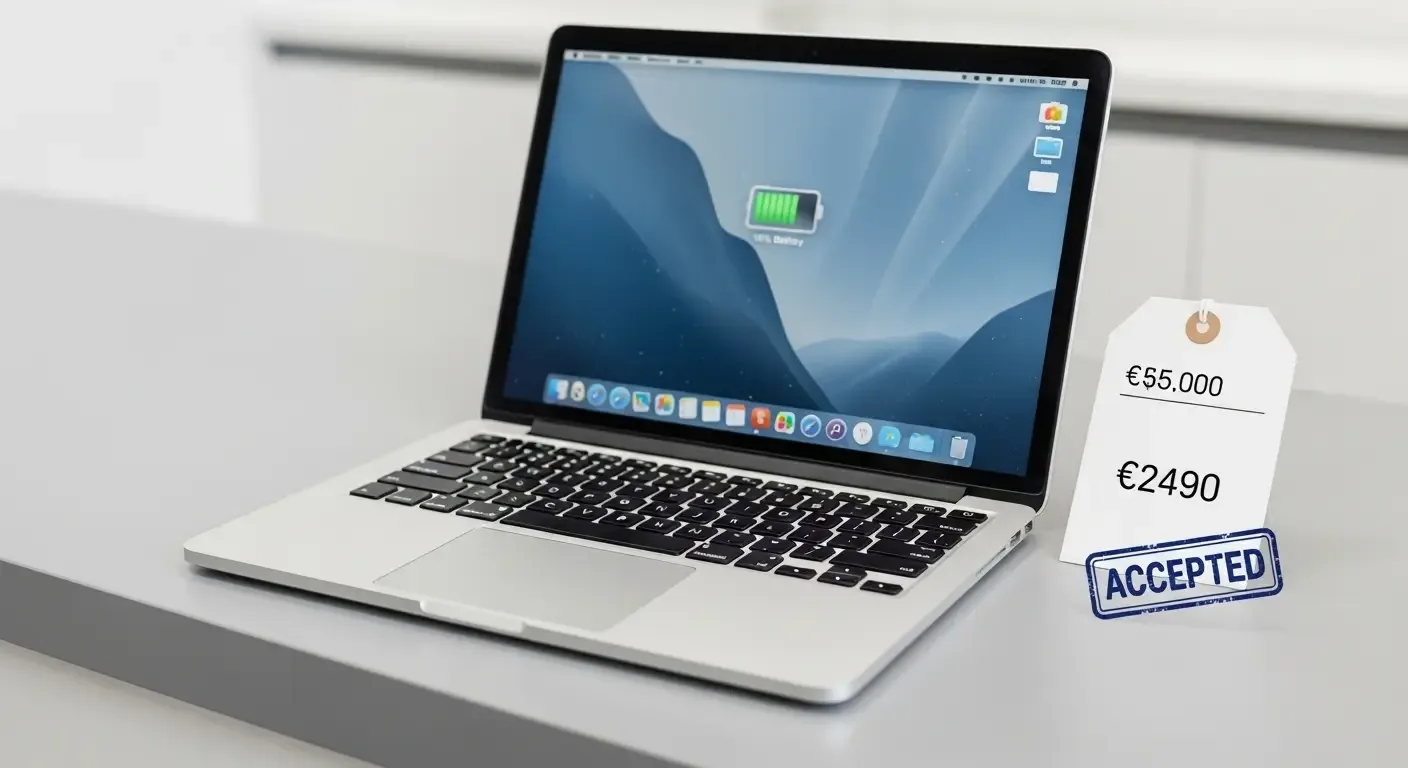
- Use the Apple Trade In Program to get an initial estimate.
- Check online valuation tools from MacBook resellers or trade-in shops for models with battery service needs.
- For older Intel MacBooks, expect significantly lower offers, often close to “scrap” value.
FAQ: Common Questions
If a MacBook battery is degraded, should I replace it before selling?
For Apple Silicon models (M1, M2, M3), battery replacement usually adds worthwhile value. For older Intel models, it’s often not worth the investment.
Is replacing a MacBook battery yourself worth it?
Using Apple’s Self Service Repair ensures genuine parts, but requires skills and time. If unsure, it’s safer to go through Apple or a reputable repair shop.
What happens if I forget to remove my Apple ID before selling?
The device will be automatically locked, making it unusable. Shops will only value it as scrap.
Conclusion
Selling a MacBook with a degraded battery in 2025 requires consideration of several factors: whether it’s Intel or Apple Silicon, battery condition, replacement options, disabling Find My and Apple ID, and even the broader perspective of sustainability. Careful planning will maximize resale value while also being environmentally responsible.
References