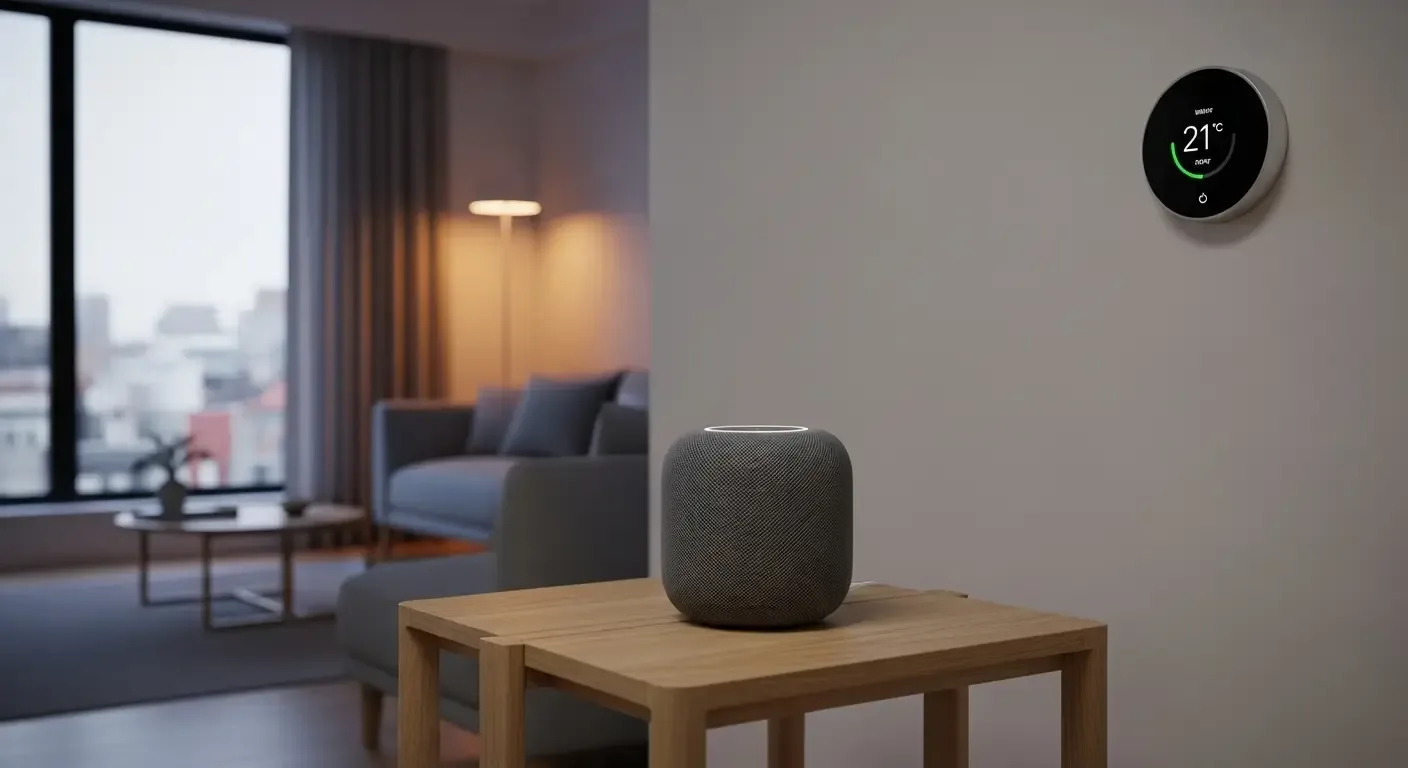
The HomePod is more than just a smart speaker — it can become a personal assistant that makes life at home more convenient and secure. For Apple users, integrating HomePod with the Apple ecosystem enhances everyday living seamlessly.
What is HomePod?
HomePod is Apple’s smart speaker designed to work with Siri and HomeKit. It delivers premium audio quality while allowing voice control over smart home devices.
Getting Started with HomePod
- Pair HomePod with an iPhone or iPad running the latest iOS
- Sign in with the same Apple ID used across your devices
- Enable HomeKit and iCloud Keychain
Top HomePod Features
1. Voice Control for Smart Home
With Siri and Apple HomeKit, you can easily control devices at home, such as:
- “Hey Siri, turn off the living room lights.”
- “Hey Siri, set the temperature to 25°C.”
2. Automations
Use the Home app to create routines that HomePod can perform automatically, like:
- Turn off lights and lock doors when everyone leaves home
- Play relaxing music and dim the lights at the end of the day
3. High-Quality Music & Podcasts
HomePod works with Apple Music and Spotify. Use Siri to request songs by artist, mood, or genre.
4. Intercom for Family Communication
With Intercom, you can send messages across HomePods in your home — for example, “Dinner is ready!” — and family members can reply instantly.
5. News, Weather & Calendar
Ask Siri for daily news updates, calendar reminders, or weather forecasts:
- “Hey Siri, what’s on my schedule today?”
- “Hey Siri, what’s the weather in Chiang Mai tomorrow?”
6. Home Security Monitoring
When connected with smart cameras or sensors, HomePod can show live feeds or send alerts to your iPhone if unusual activity is detected.
Tips for a Better Experience
- Optimal placement: Keep at least 15cm from walls for the best sound.
- Name devices clearly: e.g., “Bedroom Light,” “Living Room AC” for easier Siri control.
- Enable Personal Requests: Allow Siri to handle texts, reminders, and calls for recognized users.
FAQ
Q: Can HomePod work with non-Apple devices?
A: Mostly designed for Apple’s ecosystem. However, devices supporting AirPlay 2 can still stream audio to HomePod.
Q: Does HomeKit require internet?
A: Yes, HomeKit automations and remote access require internet and iCloud.
Q: How is HomePod Mini different?
A: Smaller and cheaper but still supports Siri, HomeKit control, and 360° audio.
Conclusion
HomePod is not just about great sound — it’s a hub for smart home management, making your household safer, smarter, and more efficient. For Apple users, adopting HomePod as a personal assistant brings convenience and control to everyday life.