Measuring blood oxygen (SpO2) is one of the essential features of the Apple Watch, helping users closely monitor their health. This article will guide you on how to measure blood oxygen levels using your Apple Watch and provide tips to maximize accuracy.
What is Blood Oxygen?
Blood oxygen refers to the percentage of oxygen that red blood cells carry from the lungs to the rest of the body. Monitoring blood oxygen levels can help assess overall health and respiratory function. Most people have blood oxygen levels between 95-100%, but slight drops during sleep are normal. Some individuals may naturally have levels below 95% while still maintaining good health.
Apple Watch Blood Oxygen Monitoring Feature
Apple Watch Series 6 and later come equipped with a built-in Blood Oxygen app and sensor that allow users to measure their blood oxygen levels directly from their wrist. The sensor uses green, red, and infrared LEDs along with photodiodes to detect the light reflected from the blood. This data is then used to calculate the percentage of oxygen in the bloodstream.
How to Set Up the Blood Oxygen App
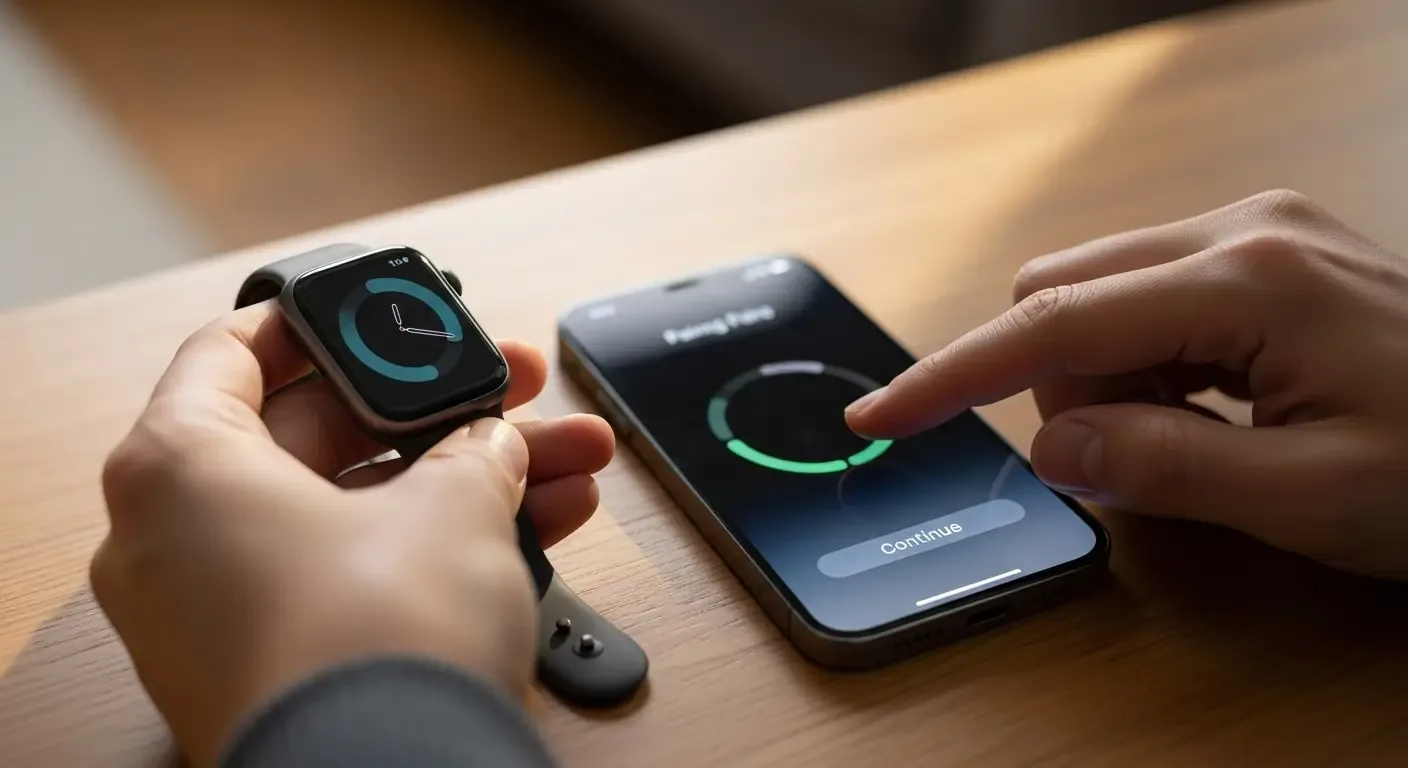
Before taking a blood oxygen measurement, you need to set up the Blood Oxygen app on your Apple Watch and iPhone:
- Check Device Compatibility: Ensure that the Blood Oxygen app is available in your country or region and that your Apple Watch (Series 6 or later) and iPhone (iPhone 6s or later) are updated to the latest software.
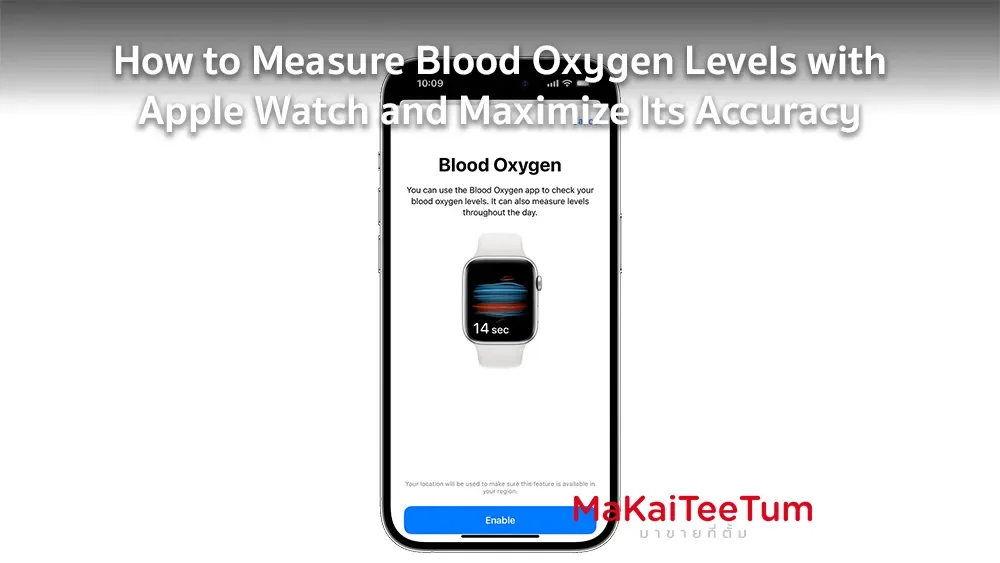
- Enable Blood Oxygen in the Health App: Open the Health app on your iPhone and follow the on-screen instructions. If there is no prompt, go to the “Browse” tab > “Respiratory” > “Blood Oxygen” > “Enable.”
- Open the Blood Oxygen App on Apple Watch: Once set up, open the Blood Oxygen app on your Apple Watch to begin taking measurements. If the app is missing, download it from the App Store on your Apple Watch.
How to Measure Blood Oxygen Levels with Apple Watch
To ensure an accurate measurement, follow these steps:
- Wear the Apple Watch Properly: Make sure the watch fits snugly against your wrist without being too tight or too loose.
- Open the Blood Oxygen App: Launch the Blood Oxygen app on your Apple Watch.
- Remain Still: Rest your arm on a table or your lap, keeping your wrist and palm flat and stable.
- Start the Measurement: Tap “Start” on the app and wait approximately 15 seconds for the measurement to complete.
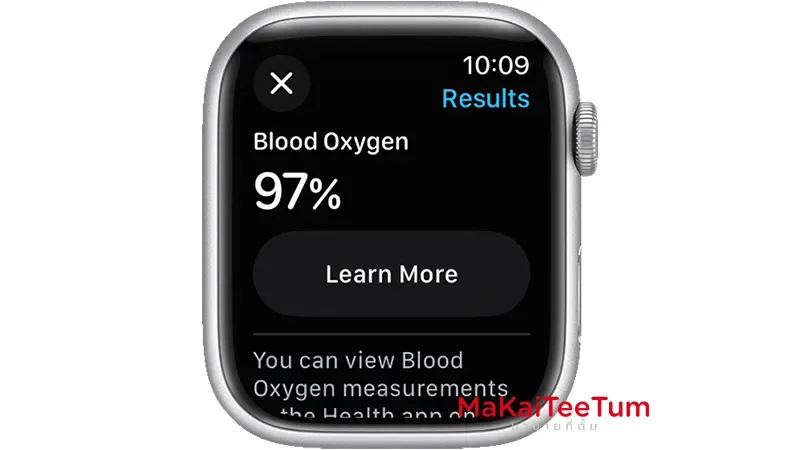
- Review the Results: After the test, the results will be displayed on your Apple Watch screen.
Tips for Accurate Measurements
- Choose a Suitable Environment: Avoid measuring in cold conditions, as reduced blood circulation may affect accuracy.
- Avoid Tattoos or Skin Changes: Tattoos or certain skin conditions can interfere with the sensor’s ability to detect light.
- Stay Still During Measurement: Movement can disrupt the reading and lead to inaccurate results.
Viewing and Tracking Blood Oxygen Data
Your Apple Watch automatically saves each measurement to the Health app on your iPhone. To view your history:
- Open the Health App on iPhone: Tap the “Browse” tab.
- Go to “Respiratory” > “Blood Oxygen”
- View Data Trends: You can track changes over time in hourly, daily, weekly, or monthly views.
Limitations and Warnings
While the Apple Watch is a powerful health-tracking device, it does have limitations:
- Not a Medical Device: The Blood Oxygen app is not intended for diagnosing or treating medical conditions. Consult a doctor if you experience unusual symptoms.
- Influence of External Factors: Factors like low circulation, high or low blood pressure, or variations in skin color may affect readings.
- Availability Varies by Region: The feature may not be available in all countries or regions.
Who Can Benefit from Blood Oxygen Monitoring
Apple Watch’s blood oxygen monitoring is particularly useful for:
- Athletes and Fitness Enthusiasts: Helps track oxygen intake efficiency and optimize training.
- People with Respiratory Conditions: Useful for individuals with asthma or sleep apnea to monitor trends.
- Elderly Individuals: Aids in keeping track of overall health and detecting potential issues.
- Health-Conscious Users: Provides insights into respiratory health for proactive monitoring.
Additional Health Tips
Besides using Apple Watch for blood oxygen tracking, consider the following for optimal oxygen levels:
- Exercise Regularly: Activities like walking, running, or yoga improve oxygen absorption.
- Practice Deep Breathing: Techniques like the 4-7-8 breathing method can enhance oxygen levels.
- Avoid Polluted Environments: Stay away from areas with poor air quality.
- Stay Hydrated: Proper hydration helps maintain healthy circulation.
Conclusion
Apple Watch provides a convenient way to track blood oxygen levels, but it should not replace medical-grade devices for diagnosis. Combining Apple Watch monitoring with a healthy lifestyle ensures a more comprehensive approach to well-being. If you notice consistently low oxygen levels or experience symptoms, consult a healthcare professional.
References: