Apple Watch enhances your iPhone experience by offering health tracking, notifications, calls, and smart features. To unlock its full potential, you must first connect it to your iPhone. Here’s a detailed step-by-step guide with tips to get the most out of your Apple Watch.
Requirements Before Pairing
- Apple Watch charged at least 50%
- iPhone running the latest iOS version
- Wi-Fi or mobile connection available
- Apple ID signed in on iPhone
Steps to Connect Apple Watch with iPhone
1. Power on Apple Watch
Press and hold the side button until the Apple logo appears.
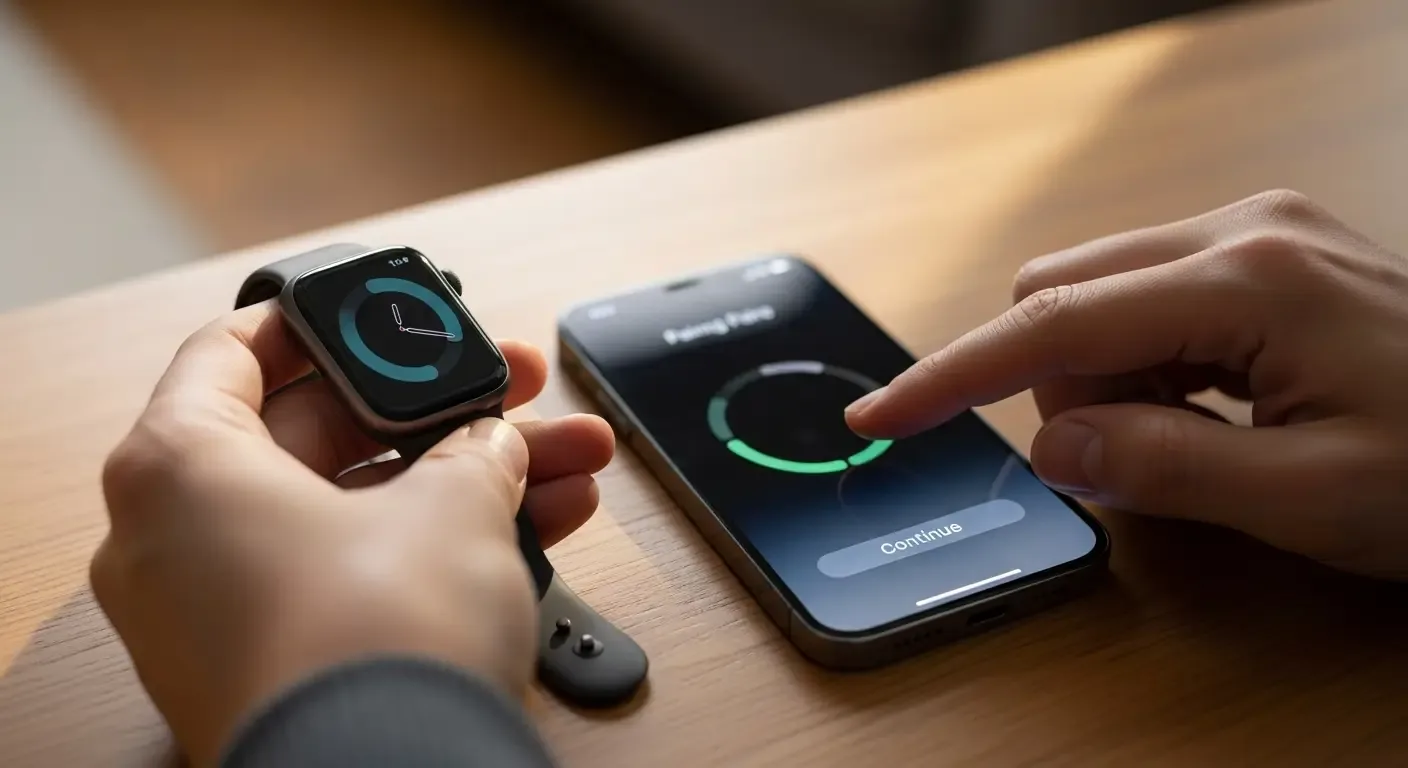
2. Place Apple Watch near iPhone
Your iPhone will detect it and show a pairing prompt.
3. Tap “Continue” on iPhone
The Watch app will open automatically, or open it manually if needed.
4. Scan the pattern on Apple Watch
Use your iPhone’s camera to scan the animation displayed on the Apple Watch.
5. Configure basic settings
Choose wrist preference, sign in with Apple ID, set passcode, and enable Siri, Apple Pay, and Location Services.
6. Wait for sync to complete
The sync process may take a few minutes. Once done, Apple Watch is ready to use.
Tips to Maximize Apple Watch Usage
- Customize notifications in the Watch app to avoid unnecessary distractions.
- Enable health features like heart rate, sleep tracking, and fall detection.
- Use Siri voice commands for calls, messages, weather, and smart home control.
- Personalize watch faces with digital, analog, or Infograph styles.
- Set up Apple Pay for secure, contactless payments directly from your wrist.
Troubleshooting Common Issues
- Watch not connecting: Ensure Bluetooth and Wi-Fi are on.
- Pairing fails: Restart both iPhone and Apple Watch and try again.
- Data not syncing: Go to Watch app > General > Reset > Erase Apple Watch Content and re-pair.
FAQ
Which iPhone models are supported?
Most Apple Watch Series require iPhone 6s or newer with the latest iOS.
Does Bluetooth need to stay on?
Yes, to ensure real-time notifications and connectivity.
Can Apple Watch pair with multiple iPhones?
No, it can only pair with one iPhone at a time.
Conclusion
Properly connecting your Apple Watch with iPhone ensures seamless integration across notifications, health tracking, calls, and payments. With correct setup and settings, you’ll enjoy the full smart experience Apple designed.