The Breathe App on Apple Watch is a powerful tool designed to help users manage stress, practice mindfulness, and improve overall well-being through guided deep breathing exercises. By leveraging deep breathing techniques and mindfulness principles, this app can help reduce tension and enhance mental clarity. In this guide, we’ll explore how to use the Breathe App effectively, along with expert breathing techniques that can help you feel more relaxed and focused.
What is the Breathe App and How Does It Work?
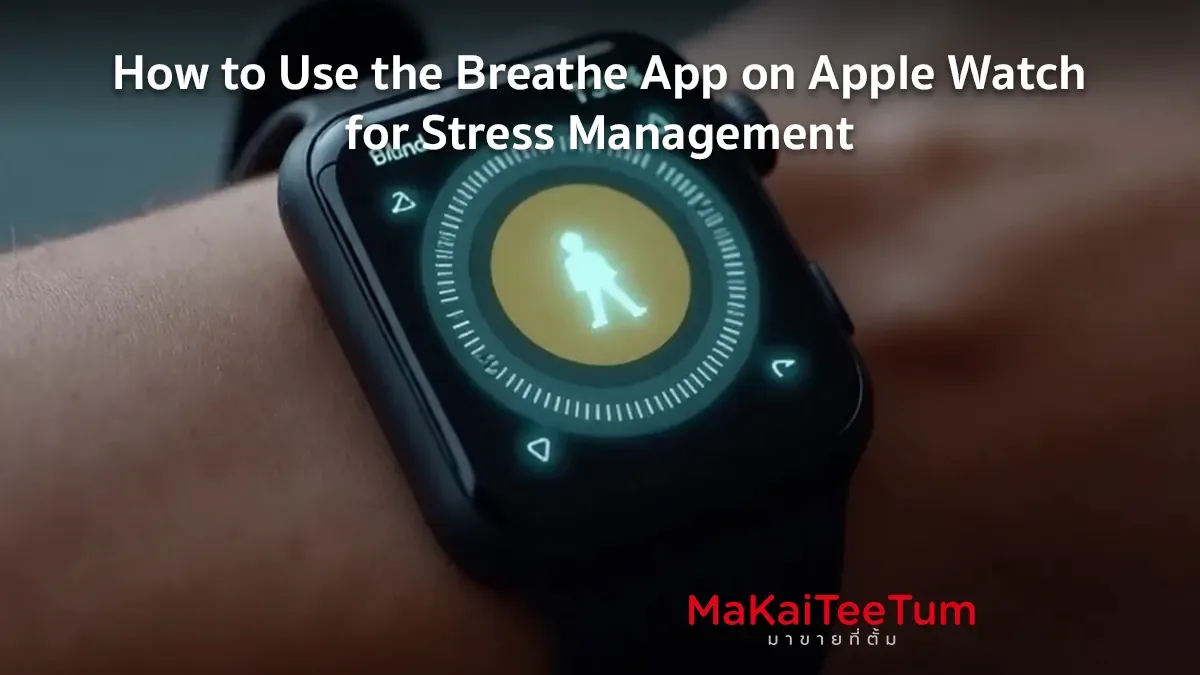
The Breathe App is a built-in feature on Apple Watch that guides users through deep breathing exercises using haptic feedback and visual animations. It helps to:
- Encourage mindfulness and relaxation through guided breathing
- Send reminders to pause and breathe throughout the day
- Measure heart rate before and after sessions for stress tracking
- Help balance the autonomic nervous system, reducing stress levels
Devices That Support the Breathe App
The Breathe App is available on:
- Apple Watch Series 3 and later running watchOS 5 or newer
- Apple Watch SE and Apple Watch Ultra
- Paired iPhones (to review breathing session history in the Health App)
How to Enable and Set Up the Breathe App on Apple Watch
Activating the Breathe App on Apple Watch
- Open the Breathe App on your Apple Watch.
- Tap Start to begin a breathing session.
- Follow the on-screen animation and haptic feedback to inhale and exhale at a steady pace.
Setting Up Breathe Reminders
- Open the Watch App on your iPhone.
- Go to Mindfulness > Breathe Reminders.
- Select how often you want to receive reminders (recommended: 3-5 times per day).
Adjusting the Breath Session Duration
- Open the Breathe App on Apple Watch.
- Tap Options > Breathe Duration.
- Choose the length of your breathing session (1-5 minutes).
How to Use the Breathe App to Reduce Stress
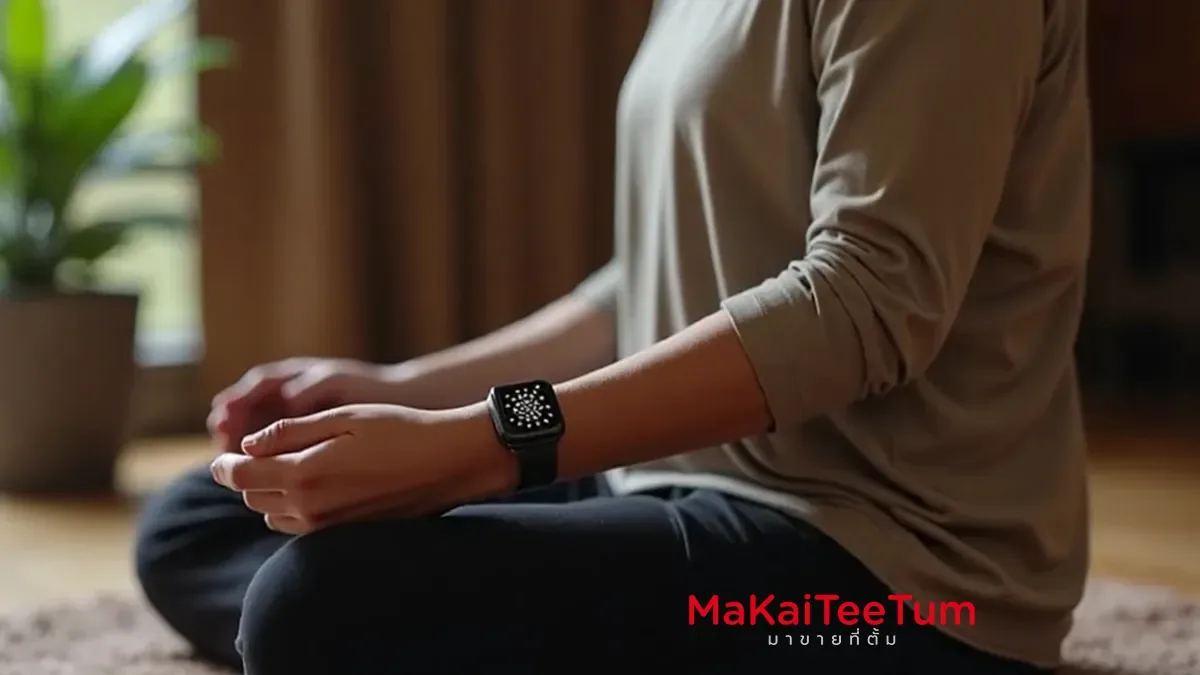
4-7-8 Breathing Technique
- Inhale for 4 seconds.
- Hold your breath for 7 seconds.
- Slowly exhale for 8 seconds.
- Repeat 4-5 times for maximum relaxation.
Using Breathe App Before Sleep to Reduce Anxiety
- Set a pre-sleep reminder 30 minutes before bedtime.
- Follow the breathing animation to calm your mind and prepare for restful sleep.
Managing Anxiety with Breathe App Sessions
- Start your day with a mindful breathing session to enhance focus.
- Use the Breathe App during stressful moments to regain control of your emotions.
Benefits of Using the Breathe App Regularly
- 🧘♂️ Reduces cortisol (stress hormone) levels
- 💖 Improves heart rate variability (HRV), promoting relaxation
- 💤 Enhances sleep quality by calming the nervous system
- 🎯 Boosts concentration and decision-making skills
How to Track Your Breathing Data on iPhone
- Open the Health App on your iPhone.
- Go to Browse > Mindfulness.
- View stats on breathing session frequency and heart rate response.
Common Issues and Fixes
1. Breathe App Notifications Not Working
- Ensure Do Not Disturb is turned off.
- Go to Settings > Notifications > Mindfulness and enable alerts.
2. Apple Watch Not Vibrating During Sessions
- Check Settings > Sounds & Haptics on Apple Watch and enable Haptic Alerts.
3. No Data Appearing in the Health App
- Ensure Share Data with Health App is enabled in Watch App > Mindfulness.
Frequently Asked Questions About the Breathe App
Q: Can I use the Breathe App without an Apple Watch?
A: No, the app is exclusive to Apple Watch and does not function on iPhone alone.
Q: Does the Breathe App really help with stress?
A: Yes, studies show that deep breathing exercises reduce stress and improve mental well-being.
Q: How many times per day should I use the Breathe App?
A: Experts recommend 3-5 sessions per day for optimal benefits.
References: