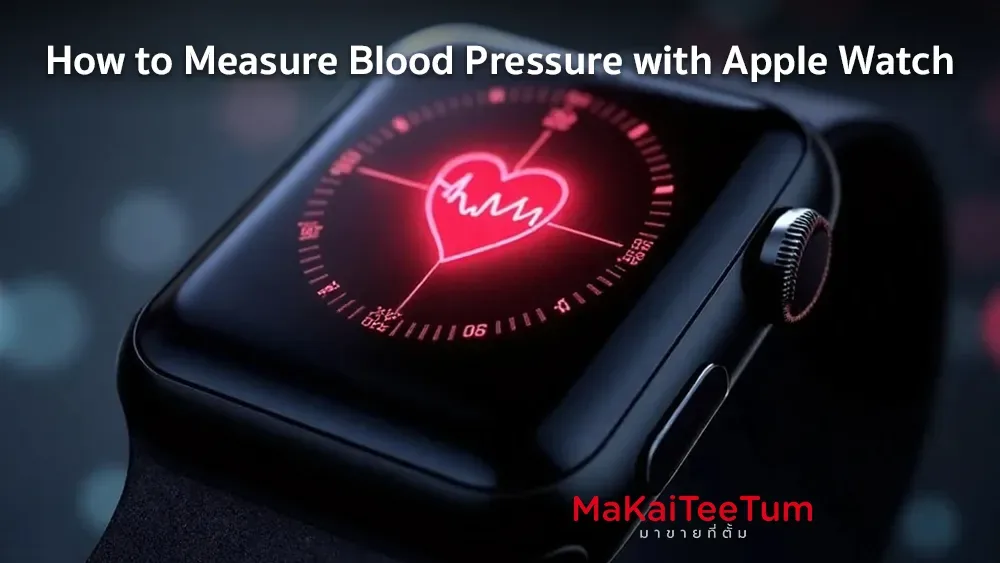
Apple Watch is one of the most popular smartwatches for health tracking. However, can Apple Watch measure blood pressure directly? The answer is Apple Watch does not have a built-in blood pressure sensor yet, but it can work with third-party accessories and apps to help monitor your blood pressure.
How Can Apple Watch Measure Blood Pressure?
Although Apple Watch lacks a built-in blood pressure sensor, it can connect to external Bluetooth-enabled blood pressure monitors such as Omron Evolv, QardioArm, and Withings BPM to measure and sync data with Apple Health automatically.
Best Blood Pressure Monitors Compatible with Apple Watch
- Device
- Omron Evolv
- QardioArm
- Withings BPM Connect
- Key Features
- Compact design, connects with iPhone
- Portable design, supports health apps
- Easy to use, automatic data logging
- Estimated Price
- $120 - $160
- $100 - $140
- $130 - $170
- Device
-
Omron Evolv
-
QardioArm
- Withings BPM Connect
- Key Features
- Compact design, connects with iPhone
- Portable design, supports health apps
- Easy to use, automatic data logging
- Device
-
Omron Evolv
-
QardioArm
- Withings BPM Connect
- Key Features
- Compact design, connects with iPhone
- Portable design, supports health apps
- Easy to use, automatic data logging
- Device
- Omron Evolv
- QardioArm
- Withings BPM Connect
- Estimated Price
- $120 - $160
- $100 - $140
- $130 - $170
Note: These devices require companion apps such as Qardio, Withings Health Mate, or Omron Connect to log and analyze blood pressure readings.
Step-by-Step Guide to Measuring Blood Pressure with Apple Watch
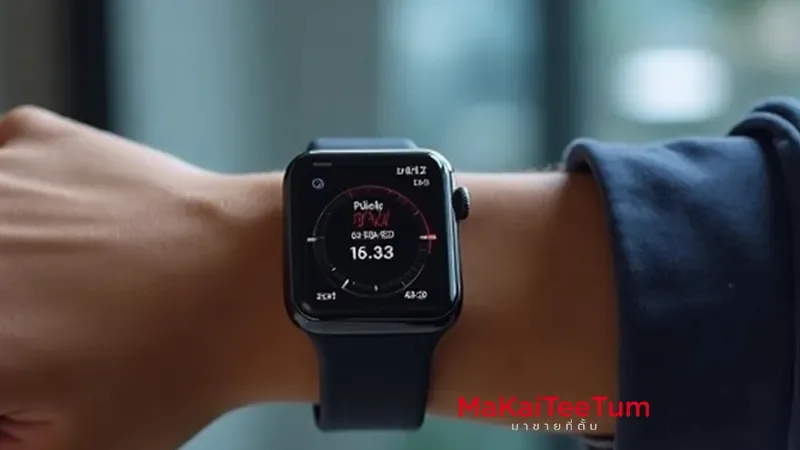
- Prepare Your Device – Turn on Bluetooth on your iPhone and connect the blood pressure monitor to its corresponding app.
- Wear the Apple Watch and Blood Pressure Monitor Correctly – Position the cuff at heart level and ensure it fits snugly but comfortably.
- Open the Companion Health App – Apps like Omron Connect, Qardio, or Withings Health Mate will help track readings.
- Start the Blood Pressure Measurement – Tap “Start” in the app and wait for the reading to complete.
- Sync Data with Apple Health – The app will automatically log readings and show trends over time within the Apple Health app.
Top Apps for Monitoring Blood Pressure on Apple Watch
- Qardio Heart Health – Works with QardioArm for seamless blood pressure tracking.
- Withings Health Mate – Pairs with Withings BPM Connect to log health data.
- Omron Connect – Designed for Omron Evolv and other Omron BP monitors.
Additional Heart Health Features on Apple Watch
While Apple Watch cannot measure blood pressure directly, it offers several heart health features:
- AFib Detection (Irregular Heart Rhythm Monitoring) – Available on Apple Watch Series 4 and later.
- Heart Rate Alerts – Notifies you of unusually high or low heart rates.
- Stress and Blood Pressure Insights – Indirect monitoring through Heart Rate Variability (HRV).
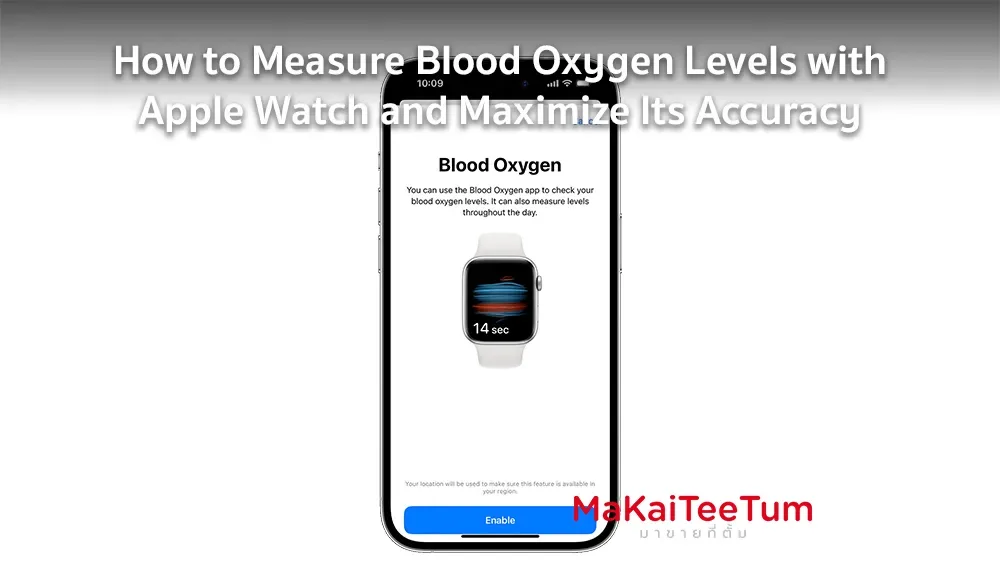
- Blood Oxygen (SpO2) Monitoring – Available from Apple Watch Series 6 and later.
Is Apple Developing Built-in Blood Pressure Monitoring?
Reports indicate that Apple is working on a non-invasive blood pressure sensor, possibly debuting in upcoming Apple Watch models by 2025-2026. However, for now, external devices remain the best option.
Conclusion
Apple Watch cannot measure blood pressure directly but can work with compatible accessories such as Omron Evolv or QardioArm to track and store readings in Apple Health. If you want to use Apple Watch for heart and blood pressure monitoring, pairing it with a reliable blood pressure monitor and compatible app is essential.
References: Apple Support – Using Apple Watch for Health Tracking