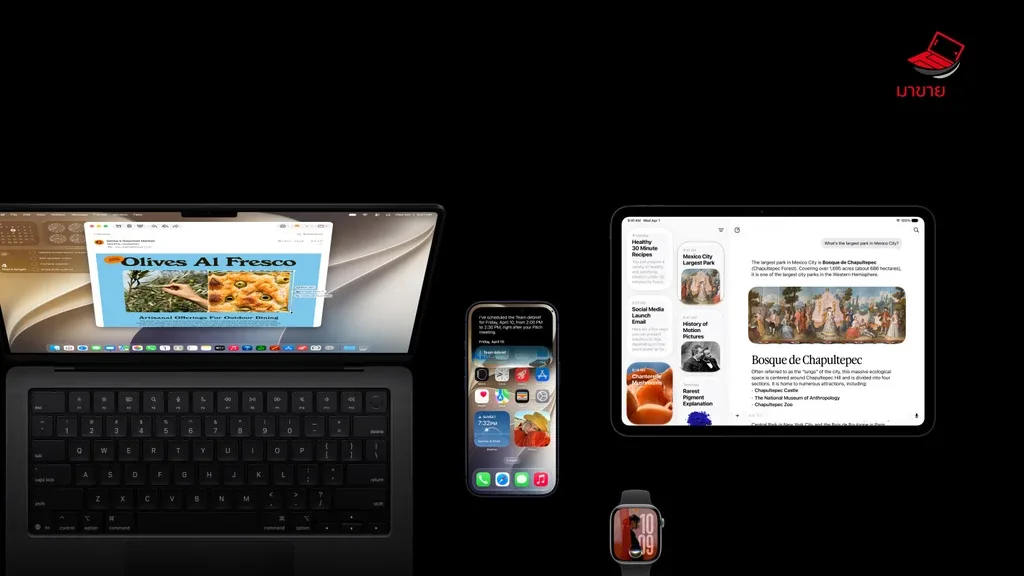
Over the years, the iPad has become one of the most powerful and versatile devices in Apple’s ecosystem. But in 2025, iPadOS is raising the bar for professionals in video, film, and photography with features directly tied to pro-level technology. From Monitor Mode and full UVC (USB Video Class) camera support to the implementation of AI-based visual analysis, the iPad is evolving beyond a simple display, becoming a genuine image-production assistant.
Monitor Mode and UVC Input: Direct Connection from Camera to iPad
One of the most anticipated features is iPadOS Monitor Mode, allowing the iPad to act as an external display directly from a video or mirrorless camera via the Thunderbolt / USB4 port. With full support for the UVC (USB Video Class) protocol, creators can now connect cameras instantly — no complex HDMI adapters required.
Monitor Mode also enables the new iPad Pro M4 to function as a portable Pro Display, supporting LUT adjustments, sRGB/DCI-P3 color monitoring, and even Apple Pencil annotation directly on video frames, making production workflows much more flexible.
AI Video Assist: The Intelligent Image Monitoring Partner
Another key highlight of the AI video assist iPad era is real-time AI-driven visual analysis, such as:
- Composition Suggestion – Recommends optimal framing based on the rule of thirds or leading lines.
- Auto Focus Alert – Notifies users when the main subject goes out of focus, ensuring no critical shot is missed.
- Real-time Color Grading – Adjusts colors and tones live, helping simulate the desired mood during filming.
Leveraging the latest Apple Neural Engine, iPad efficiently processes high-quality image data locally — no external computer required.
Pro Workflow: From Camera to Post-production
By 2025, professional video workflows on iPad have advanced dramatically. Cameras can record directly to the iPad in ProRes or even Blackmagic RAW thanks to the high-speed Thunderbolt/USB4 interface, capable of transferring 6K–8K footage in real time.
This streamlined setup minimizes data transfer steps — for example, a Blackmagic camera can record straight to an SSD connected to the iPad, integrating seamlessly with apps like Final Cut Pro for iPad or DaVinci Resolve, which now supports direct BRAW editing via new plug-ins.
Wi-Fi 7 and High-Quality Wireless Streaming
Wi-Fi 7 technology is becoming the core of next-generation connectivity. With multi-gigabit bandwidth and ultra-low latency, it enables high-quality wireless video streaming from camera to iPad without specialized hardware.
This is a significant leap for on-location shooters who can now check real-time footage through mobile devices — for instance, using a Wi-Fi 7 video transmitter to link a camera to the iPad as a highly stable wireless monitor compared to previous Wi-Fi 6E systems.
AR Overlay for Drone Pilots: A New Flight Dimension
Another exciting innovation is the use of Augmented Reality (AR) via iPad’s camera and sensors to assist drone pilots. The display overlays real-time flight data such as:
- Flight path and altitude
- No-fly zones
- Wind speed, direction, and camera angle
- Important object markers such as buildings or people
Through apps like iPad drone AR overlay, operators can view critical flight information without looking away from the live display — a perfect blend of AR and real-time video for drone control.
The Future of iPad as a Professional Creative Device
With all these technologies — iPadOS Monitor Mode, ultra-fast Thunderbolt 5 connectivity, ProRes/Blackmagic RAW capture, AI visual analytics, and low-latency Wi-Fi 7 — the iPad is shedding its image as a mere media consumption device. It’s becoming the creative command center that redefines professional video production workflows.
FAQ: Frequently Asked Questions
Which cameras work with iPadOS Monitor Mode?
Most cameras supporting USB Video Class (UVC) can connect. Once iPadOS can decode video signals natively, direct display becomes possible without third-party apps.
Can the iPad record ProRes footage directly?
Yes. When both the camera and iPad use compatible Thunderbolt/USB4 ports, the iPad can act as an external recorder — making file storage and editing far easier.
Will Wi-Fi 7 replace traditional wireless video transmitters?
In many cases, Wi-Fi 7 offers acceptable low-latency performance for monitoring, but ultra-critical production still benefits from specialized hardware.
Conclusion
iPadOS 2025 represents another leap forward for professional video creation, combining Monitor Mode, complete UVC support, AI-based visual tools, and ultra-fast Wi-Fi 7. Together, these innovations mark the moment when the iPad transforms from tablet to essential creative gear in the professional workflow era.
References
- No Film School – For deep dives into video workflows and production tools
- PetaPixel / DPReview – For updates on camera and video technology
- Gerald Undone / Philip Bloom (YouTube) – For real-world production reviews
- Apple Developer & WWDC Sessions – For the latest information on iPadOS and Thunderbolt technologies