Start with the work, then set the budget
Apple’s October 28, 2026 announcement adds a new choice for people planning a professional Mac upgrade: 14-inch and 16-inch MacBook Pro models with PROLED XDR displays and M5 Pro or M5 Max chips. For MaKaiTeeTum readers, the useful question is which configuration solves a real limitation in the computer you already own.
Compare starting prices on an equal basis
| Configuration | Apple Thailand starting price |
|---|---|
| 14-inch M5 Pro | THB 104,900 |
| 16-inch M5 Pro | THB 124,900 |
| 14-inch M5 Max | THB 161,900 |
| 16-inch M5 Max | THB 174,900 |
These are standard entry prices recorded at the announcement. Match memory, storage and screen size before comparing complete purchase costs. Apple’s Thai release said availability was coming soon; it did not establish a local delivery date.
Decide what the display contributes to your workflow
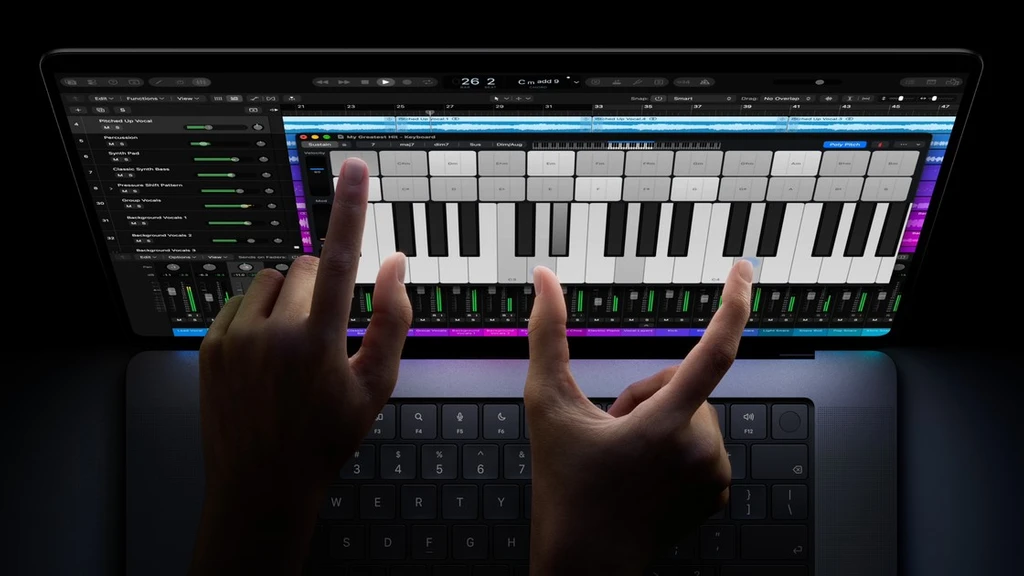
The tandem OLED panel adds touch, adaptive refresh up to 120Hz, P3 and Adobe RGB support, and up to 2,000 nits for HDR and SDR according to Apple. Those specifications matter most when connected to the applications and output requirements of your own work.
- For visual projects, check the color standards your clients or delivery formats require.
- For travel, weigh screen size against the setup you carry and any external display you use at a desk.
- For touch and Dynamic Island, identify tasks where the new interaction would actually save effort.
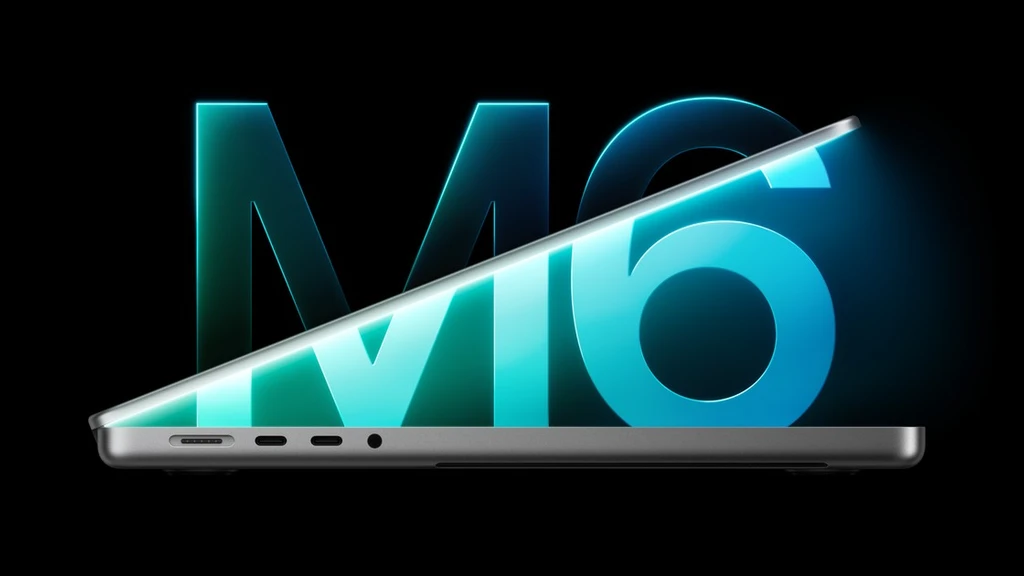
Keep this range separate from the 14-inch M6 MacBook Pro announced the previous day. The shared product name does not mean the display or chip family is the same.
Turn the purchase price into a changeover budget
Calculate the price of your chosen new configuration and necessary accessories, then compare it with a current assessment of your existing Mac. Another seller’s advertised price is not a confirmed offer for your device.
Prepare the exact model, chip, memory, storage and condition, including any known faults. Allow time to move files and open essential projects on the replacement before handing over your working computer. Apple’s Time Machine guide explains backing up to external storage; confirm the latest backup has completed before relying on it.
Ask MaKaiTeeTum about your current Mac
See our Apple device buyback service or send the device details to LINE @KunTum. An assessment depends on the actual model, configuration, condition and time of enquiry. The buying considerations here are MaKaiTeeTum’s editorial guidance, separate from Apple’s product announcement.
Sources and image credit
- Apple Newsroom ประเทศไทย — MacBook Pro PROLED XDR, 28 October 2026
- Apple Support — Back up your Mac with Time Machine
Image: Apple. Cover photograph from the linked Apple Newsroom announcement.