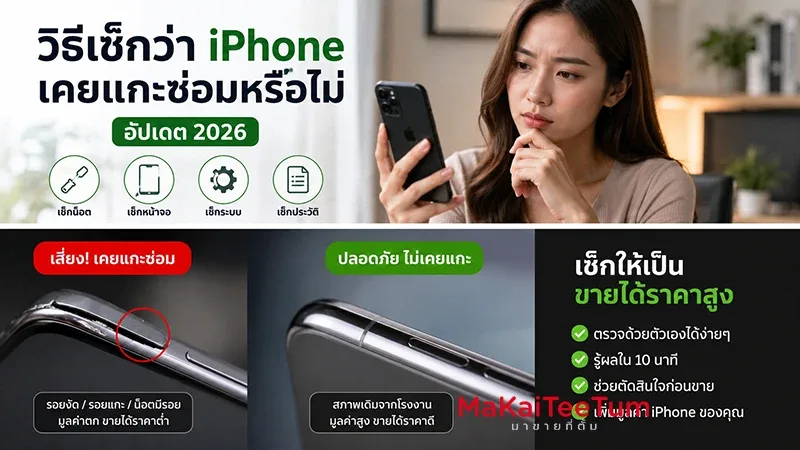
When buying a used iPhone, the battery can reveal more about the device than many buyers expect. A phone may look clean, show high Battery Health, and still hide a poor-quality battery replacement. If the battery was replaced with an unverified part or installed without proper repair standards, the iPhone may show inaccurate battery data, drain quickly, overheat, or shut down unexpectedly.
This guide explains how to check whether an iPhone may have had a non-standard battery replacement, what warning signs to look for, and why battery repair history affects second-hand market pricing, resale value, and long-term ownership confidence.
What Counts as a Poor or Non-Standard Battery Replacement?
A non-standard battery replacement can involve an unverified battery, low-quality replacement part, incomplete calibration, poor installation, or a repair process that prevents iOS from confirming battery authenticity and reporting health data accurately.
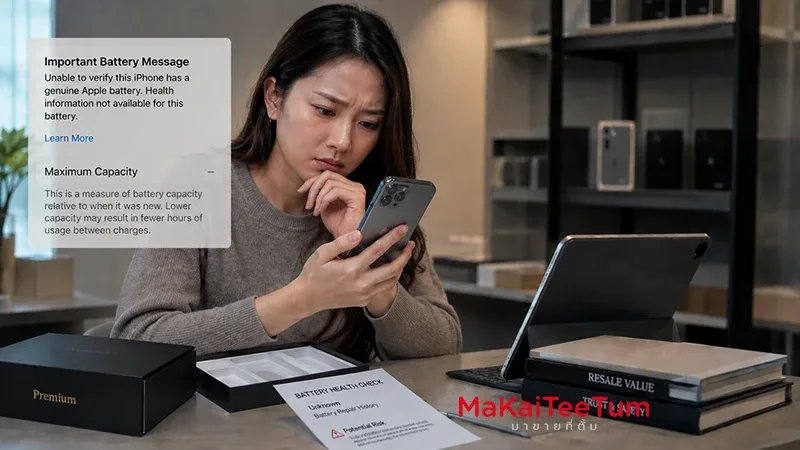
- The iPhone cannot verify the battery as genuine
- Parts & Service History shows an unknown battery-related message
- Battery Health is missing or unreliable
- The phone overheats, drains quickly, or shuts down
- Charging behavior becomes unstable after replacement
Apple explains that genuine iPhone batteries are designed to work with iOS to report charge levels and battery health properly. If the battery cannot be verified, the information shown by the iPhone may not be fully accurate.
Check Parts & Service History First
Where to Find It
On supported iPhones, open Settings, General, and About. If the device has a repair history, you may see a Parts & Service History section. For battery replacement, the system may display labels such as Genuine Apple Part, Used, Unknown Part, or a message indicating that the repair process needs attention.
What Genuine Apple Part Means
When the iPhone can verify the part properly, Genuine Apple Part generally indicates that the battery is recognized by iOS. However, buyers should still check real-world battery behavior because even genuine batteries age over time.
Why Unknown Part Is a Red Flag
Unknown Part means the iPhone cannot verify the battery. This may happen because the part is not genuine, was previously used, or was not installed or configured in a way the system can recognize. In the second-hand market, this lowers buyer confidence immediately.
Is Battery Health Alone Enough?
A High Percentage Does Not Always Mean a Good Battery
Many buyers feel confident when they see 100% Battery Health. But if the battery was recently replaced using an unverified part, the number may not tell the full story.
Compare Maximum Capacity With Real Usage
Maximum Capacity shows how much charge the battery can hold compared with when it was new. But it should always be checked alongside real behavior: how fast the phone drains, whether it heats up, how it charges, and whether it shuts down unexpectedly.
Newer iPhones Provide More Battery Details
On iPhone 15 models and later running newer iOS versions, users can view additional battery information such as cycle count, manufacture date, and first use date. These details help determine whether the battery condition makes sense for the age of the device.
Warning Signs of a Bad Battery Replacement
Battery Drains Too Quickly
If Battery Health looks strong but the phone loses power quickly during normal use or drains heavily overnight, the battery may be low quality or inaccurately reported.
Battery Percentage Jumps
A battery jumping from 60% to 20%, charging too quickly, or dropping suddenly after restart can indicate unstable battery reporting or weak battery cells.
The iPhone Gets Hot or Shuts Down
A poor battery can affect power stability. Apple notes that iPhone performance management considers factors such as temperature, state of charge, and battery impedance to help prevent unexpected shutdowns.
Charging Becomes Unstable
Slow charging, charging interruptions, or battery percentage freezing can point to battery, charging port, cable, or internal power-management issues. If these issues appear soon after a battery replacement, inspect the repair history carefully.
Can You Spot Poor Battery Work From the Outside?
Marks Around the Display or Frame
Opening an iPhone requires care. Visible pry marks, uneven display edges, or damaged adhesive areas can suggest rough repair work.
Screen Not Sitting Flush
If the display is lifted, uneven, or makes clicking sounds when pressed, the phone may not have been reassembled correctly after battery replacement.
Battery Swelling
A swollen battery is a safety concern. If the display is lifting, the back appears distorted, or the device has unusual gaps, stop using it and have it inspected immediately.
Why Poor Battery Replacement Reduces Resale Value
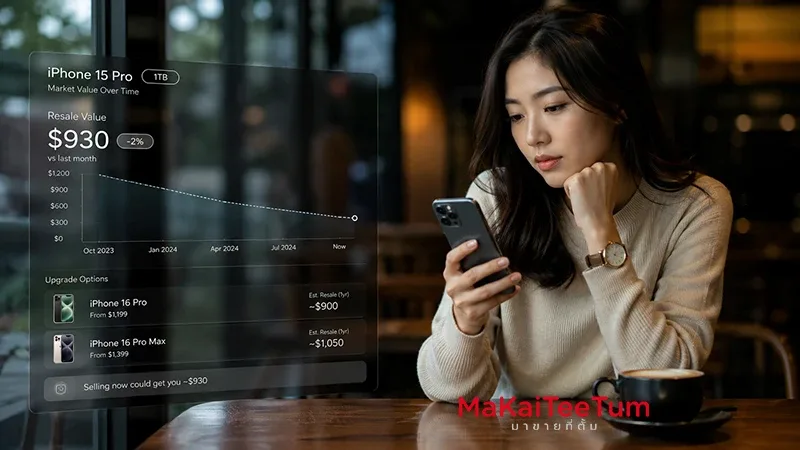
Used iPhone buyers care about more than battery percentage. They care about safety, reliability, repair history, and whether the device can be trusted for long-term use. An Unknown Part message or unstable battery behavior can reduce resale value significantly.
- Buyer confidence drops
- Battery Health data may be unreliable
- The phone may need another battery replacement
- Unexpected shutdown risk increases
- The device becomes harder to resell later
A used iPhone with 100% Battery Health but unclear battery history may be less attractive than one with slightly lower battery health but a verified service record.
How to Test Battery Condition Before Buying Used
Check About and Battery Settings
Review both Parts & Service History and Battery Health & Charging. Do not rely on only one screen when evaluating a second-hand iPhone.
Run a 15–30 Minute Real-World Test
Open YouTube, Camera, Safari, or another moderate power-use app. Watch whether the battery drains smoothly, drops suddenly, or causes the device to heat up.
Plug and Unplug the Charger Several Times
Confirm that the phone charges consistently, recognizes power quickly, and does not show unexpected battery-related alerts.
Restart and Recheck Battery Percentage
Battery reporting issues sometimes appear after restart. If the percentage changes dramatically after rebooting, treat it as a warning sign.
Should You Keep Using It or Sell It?
Keep Using It If:
- The battery is verified or repair history is clear
- Battery Health makes sense for the phone’s age
- There is no overheating, jumping percentage, or shutdown behavior
- The phone still lasts through your normal daily use
Sell or Get an Estimate If:
- The phone shows Unknown Part or battery alerts
- Battery Health is missing or unreliable
- The battery drains quickly despite recent replacement
- The device heats up or shuts down unexpectedly
- You are already planning to upgrade
If the iPhone still works but battery history is unclear, getting a realistic valuation helps you decide whether to sell now or replace the battery properly before selling.
Why Professional Apple Device Evaluation Matters
Evaluating a used iPhone with battery replacement history requires more than reading one percentage number. Model, storage, device condition, service history, system alerts, real-world battery behavior, and current market demand all affect pricing.
MaKaiTeeTum provides Apple device buyback and evaluation services for iPhone, iPad, MacBook, iMac, and Apple Watch. It is useful for sellers who want to understand how battery condition and repair history affect resale value before making a decision.
- Fast inspection in around 10 minutes
- Pricing based on model, condition, and service history
- Pickup service available in supported areas
- Immediate payment after agreement
- Privacy-focused handling with no personal data retention
Quick Decision Summary
- Always check Parts & Service History before buying used
- Unknown Part is a warning sign that the battery cannot be verified
- 100% Battery Health does not always guarantee a good battery
- Battery jumps, overheating, shutdowns, and unstable charging are key red flags
- iPhone 15 and later models provide more detailed battery information
- Unclear battery replacement history reduces resale value
- Get a realistic estimate before selling a repaired iPhone
If your iPhone has had a battery replacement or you are unsure whether the battery is verified, you can send the model, storage, and condition for an initial estimate through LINE: @KunTum, visit makaiteetum.com, or call 08-1154-5496.
References
https://support.apple.com/en-us/102658
https://support.apple.com/en-us/103269
https://support.apple.com/en-us/101575