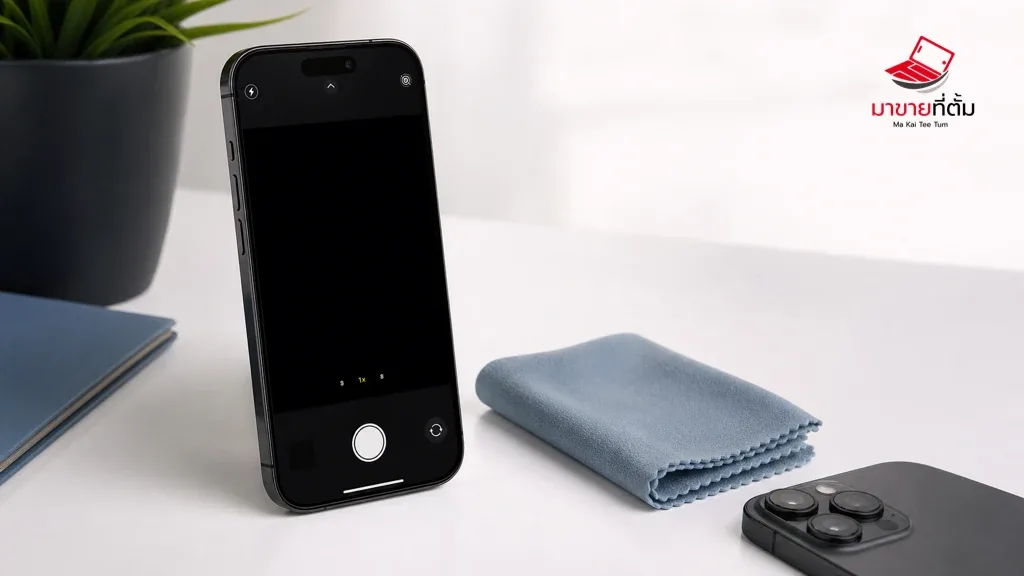
A black preview in the iPhone Camera app can be caused by an obstruction, a frozen app, a software issue, or damage to one camera module. The quickest diagnosis is to test the front camera, rear camera, and flashlight separately instead of assuming the whole phone has failed.
Checks to try first
- Remove the case, lens protector, magnetic mount, or other accessory and test again
- Clean the lenses with a microfiber cloth, then test both cameras and the LED flashlight
- Close Camera from the app switcher, reopen it, and restart the iPhone
- Install available iOS or app updates, then test the camera in another app that uses it
- Note whether only one camera is black; that detail is useful when separating software symptoms from a camera-module fault
When the device needs further help
If the camera and flash remain unusable after these checks, or the problem began after impact or liquid exposure, service is safer than repeated resets. Do not probe the camera opening or open the phone at home.
Bottom line
Start with reversible checks that do not erase personal data, then isolate the accessory, setting, network, or hardware involved. If the symptom survives the basic steps or follows impact or liquid exposure, professional assessment is safer than repeated resets.
Thinking about selling or upgrading an Apple device?
If the problem is part of an upgrade decision, MaKaiTeeTum can help assess an iPhone, iPad, Mac, or Apple Watch and discuss your selling options. Describe the real condition and repair history for a more useful valuation.
- Call: 064-564-7945
- Line ID: @KunTum