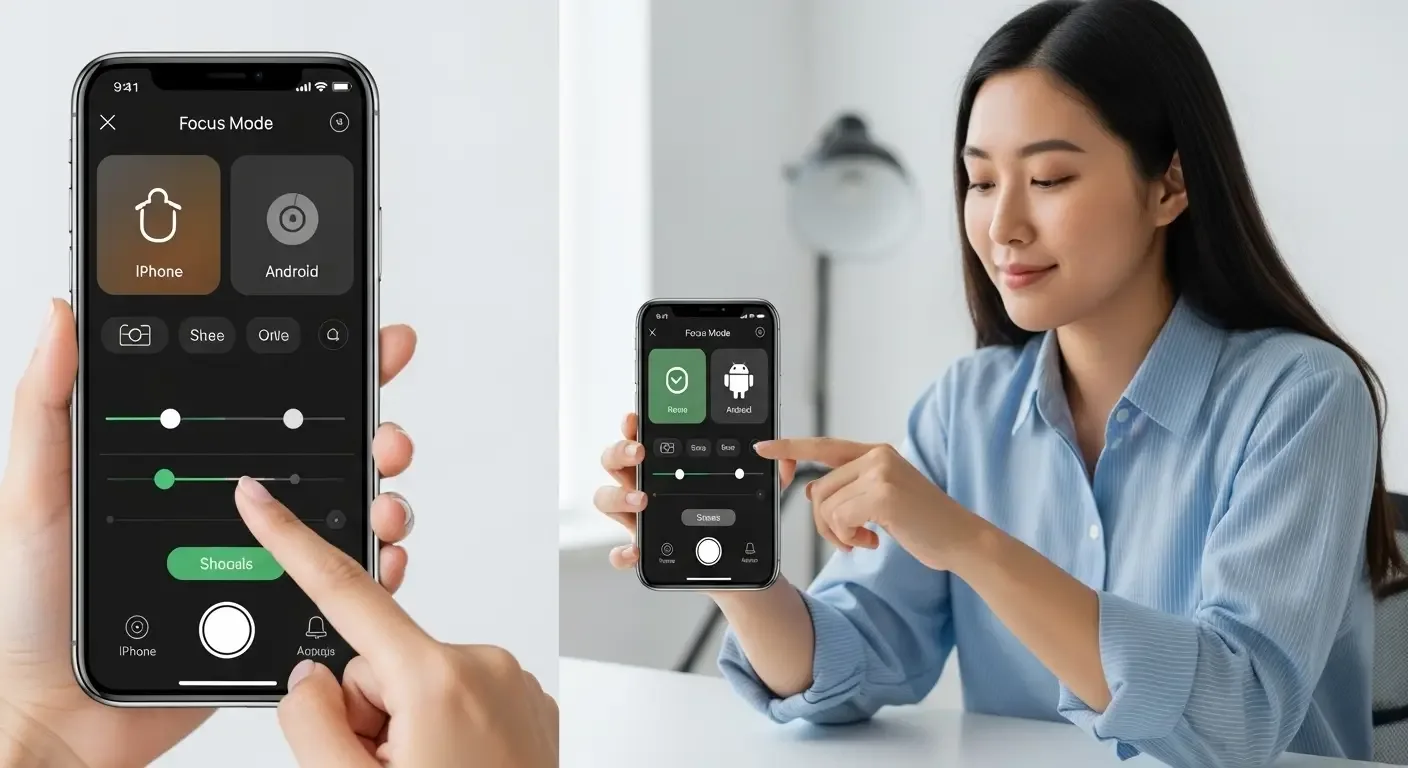
iPhone Photography Tips: How to Capture Professional-Looking Shots in Any Lighting Condition
In today’s world, smartphones have become everyone’s go-to camera, and many choose the iPhone for its ever-evolving camera system. However, no matter how advanced the hardware, without the right techniques, photos may still fall short. This article guides you through iPhone photography tips that will make your photos look like they were taken by a professional, with a special focus on adapting to different lighting conditions—daylight, low light, or even nighttime.
1. Understand Lighting in Different Times of the Day
Lighting directly impacts your photos. Shooting at different times of the day creates completely different moods:
- Golden Hour (around 6–7 AM and 5–6 PM): Warm, soft lighting ideal for portraits and landscapes.
- Midday (10 AM–3 PM): Harsh lighting with strong shadows. Use HDR and avoid direct sunlight on faces.
- Low Light / Nighttime: Use iPhone’s Night Mode and keep the phone steady.
2. Use Camera Modes Smartly
The iPhone comes with multiple camera modes like Portrait, Night Mode, and HDR, which help you capture great shots even in tricky situations:
- Portrait Mode: Perfect for people shots, with natural background blur.
- Night Mode: Automatically activates in low light—use a tripod to minimize shake.
- HDR (High Dynamic Range): Balances highlights and shadows, great for sky and landscape shots.
3. Adjust Exposure and Focus Like a Pro
Many overlook the importance of tapping the screen to adjust focus and brightness. Tap and hold the area you want to focus on, then slide up or down to adjust exposure.
Pro Tips:
- Tap and hold to lock focus and exposure until AE/AF LOCK appears.
- Especially useful for backlit scenes or changing light conditions.
4. Use Accessories to Boost Stability and Quality
While the iPhone’s built-in stabilization is excellent, accessories can help capture sharper, steadier photos:
- Tripod: Essential for night photography with long exposures.
- LED Ring Light: Adds soft lighting for indoor or low-light shots.
- External Lenses: Wide-angle or macro lenses enhance creative photography.
5. Composition Is Key
Strong composition instantly makes photos look more professional. Use these classic techniques:
- Rule of Thirds: Turn on the Grid and position subjects off-center for visual interest.
- Leading Lines: Use paths, fences, or shadows to guide the viewer’s eye.
- Framing: Frame subjects using windows, doors, or natural surroundings.
6. Use Apps for Advanced Shooting and Editing
Some apps allow greater manual control and powerful editing options:
- Halide: Pro camera app with full manual controls.
- Lightroom: Professional editing with presets for consistency.
- Snapseed: Free, easy-to-use app with robust editing tools.
7. Handle Backlighting and Overexposure
If shooting against strong light (e.g., the sun behind your subject):
- Enable HDR to retain both highlight and shadow details.
- Tap on the face for focus, then adjust brightness for balance.
- Consider capturing a silhouette for a creative effect.
8. Shoot in RAW for Maximum Detail
Newer iPhones (iPhone 12 Pro and above) support ProRAW, a high-detail format with greater color and brightness information than JPEG:
- Ideal for post-editing.
- Best paired with Lightroom or Photoshop for maximum potential.
9. Don’t Forget to Clean the Lens
A simple but often overlooked step — wipe the lens before shooting with a soft cloth. It prevents unintended blurriness or haze in your photos.
10. Practice and Experiment
Ultimately, no tip works without practice. Every lighting condition has its own charm—shoot often, experiment with settings, and you’ll learn which light works best for different shots.
Conclusion
Even with just an iPhone camera, these techniques can elevate your photography to a professional level under any lighting conditions. Adjust settings wisely, make use of accessories, and most importantly, never stop shooting. Experience is the best teacher.
So grab your iPhone, head out, and capture unforgettable moments with a pro-level perspective!