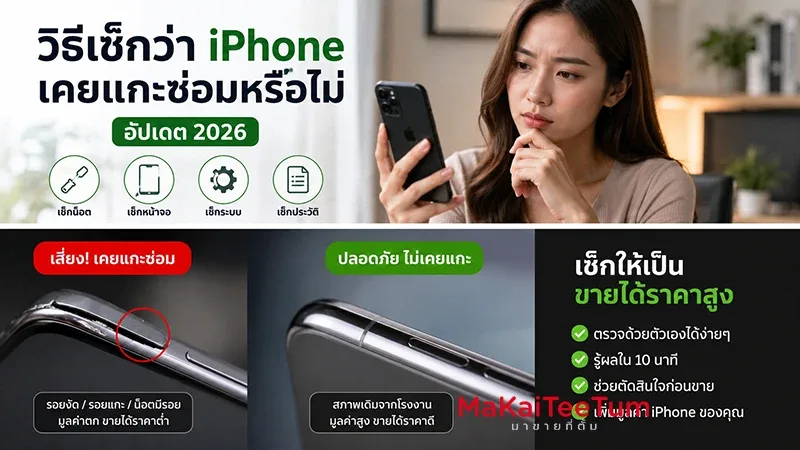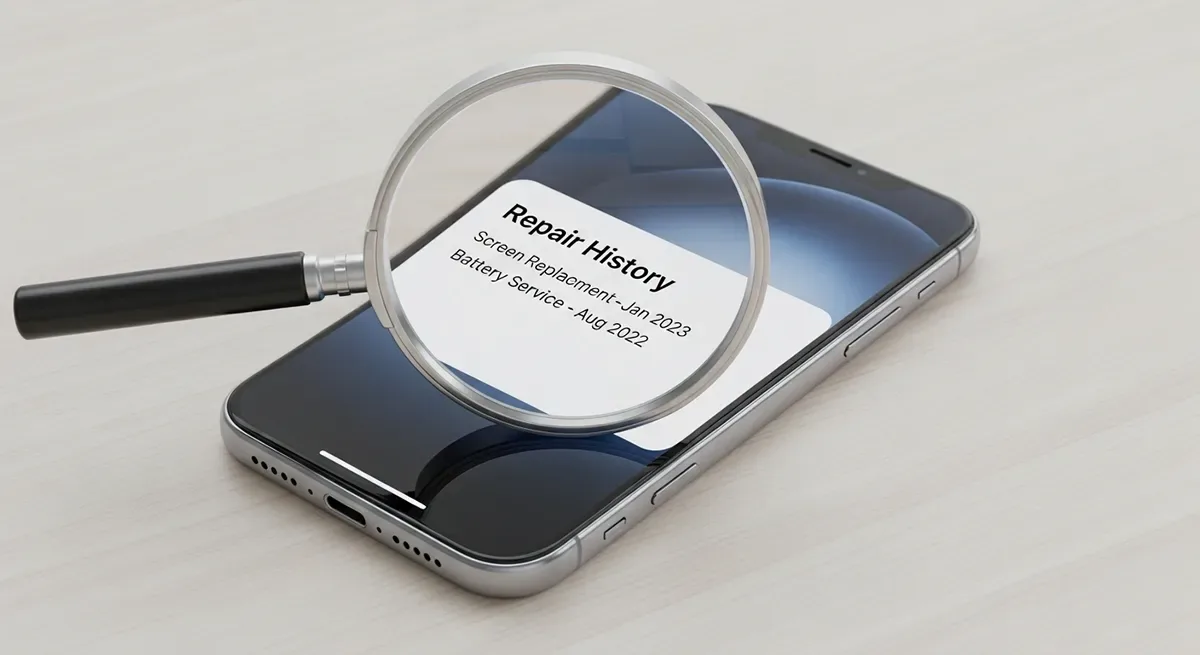
Many people preparing to sell their iPhone think that simply resetting the device or cleaning it on the outside is enough. But the truth is, iPhone buyback stores today can check the official “repair history” of a device before finalizing a deal—something that can directly affect the price you’ll get.
Apple Records Every Repair!
Whenever your iPhone is serviced at an Apple Store or an authorized repair center, Apple logs the information in their system. This includes:
- Which parts were replaced (e.g., screen, battery, motherboard)
- Service date and location
- Whether the unit was swapped for a refurbished device
Once a store has the Serial Number or IMEI, they can use Apple’s systems or partner tools to view this history instantly.
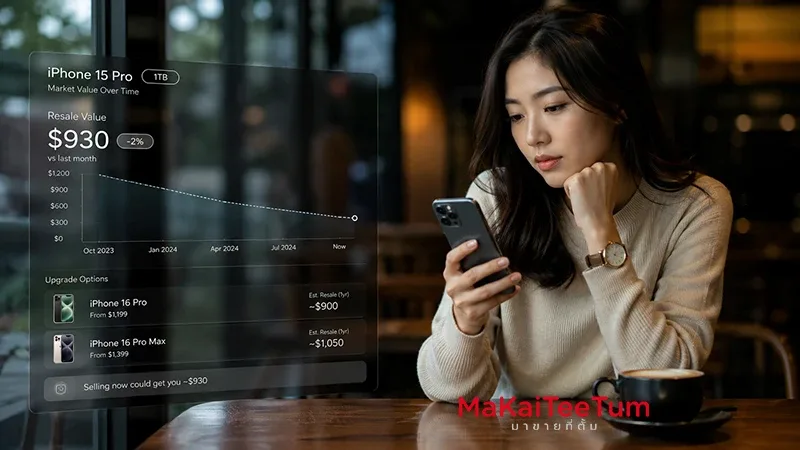
Impact on Second-Hand iPhone Pricing
Buyback stores evaluate repair history along with the current condition of the phone to determine pricing. Typically:
- Never repaired: Highest resale value
- Repaired at Apple with genuine parts: Still holds good value
- Repaired at unauthorized shops with non-genuine parts: Price may drop significantly, or some stores may refuse to buy
How Can You Check an iPhone’s Repair History?
1. Via iOS (15.2 and later)
Go to Settings > General > About and check Parts and Service History. This will show which parts were replaced and whether they are genuine.
2. Through Apple or third-party services
Some providers allow repair history checks using the iPhone’s IMEI or Serial Number, giving detailed service logs or replacement records.
Why Do Stores Check Repair History?
There are several important reasons:
- Avoid improper repairs: Prevents issues from poor-quality fixes
- Detect modified devices: Identifies swapped boards or counterfeit parts
- Maintain trust: Stores ensure they only deal with standard, high-quality devices
Tips for Sellers
If you want to maximize resale value, keep these in mind:
- Check repair history yourself before selling
- Always repair at Apple or authorized centers with genuine parts
- Prepare accessories like box, charger, and receipts (if available)
- Remove Apple ID and factory reset the phone
Benefits for Buyers
Repair history checks also protect buyers in the second-hand market:
- Confidence that no fake parts were used
- Lower risk of devices with recurring issues
- Transparency about the phone’s background
Conclusion
Most sellers don’t realize that buyback stores can see an iPhone’s repair history—but this is a key factor in pricing and trust. Knowing this helps both sellers and buyers make better, safer decisions in the second-hand iPhone market.
FAQ
1. Will repair history still show after a factory reset?
Yes. It’s tied to the Serial Number, not the device’s local storage.
2. What if I replaced the battery at a non-Apple shop?
Apple will flag it as “non-genuine” or “unable to verify,” which may lower resale price or cause rejection by some stores.
3. How do stores access this data?
Authorized stores use Apple APIs, partner programs, or third-party IMEI/Serial lookup tools.
4. If serviced at Apple but warranty expired, will value still hold?
Yes, as long as genuine parts were used and the device is in good condition.
5. Where can I find the Serial Number?
Go to Settings > General > About to view Serial Number or IMEI.