Selling an iPhone online is becoming increasingly popular due to its convenience, speed, and ability to compare prices across multiple stores. But before you ship your device to an online iPhone buyback service, you should prepare properly to protect your personal data and ensure you get the best possible price.
1. Back Up All iPhone Data
Always back up your data first via iCloud or iTunes to avoid losing contacts, photos, documents, or apps.
- iCloud: Settings > [Your Name] > iCloud > iCloud Backup > Back Up Now
- iTunes (macOS pre-Catalina or Windows): Connect iPhone > iTunes > Back Up Now
2. Remove Apple ID and Sign Out of iCloud
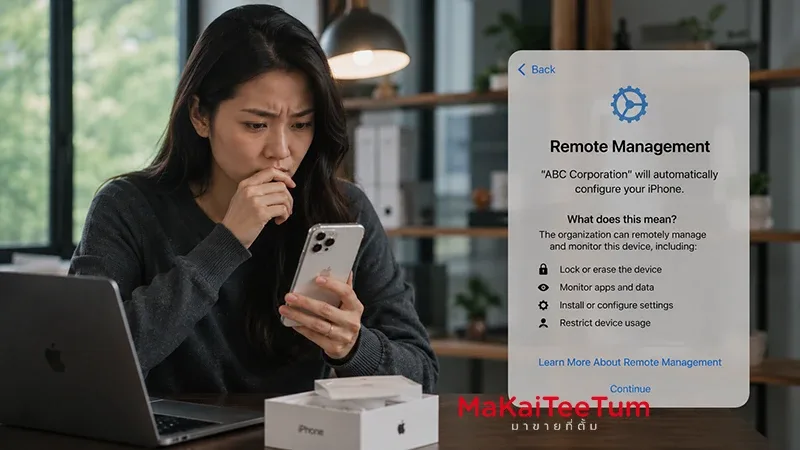
Sign out to disable Activation Lock. Without this step, the store cannot reuse or resell your iPhone.
- Settings > [Your Name] > Sign Out
- Enter Apple ID password to confirm
3. Factory Reset the Device
Reset your iPhone to remove all personal data.
- Settings > General > Transfer or Reset iPhone > Erase All Content and Settings
4. Disable Find My iPhone
Ensure Find My iPhone is off. Normally, this is disabled automatically once you sign out of Apple ID, but double-check under Settings > [Your Name] > Find My.
5. Check Device Condition and Accessories
- Screen responsive, no ghost touches
- Battery health above 80%
- Cameras working properly
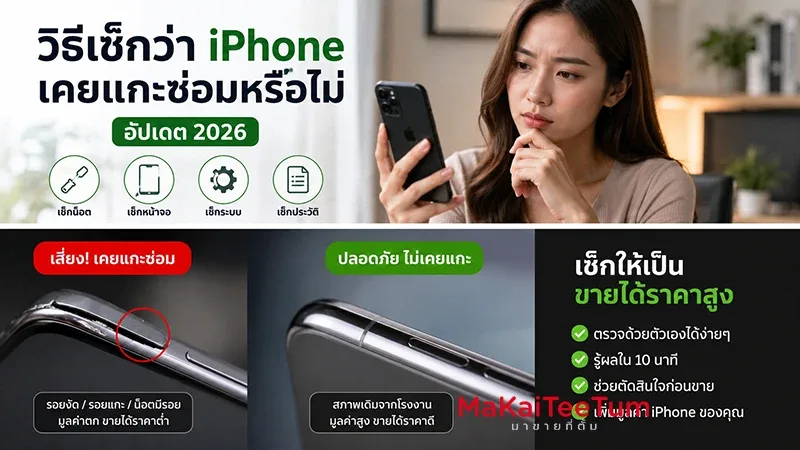
- Note any prior repairs or water damage
- Include original box and accessories if available
6. Compare Online Buyback Prices
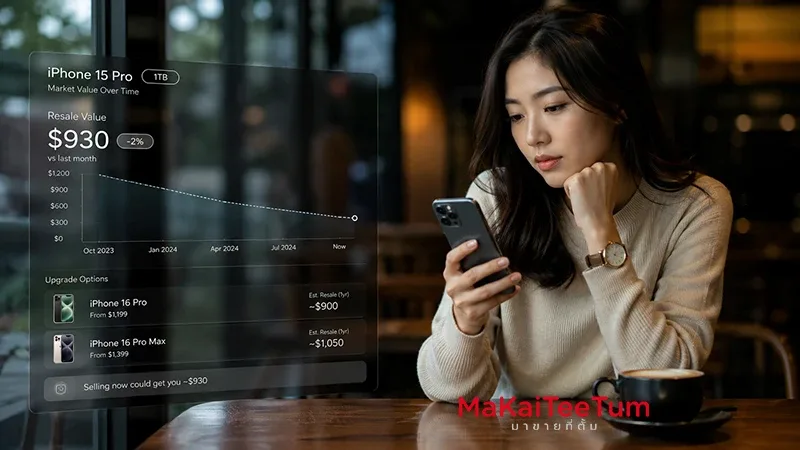
Don’t settle for the first offer. Check multiple online buyback stores for the best deal.
- Check model, storage, and condition-based quotes
- Review pickup/drop-off options
- Confirm payment timeline after inspection
7. Pack and Ship Safely
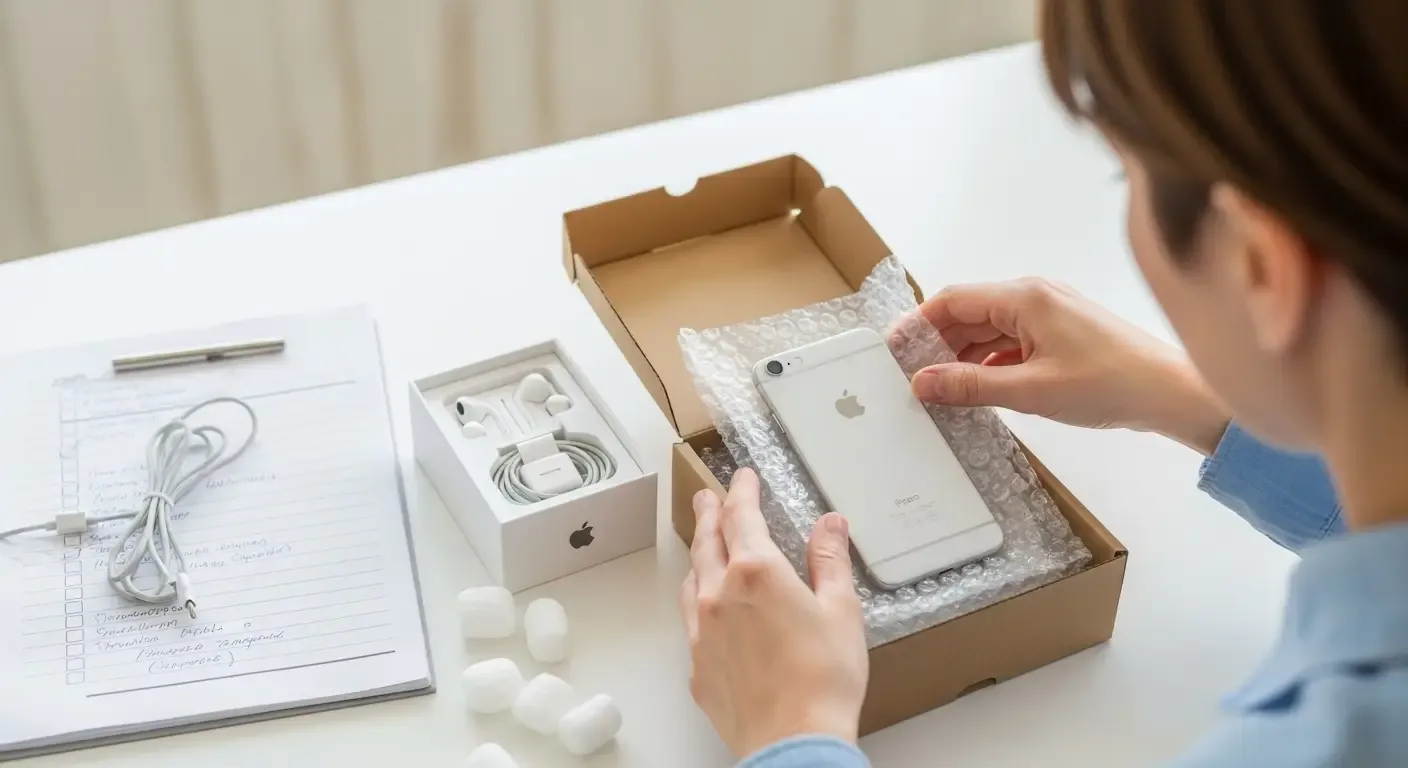
- Use a sturdy box with bubble wrap or padding
- Place iPhone inside its original box if available
- Include price confirmation or contact info
- Choose a reliable courier with tracking
FAQ
Q: Is selling an iPhone online safe?
A: Yes, if you choose a reputable buyback store with verified customer reviews and shipment tracking.
Q: Can I sell an iPhone with a broken touch screen?
A: Yes, but the price will be lower. Some stores buy them for parts.
Q: What if I can’t sign out of iCloud?
A: Most stores won’t accept iPhones still locked to iCloud due to security and resale restrictions.
Summary
Follow this 7-step checklist to ensure a smooth, safe, and profitable iPhone sale online. From backing up your data to secure packaging, careful preparation not only protects your privacy but also increases the chance of getting the best possible resale value.