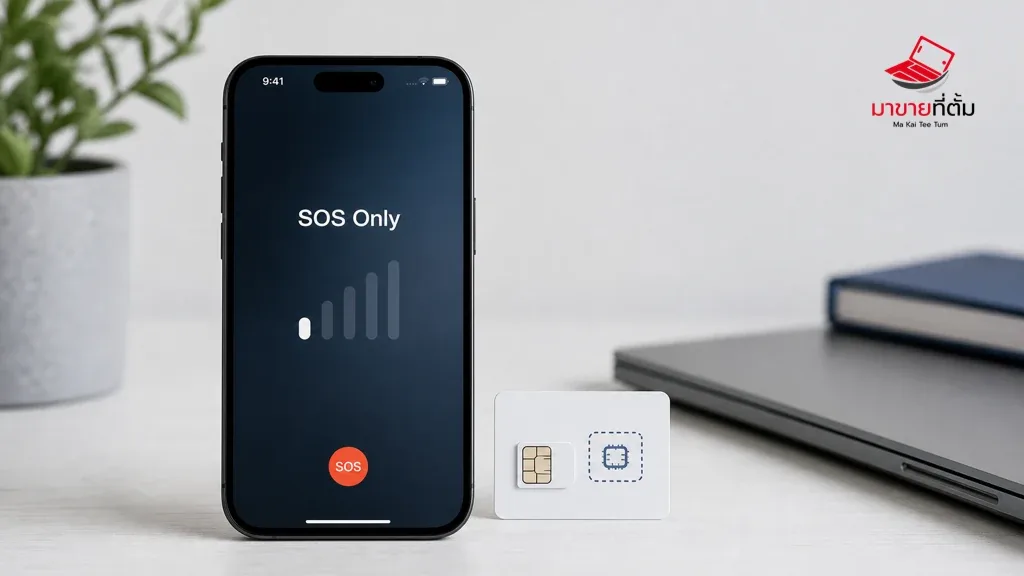
When an iPhone shows SOS or SOS Only in the status bar, it is not connected to its normal cellular network. In some countries it may still place emergency calls through another available network, but that message does not mean the phone has entered Emergency SOS mode or that the hardware is definitely broken.
The cause can be simple, such as weak coverage or a temporary carrier outage. It can also involve a SIM or eSIM, account status, network settings, or damage to the phone’s cellular hardware. Work through the checks below before erasing data or opening the device.
What to do when your iPhone says SOS Only
- Move to a different location: Step outside a lift, basement, or enclosed building and wait briefly. If the signal returns, coverage is the more likely explanation.
- Use Airplane Mode for at least 15 seconds: Open Settings or Control Centre, turn Airplane Mode on, wait, and turn it off. This gives the iPhone another chance to find the mobile network.
- Restart the iPhone: A restart clears the current radio connection and can help the phone register with the network again.
- Check the SIM or eSIM: For a physical SIM, power down before removing the tray and check for damage or debris. For an eSIM, confirm that the line is still enabled under Cellular settings. Do not delete an eSIM unless you already have a reliable reactivation method from your carrier.
- Ask the carrier to check the account and outage status: Confirm that the line is active, the account is in good standing, and there is no local outage. Only the carrier can access and manage those account details.
- Check for a carrier settings update: Connect to Wi-Fi, then open Settings > General > About. If iOS offers a carrier settings update, read the prompt before accepting it.
- Reset network settings only if needed: This can clear a damaged network configuration, but it also removes saved Wi-Fi passwords, VPN settings, and other network preferences. Make sure you can reconnect to important networks before using it.
How to tell whether the carrier or the phone is the problem
If several phones in the same place lose service at the same time, or the same SIM fails in another phone, contact the carrier first. If a known-working SIM also shows SOS Only in this iPhone, especially after a drop, liquid exposure, or other physical event, the phone may need a hardware inspection.
When to stop troubleshooting at home
- SOS Only remains in an area with reliable coverage and the carrier reports no outage.
- A working SIM or eSIM behaves normally elsewhere but not in this iPhone.
- The phone was dropped, exposed to liquid, or has unusual heat or restart symptoms.
- Calls, mobile data, and SMS still fail after the carrier has confirmed the line is active.
Avoid opening the phone or deleting the eSIM as a first response. Unauthorised repairs can make diagnosis harder, while deleting an eSIM without a replacement activation path can leave the line offline.
Prepare your iPhone before a service inspection
- Back up important data to iCloud or a computer.
- Write down when the issue started and whether it happens everywhere or only in one location.
- Capture a photo or short video if the SOS message appears intermittently.
- Bring the carrier details and note whether the line uses a physical SIM or eSIM.
- Do not share your Apple Account password and do not erase the phone unless the service process requires it.
Bottom line
SOS Only does not automatically mean an iPhone is damaged. Start with location, Airplane Mode, a restart, and SIM or eSIM checks, then ask the carrier to separate a network or account issue from a device issue. Persistent SOS Only after a confirmed working line, or any history of impact or liquid exposure, is a good reason to arrange an inspection.
Thinking about selling your old iPhone or Apple device?
If you are troubleshooting before an upgrade, MaKaiTeeTum can help assess an iPhone, iPad, Mac, or Apple Watch and discuss your selling options. Describe the device condition accurately so the valuation is based on the real situation.
- Call: 064-564-7945
- Line ID: @KunTum