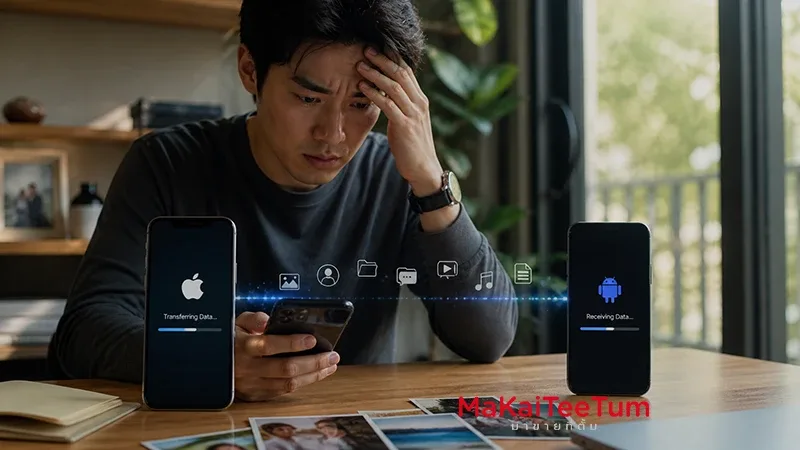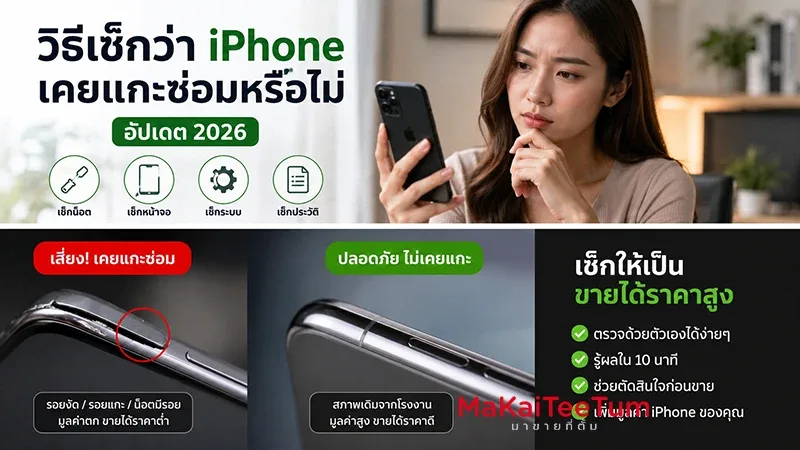
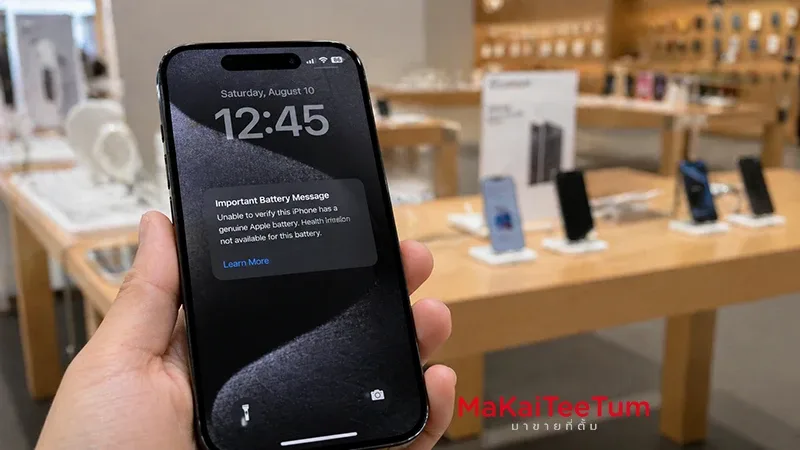
Have you ever seen your iPhone display the message “Unable to verify this iPhone has a genuine Apple battery” and felt unsure whether your device is still safe to use?
This is not just a minor notification. It’s a critical signal that directly affects performance, safety, and resale value of your iPhone.
In this guide, you’ll understand everything — from real causes, hidden risks, solutions, and most importantly: whether you should keep using it or sell it while it still holds value.
What Does “Unable to Verify Battery” Mean?
This message appears when iOS cannot confirm that the battery installed in your iPhone is a genuine Apple battery or properly paired with the device.
- Battery Health data may be unavailable
- iOS cannot validate the battery serial number
- Usually appears after battery replacement
According to Apple and repair experts like iFixit, newer iPhones use a pairing system between the battery and logic board. If that pairing fails, the system flags the battery as “unverified.”
Main Causes of This Warning
1. Battery Replaced Outside Apple Authorized Service
This is the most common cause. Even if the battery is genuine, it may not be properly paired with your iPhone.
2. Third-Party or Low-Quality Battery
Non-certified batteries may lack authentication chips, making verification impossible.
3. No Reprogramming After Repair
Some repair shops install good batteries but skip serial reprogramming, causing the warning to persist.
4. Hardware Damage
Water damage or electrical issues can interfere with battery detection.
Hidden Impacts You Should Know
1. Not Just Cosmetic — It Affects System Behavior
Without verified battery data, iOS may not manage power efficiently.
2. Reduced Performance
Your iPhone may slow down or throttle performance to prevent unexpected shutdowns.
3. Safety Risks
Low-quality batteries can overheat, swell, or degrade faster — a risk highlighted in multiple repair reports.
4. Immediate Drop in Resale Value
Marketplaces like eBay and Back Market show that iPhones with this warning often sell for 10%–30% less than normal units.
What Are Your Options?
Option 1: Replace Battery at Apple
Restores full functionality and removes the warning, but comes at a higher cost.
Option 2: Keep Using It
If the battery still performs well, you can continue using it — but accept performance and safety risks.
Option 3: Sell the Device Now
Often the smartest financial move, especially if:
- You plan to upgrade soon
- You want to avoid further repair costs
- The device already shows early signs of aging
Key Insight: Use vs Sell — Which Is Smarter?
Keep Using
Best for users who want to delay spending and accept some risk.
Sell Now
Best for users who want to lock in value before further depreciation.
- Battery-related issues tend to worsen over time
- Resale value drops progressively
- Additional problems (screen, board) will reduce price even more
Insight: The moment you see system warnings, you are already in the “declining value phase.” Acting early preserves more value.
Quick Decision Summary
- This warning means the battery cannot be verified by iOS
- Most commonly caused by third-party repairs
- Not immediately dangerous, but carries long-term risks
- Resale value typically drops 10%–30%
- Delaying action = further value loss
- Selling early is often the smarter financial move
Before You Decide — Check Your Resale Price First
If you’re unsure whether to repair or sell, the best first step is to check your current market value.
At MaKaiTeeTum (มาขายที่ตั้ม), you can:
- Send your iPhone model and condition for instant evaluation
- Get a price estimate within minutes
- No repair required before evaluation
- Schedule pickup and receive immediate payment
LINE: @KunTum
Phone: 08-1154-5496
Website: makaiteetum.com
Sometimes, knowing your device’s value today is all you need to make the right decision.