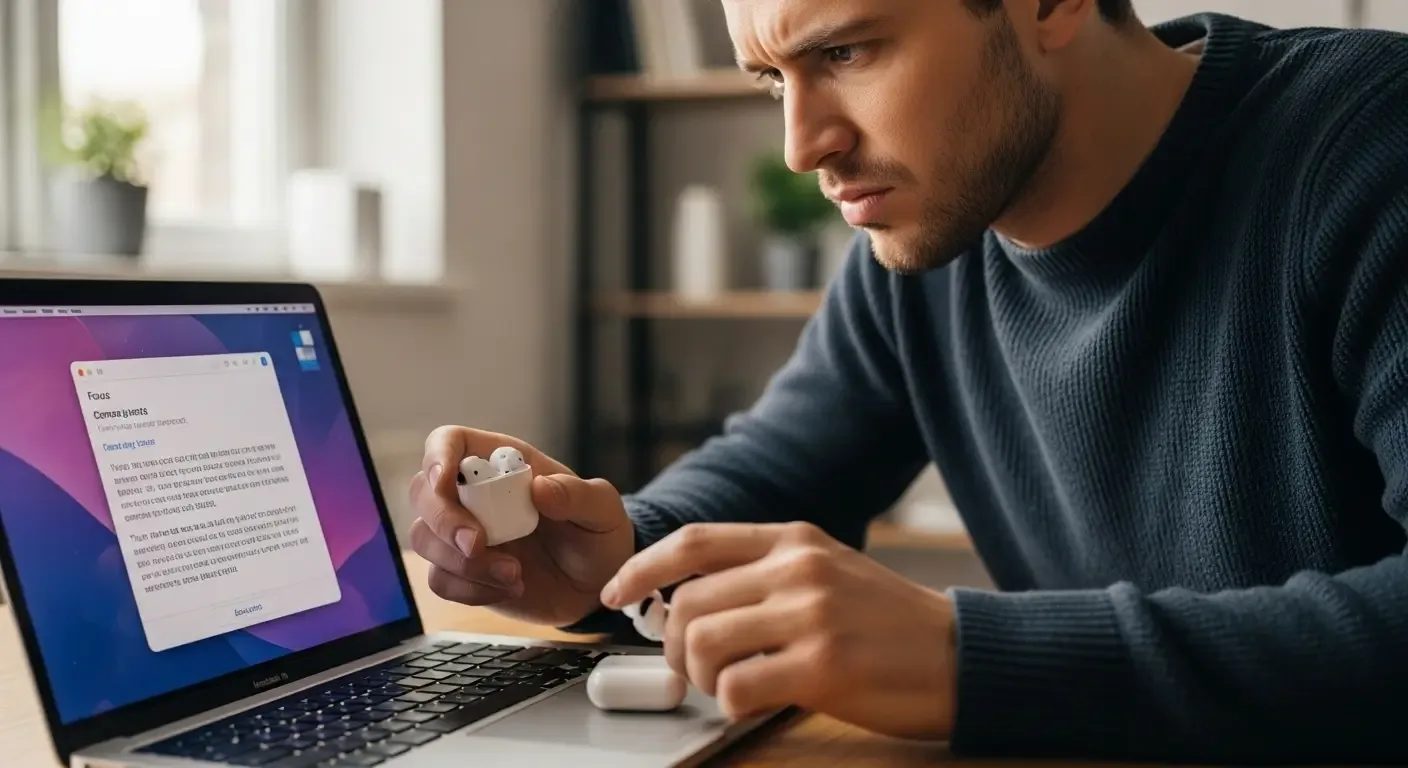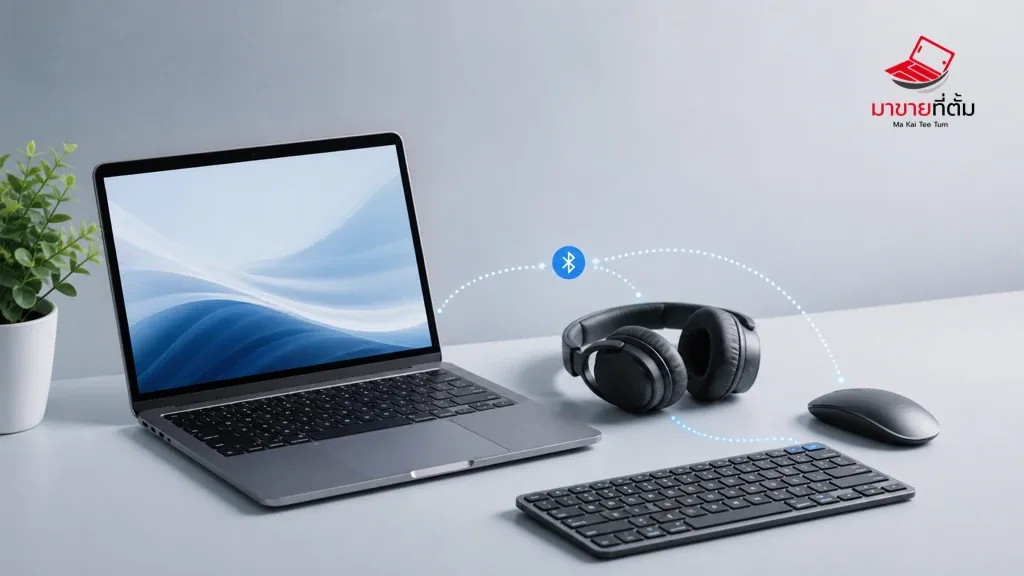
Bluetooth pairing problems on a MacBook are often caused by a low battery, an accessory that is already connected elsewhere, or a stale pairing record. Start with one accessory, then determine whether the failure affects every Bluetooth device.
Checks to try first
- Charge the accessory and put it into pairing mode using its own instructions
- Turn Bluetooth on in System Settings and keep the accessory close to the MacBook
- Forget an old pairing and pair the accessory again
- Temporarily turn off Bluetooth on nearby phones or computers that may claim the accessory
- Restart both devices and check macOS updates if every accessory disappears or refuses to pair
When the device needs further help
If the same accessory works elsewhere but the MacBook cannot discover any Bluetooth device after these checks, the wireless hardware or macOS installation may need further assessment.
Bottom line
Start with reversible checks that do not erase personal data, then isolate the accessory, setting, network, or hardware involved. If the symptom survives the basic steps or follows impact or liquid exposure, professional assessment is safer than repeated resets.
Thinking about selling or upgrading an Apple device?
If the problem is part of an upgrade decision, MaKaiTeeTum can help assess an iPhone, iPad, Mac, or Apple Watch and discuss your selling options. Describe the real condition and repair history for a more useful valuation.
- Call: 064-564-7945
- Line ID: @KunTum