Selling or trading in your iPhone isn’t just about wiping data and uninstalling apps — it also requires several preparation steps to protect personal information and ensure a secure transfer of ownership. Additionally, sellers should be aware of newer technologies such as Stolen Device Protection and Passkeys that relate to security and identity verification on Apple devices.
1. Turn Off Stolen Device Protection Before Selling
The Stolen Device Protection feature is a security system introduced by Apple to prevent unauthorized access to important data if your device is stolen. However, if you plan to sell or reset your iPhone, you should disable this feature in a familiar location, such as your home or workplace, to avoid a possible security delay that may take several hours before continuing.
Steps to turn off Stolen Device Protection before selling:
- Go to Settings > Face ID & Passcode
- Scroll down and select Stolen Device Protection
- Tap Turn Off Protection and confirm with your passcode
Disabling this feature in advance at your home ensures you can reset the device and sign out of your Apple ID without waiting for an additional delay.
2. Sign Out of Apple ID and Check Passkeys
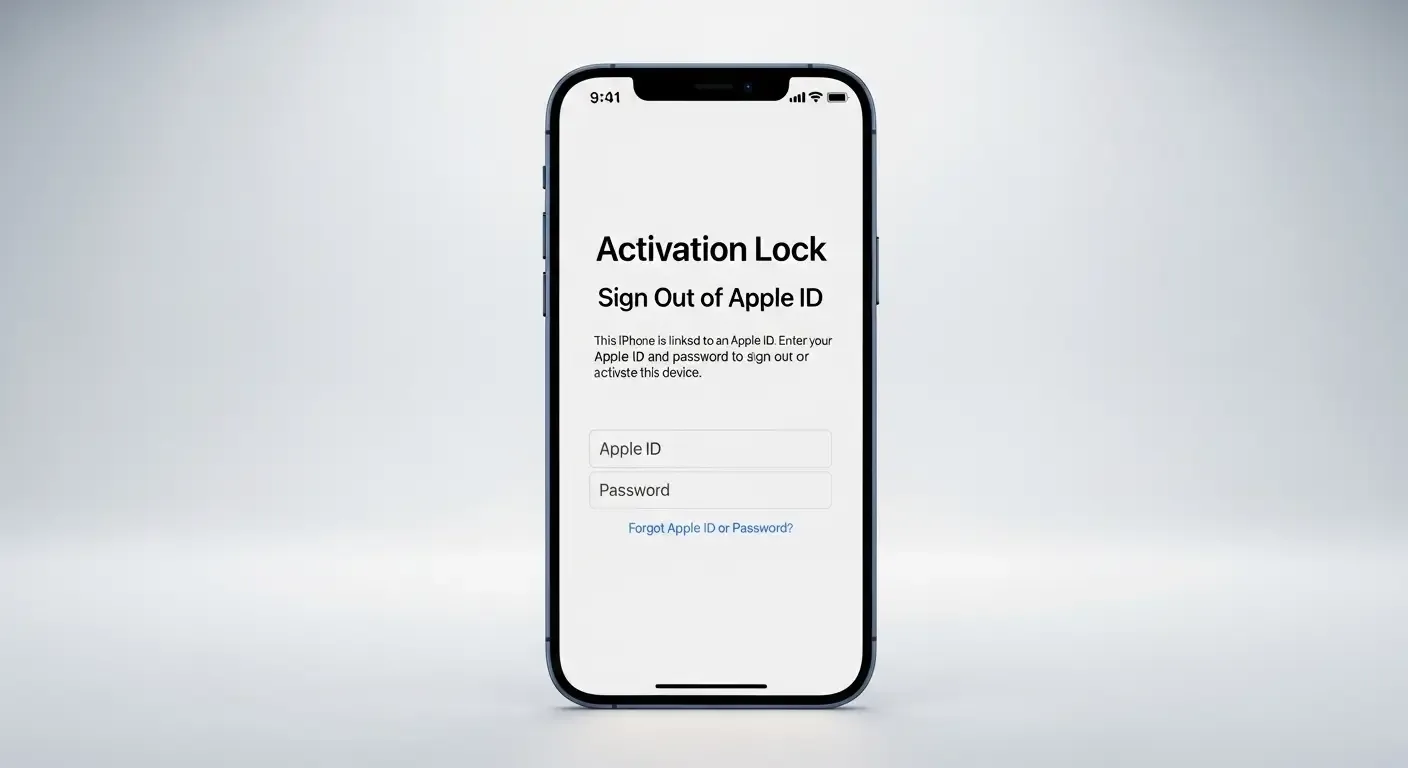
Signing out of your Apple ID is an essential step to remove the Activation Lock and ensure that the new owner can fully set up and use the device. In 2025, Apple has strengthened identity verification by implementing Passkeys to enhance security.
How to sign out of Apple ID:
- Go to Settings > [your name]
- Scroll down and tap Sign Out
- You may need to use a Passkey to confirm sign out, potentially approving it from another iPhone, iPad, or Mac logged into the same account
If you cannot approve from another device, connect to the internet and visit appleid.apple.com to manage your account directly.
3. Remove eSIM Before Handing Over the Device
Many modern iPhones no longer have a physical SIM tray and instead use an eSIM system. To prevent your phone number or user account from remaining associated with the device, you should remove all eSIM profiles before selling.
Steps to remove eSIM:
- Go to Settings > Cellular
- Select the cellular plan (eSIM) you want to remove
- Tap Remove eSIM and confirm
Removing the eSIM protects your phone number and ensures the new owner cannot access your account or personal data.
4. Check Parts and Service History
As transparency becomes increasingly important to consumers, checking your iPhone’s Parts and Service History is worthwhile. You can view this directly on the device to see whether the screen, camera, or battery has ever been replaced.
How to check:
- Open Settings > General > About
- Scroll down to find the Parts and Service History section
This information helps build buyer trust and lets you price your device more accurately.
5. iPhone Pre-Sale Checklist
- Back up data via iCloud or iTunes
- Turn off Find My iPhone
- Disable Stolen Device Protection (in a familiar location)
- Sign out of Apple ID and confirm using Passkeys
- Remove all eSIM profiles in Settings > Cellular
- Check Parts and Service History
- Erase all data using Settings > General > Transfer or Reset iPhone > Erase All Content and Settings
6. Tips for Second-Hand iPhone Buyers
If you’re looking for a used iPhone in 2025, be sure to check the following:
- Confirm that the device isn’t still locked by Activation Lock
- Review Parts and Service History for any repairs
- Test inserting a SIM or eSIM to ensure proper connectivity
- Check camera, display, and Touch ID/Face ID functionality
FAQ: Frequently Asked Questions
Q: What happens if I don’t turn off Stolen Device Protection before selling?
The buyer won’t be able to reset or set up the iPhone right away because the system enforces a security delay, possibly requiring several hours for verification.
Q: Is it necessary to always remove eSIM before selling?
Absolutely. eSIM stores your account details and phone number, so failing to remove it could allow the new owner to access or use your number unknowingly.
Q: Why is checking Parts and Service History important?
It helps buyers see if any parts were replaced, improving transparency and letting sellers set a more appropriate price based on the device’s condition.
Summary
Preparing your iPhone for sale or trade-in in 2025 involves more than just basic steps — you need to understand the advanced security features such as Stolen Device Protection and Passkeys, as well as remove eSIM and review repair history for maximum transparency and safety. Doing so ensures both sellers and buyers have a smooth and secure experience throughout the process.
References