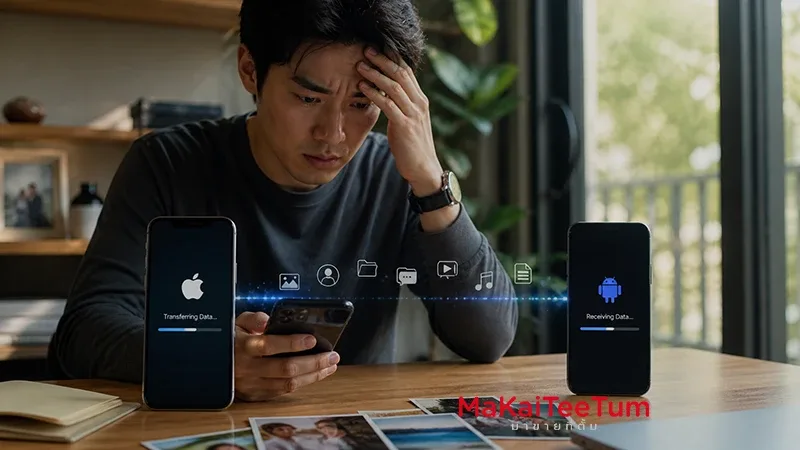
Selling your iPhone without properly erasing it can expose your personal data to unauthorized access. This guide explains the risks and provides step-by-step instructions to securely wipe your device before resale or trade-in. Whether you’re upgrading to a new model or simply clearing out old tech, protecting your privacy should be the first priority.
Risks of Not Erasing Your iPhone
- Data Breaches: Personal information like emails, photos, call logs, and contacts can be retrieved with basic software tools if not properly erased.
- Identity Theft: Saved credentials, authentication tokens, and even autofill data for banks and social media can put you at risk of impersonation and fraud.
- Activation Lock Issues: The new owner may not be able to activate the device, rendering it useless and decreasing resale potential.
- Reputation Damage: Sensitive images, chats, or business information can be misused if accessed by malicious buyers.
How to Securely Erase Your iPhone
- Backup Your Data: Use iCloud or iTunes to back up photos, files, app data, and settings so nothing is lost during the reset process.
- Unpair Devices: Disconnect Apple Watch and Bluetooth accessories to avoid future syncing issues.
- Sign Out of iCloud and Apple ID: Go to Settings > [Your Name] > Sign Out. This disables Find My iPhone and removes Activation Lock.
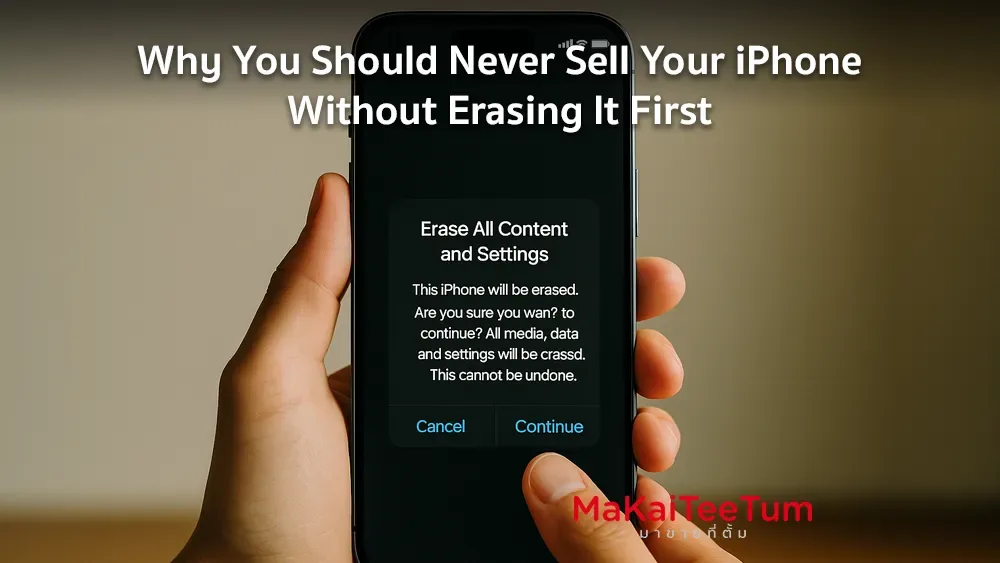
- Erase All Content and Settings: Navigate to Settings > General > Transfer or Reset iPhone > Erase All Content and Settings. Enter your passcode and Apple ID password if prompted.
- Remove SIM Card: Take out your SIM to prevent number misuse or accidental activation.
Additional Security Steps
- Remove from Apple ID Trusted Devices: Visit appleid.apple.com and remove the iPhone from your account to prevent it from being seen as a trusted device.
- Check for eSIM: If you’re using eSIM, go to Settings > Cellular and remove any active eSIM profiles linked to your number.
- Reset Device Management Settings: For business phones, ensure MDM (Mobile Device Management) profiles are removed by your IT department or admin before resale.
- Double-Check iCloud Backup: Verify that your most recent data is safely backed up and accessible on your new device or iCloud.com.
Common Mistakes to Avoid
- Manually Deleting Files Only: This does not remove app data or system logs. Always do a full erase.
- Leaving SIM Inside: Could lead to unwanted usage or charges by the new user.
- Forgetting to Disable Find My: The device will remain Activation Locked, making it unsellable.
Need Assistance?
If you’re unsure about the process or need help, feel free to contact us. We offer free consultations and can assist with secure data wiping for peace of mind:
- Call: 064-564-7945
- Line ID: @KunTum