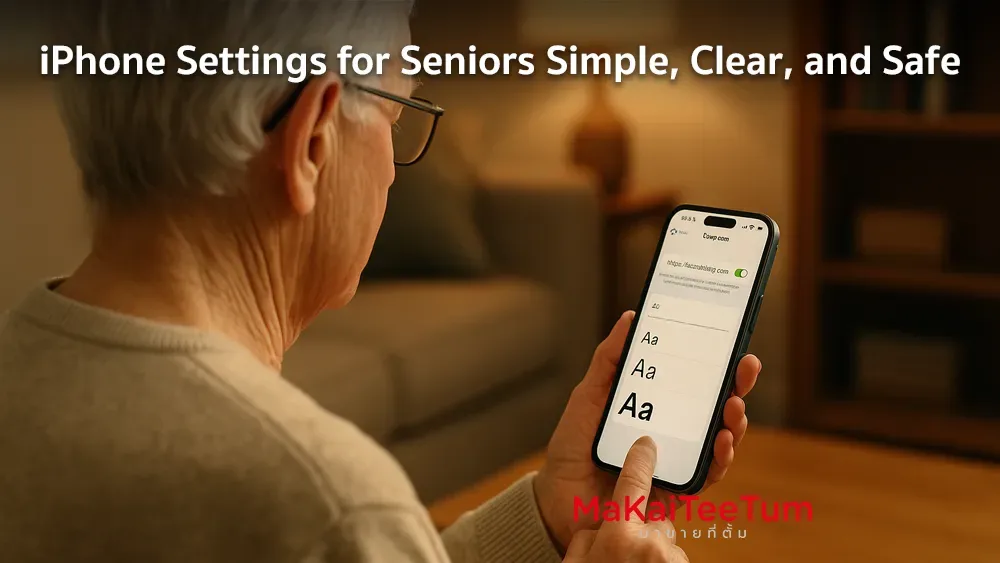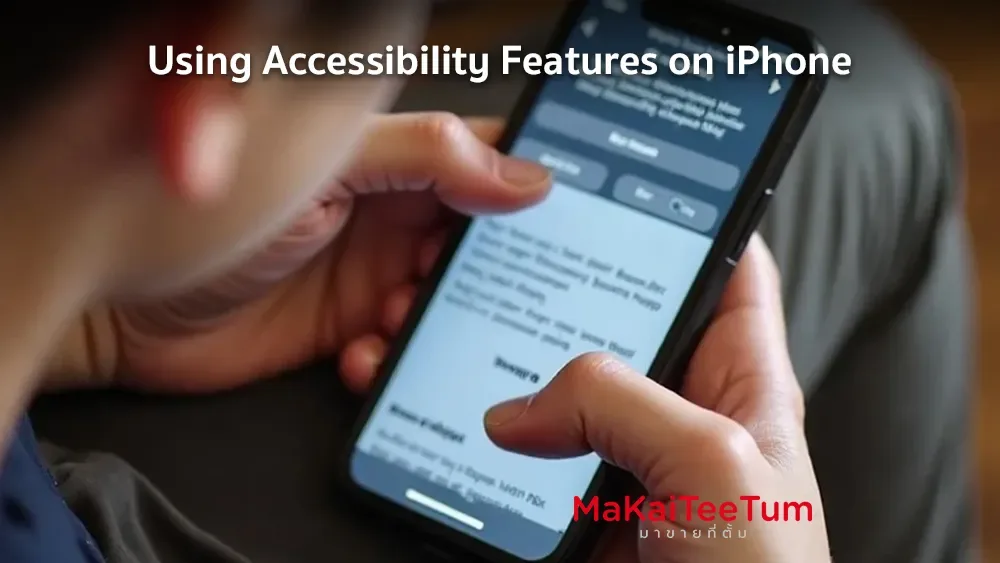
Apple is committed to making technology accessible for everyone. The iPhone’s Accessibility Features are thoughtfully designed to support users with special needs—whether related to vision, hearing, mobility, or cognition. This guide explores the key features and how to use them to personalize your iPhone experience.
Features for Users with Vision Impairments
- VoiceOver: A screen reader that speaks what’s on your screen, allowing users to navigate without looking.
- Display & Text Size Settings: Adjust font size, boldness, contrast, and color filters to enhance visibility.
- Magnifier: Turn your iPhone into a digital magnifying glass for reading small text or viewing details.
Features for Users with Hearing Impairments
- Audio & Vibration Customization: Tailor ringtones, vibrations, and alerts to suit individual hearing needs.
- Hearing Aid Compatibility: Pair iPhone with compatible hearing devices for clearer sound.
- Sound Recognition: Get notifications when your iPhone detects specific sounds like doorbells or baby cries.
Features for Users with Mobility Challenges
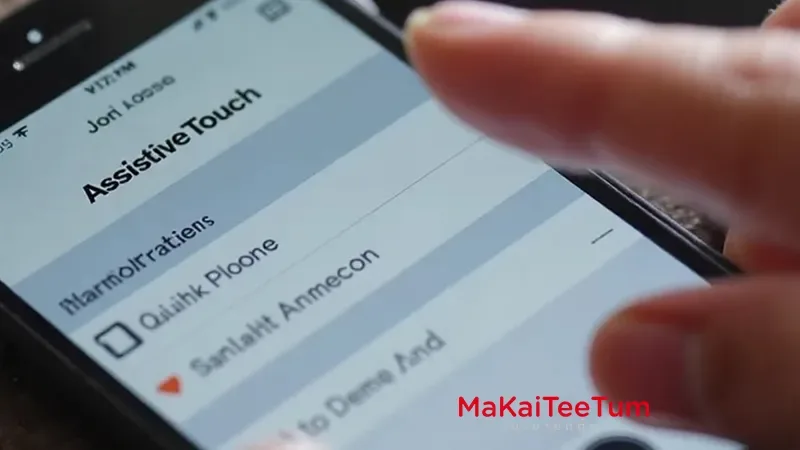
- AssistiveTouch: Allows touch-free control of iPhone through an on-screen menu—ideal for those with limited hand movement.
- Switch Control: Operate the device using external switches or head gestures.
- Voice Control: Navigate and operate your iPhone entirely through voice commands.
Features for Users with Speech Disabilities
- Live Speech: Type what you want to say and let your iPhone speak it during calls or in-person interactions.
- Personal Voice: Create a digital replica of your voice to use if you’re at risk of speech loss.
Features for Cognitive Accessibility
- Assistive Access: Simplifies the interface for easier navigation by users with cognitive challenges.
- Guided Access: Locks the iPhone into a single app, helpful for focused tasks or for children.
How to Enable Accessibility Features
- Go to Settings on your iPhone
- Tap Accessibility
- Choose and customize the features you need
Summary
iPhone’s accessibility features are thoughtfully crafted to ensure that everyone, regardless of ability, can use the device with ease. Whether you need voice navigation, simplified controls, or hearing assistance, Apple provides powerful tools to help you interact with your iPhone more effectively.
References: