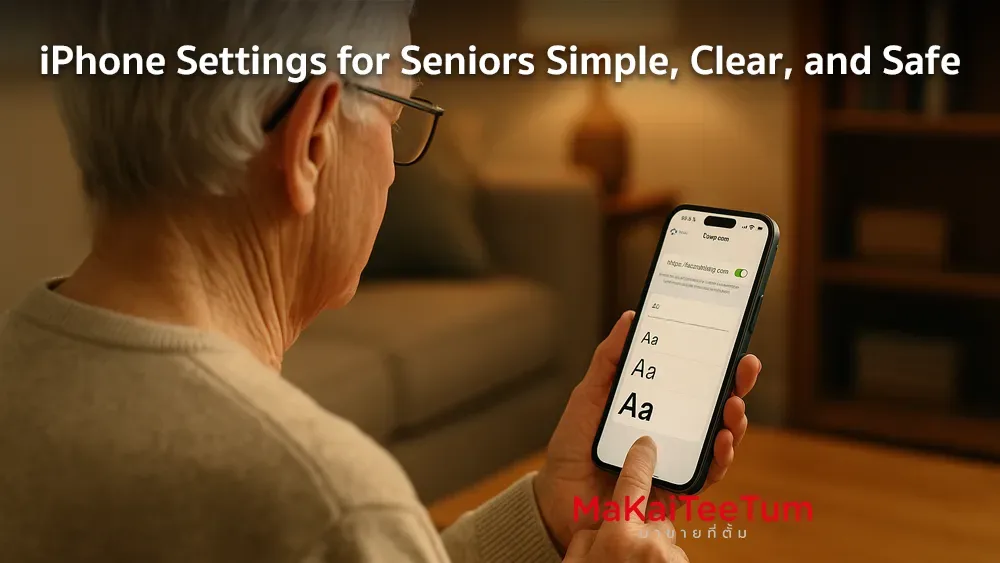
Customizing an iPhone for seniors makes it easier to use, more readable, and safer. This guide covers essential settings to help older users navigate their iPhones with confidence and comfort.
1. Increase Text Size
Making the text larger helps seniors read messages, menus, and notifications more easily.
- Go to Settings > Accessibility > Display & Text Size
- Tap Larger Text
- Enable Larger Accessibility Sizes and adjust the slider
2. Enable Assistive Access
This feature simplifies the iPhone’s interface for users with cognitive or motor challenges.
- Go to Settings > Accessibility > Assistive Access
- Tap Set Up Assistive Access and follow the on-screen instructions
3. Improve Display Clarity
Enhancing screen contrast and reducing transparency makes text and buttons easier to see.
- Go to Settings > Accessibility > Display & Text Size
- Enable Increase Contrast and Reduce Transparency
4. Turn On VoiceOver
VoiceOver reads screen content aloud, useful for seniors with vision impairments.
- Go to Settings > Accessibility > VoiceOver
- Enable VoiceOver and adjust speaking rate and commands
5. Use LED Flash for Alerts
Flashing the camera light helps users with hearing issues notice incoming calls or messages.
- Go to Settings > Accessibility > Audio/Visual
- Turn on LED Flash for Alerts
6. Set Up Accessibility Shortcuts
Assign a shortcut to quickly turn accessibility features on or off with a triple-click.
- Go to Settings > Accessibility > Accessibility Shortcut
- Select features like VoiceOver or Assistive Access
- Triple-click the side button to activate
7. Configure Emergency SOS
Seniors can quickly call for help by pressing the side button multiple times.
- Go to Settings > Emergency SOS
- Enable Call with Hold and Release and add emergency contacts
8. Install Helpful Apps
- Health apps: For monitoring daily activities and medications
- Reminders: To alert users about appointments or pill times
- Communication apps: Such as LINE, WhatsApp, or FaceTime for family contact
9. Summary
With a few adjustments, iPhones can become senior-friendly tools that are easy to use, safe, and confidence-boosting. These settings can empower seniors to stay connected and independent.
Need Help Setting It Up?
If you’d like assistance setting up an iPhone for a senior family member, feel free to contact us:
- Phone: 064-564-7945
- Line ID: @KunTum