In an age where your iPhone captures more photos, videos, and files than ever, the “Storage Full” issue has become common for users at every level. Even with new models like the iPhone 17 or after updating to iOS 18, storage management remains crucial. This article explores new techniques and features powered by AI and iCloud+ to keep your iPhone running smoothly and efficiently.
Smart AI-assisted Storage Management
One of the key aspects of iOS 18 is the integration of AI Photo Cleaner and deep learning systems to organize device data. These features help users instantly identify what should be deleted or kept.
- Filtering blurry or duplicate photos: The AI system scans the gallery for similar, blurry, or outdated screenshots, suggesting quick removal.
- Automatic video clip management: The device can analyze video usage—identifying low-quality or unwatched clips—and suggest deletion to free up space.
- Intelligent system assistance: AI can manage system files and background caches, helping to reduce “System Data” that often consumes hidden storage.
ProRes and Spatial Videos: Major Storage Consumers
Power Users, particularly videographers, know that ProRes and Spatial Videos for Apple Vision Pro can be massive, consuming tens of gigabytes within minutes. Therefore, managing these files efficiently is essential.
- Use the space-saving recording mode when professional-level resolution isn’t necessary.
- Move files to iCloud Drive or an external SSD via USB-C for secure high-quality storage.
- Use Apple’s apps such as Final Cut Camera or Photos to sort videos and view actual storage usage.
Managing Cache from Cloud Gaming and High-Resolution Streaming Services
Many users don’t realize that Cloud Gaming services and high-resolution streaming like Netflix HDR or Apple TV+ 4K often store temporary cache files locally, which grow quickly and silently consume space. Newer versions of iOS include automatic cache monitoring and cleaning tools.
- AI Cache Monitor: The AI system learns your usage behavior and suggests clearing app caches that are rarely used.
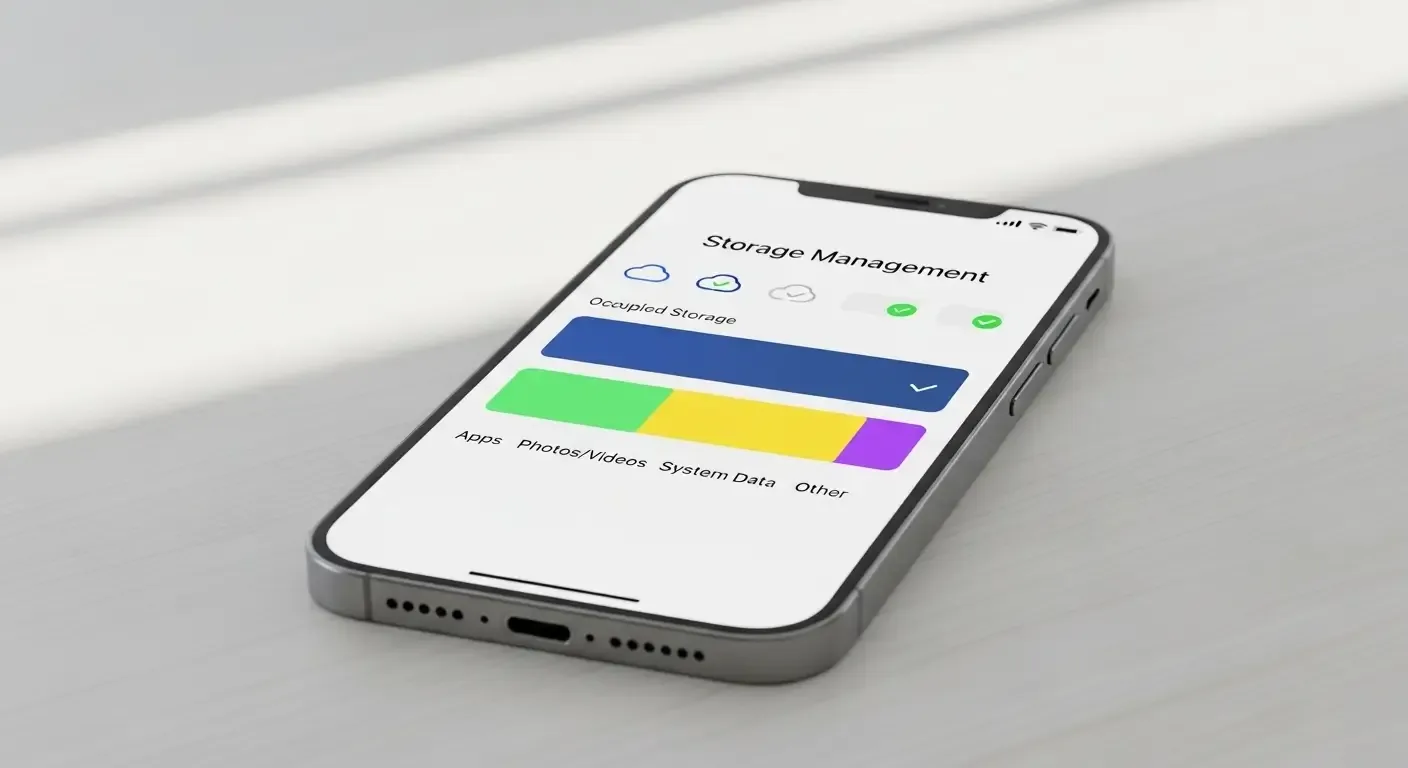
- Stream data manager: Users can view cache sizes for each service directly from the “Storage Management” menu.
iCloud+: More Than Just Extra Storage
When local storage runs low, moving files to iCloud is the most convenient option. But with the new iCloud+ Storage Plans 2025, you gain much more than extra space.
- Private Relay: Protects your web browsing from third parties, providing a more secure online experience.
- Hide My Email: Generates random email addresses for app or website sign-ups, protecting your real one.
- Custom Domain Email: Adds a professional touch for individual or business use.
- High-resolution video backup: Ideal for storing ProRes and Spatial Videos that take up large space.
Additional Tips for iPhone Storage Management
- Go to Settings > General > iPhone Storage to view detailed usage information.
- Use a USB-C cable to connect an external drive and transfer large files.
- Enable Offload Unused Apps to remove rarely used apps while keeping app data intact.
- Set monthly reminders to check storage to prevent slow performance or failed backups.
FAQ: Frequently Asked Questions About iPhone Storage Management
Q: What is System Data in iOS, and how can it be deleted?
A: System Data includes caches, temporary logs, and files generated by apps. In iOS 18, AI automatically optimizes this area, though you can still manually clear extra caches in Settings.
Q: Should I save Spatial or ProRes videos to iCloud or an external drive?
A: For long-term backup and easy access anywhere, iCloud+ is the most convenient. However, for massive files, storing them on an external SSD via USB-C helps conserve local storage.
Q: Does iOS already include an AI tool for removing duplicate photos?
A: In iOS 18, the AI system includes a Photo Suggestion & Cleanup feature that automatically identifies and manages duplicate photos, forming a key part of Apple’s จัดการพื้นที่ AI iPhone initiative.
Conclusion
Modern iPhone storage management goes beyond simply deleting old files. It’s about using AI and iCloud+ wisely to deliver a sustainable, seamless experience. Whether you’re an everyday user or a ProRes and Spatial Video power creator, understanding these tools will help your iPhone perform like new.
References
- Apple Support: Manage Storage on Your iPhone
- Apple Support: iCloud Storage
- Analysis from MacRumors, 9to5Mac, The Verge
- Apple Developer: Data Storage Guidelines