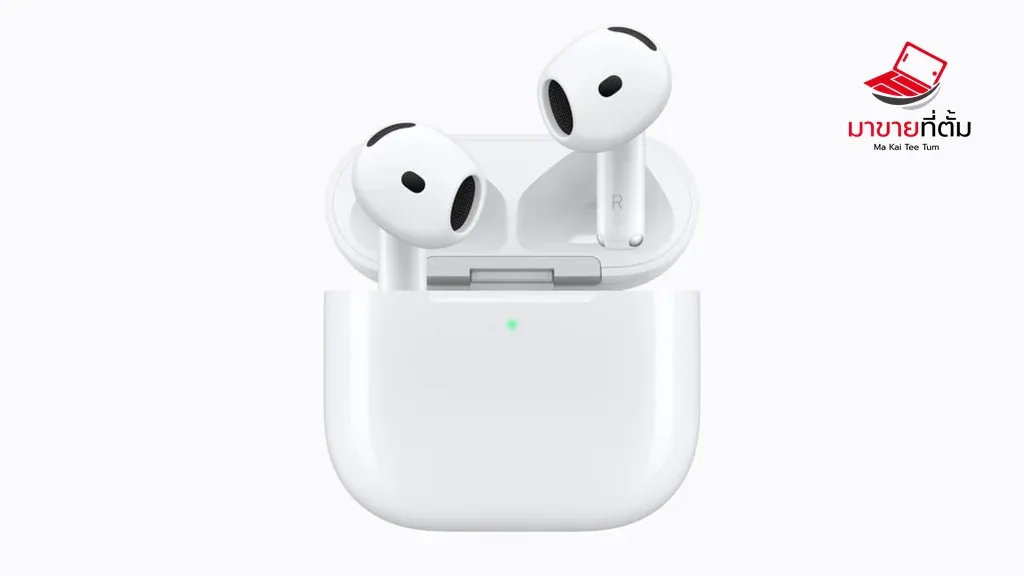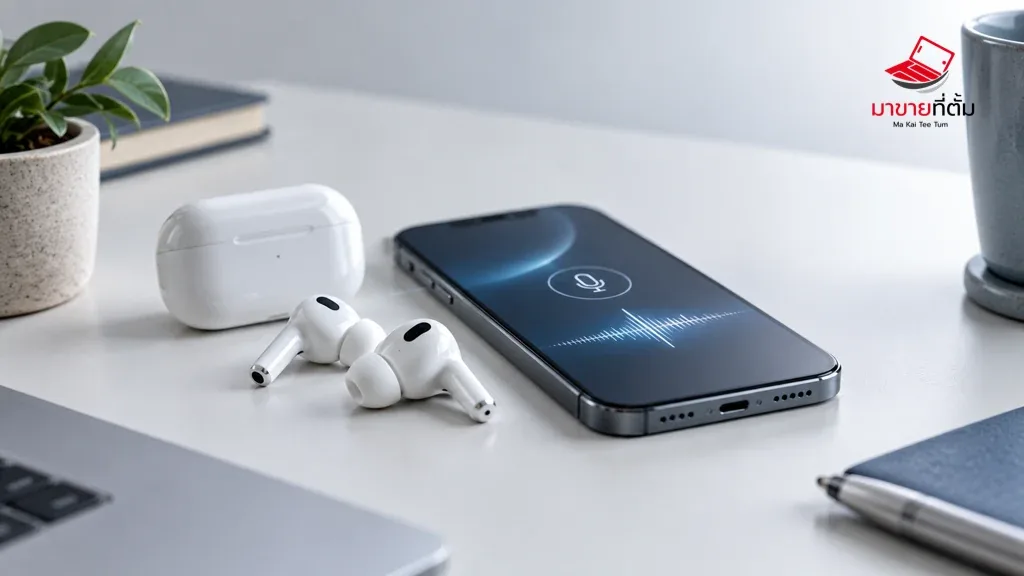
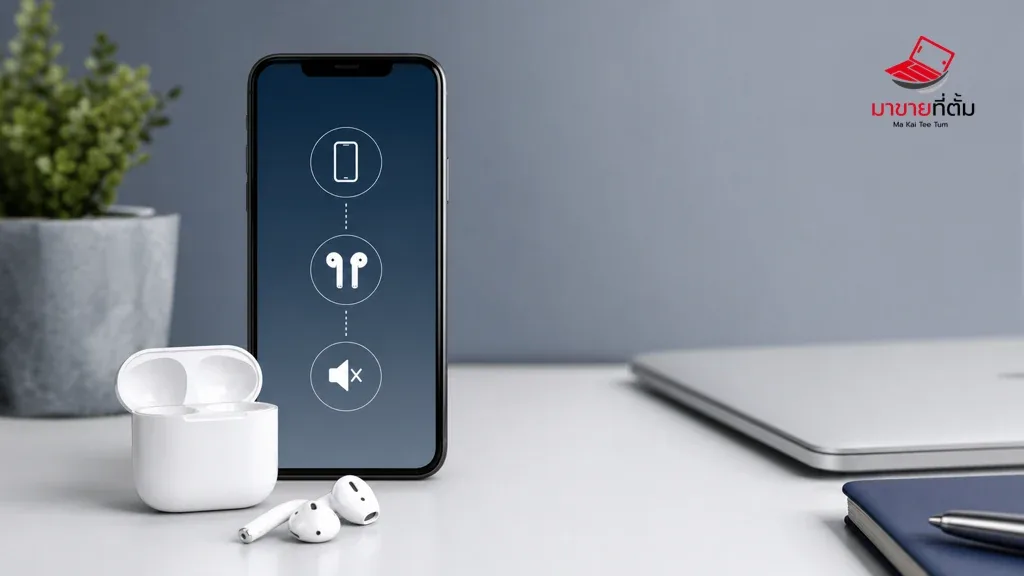
“Connected” only confirms that the AirPods have a Bluetooth relationship with the device; it does not guarantee that they are the current audio output. Check routing, volume, charge, and both earbuds before resetting the pairing.
Checks to try first
- Open Control Centre or the sound menu and explicitly choose AirPods as the output
- Raise volume on the source device and inside the app that is playing audio
- Seat both earbuds correctly and check the charge level of the earbuds and case
- Return the earbuds to the case, wait, then remove them and reconnect Bluetooth
- Forget the device and pair again if the issue persists, then test after installing updates
When the device needs further help
One-sided silence, crackling, or no audio from several source devices can point to a blocked speaker mesh, battery issue, or AirPods hardware fault and may require service.
Bottom line
Start with reversible checks that do not erase personal data, then isolate the accessory, setting, network, or hardware involved. If the symptom survives the basic steps or follows impact or liquid exposure, professional assessment is safer than repeated resets.
Thinking about selling or upgrading an Apple device?
If the problem is part of an upgrade decision, MaKaiTeeTum can help assess an iPhone, iPad, Mac, or Apple Watch and discuss your selling options. Describe the real condition and repair history for a more useful valuation.
- Call: 064-564-7945
- Line ID: @KunTum