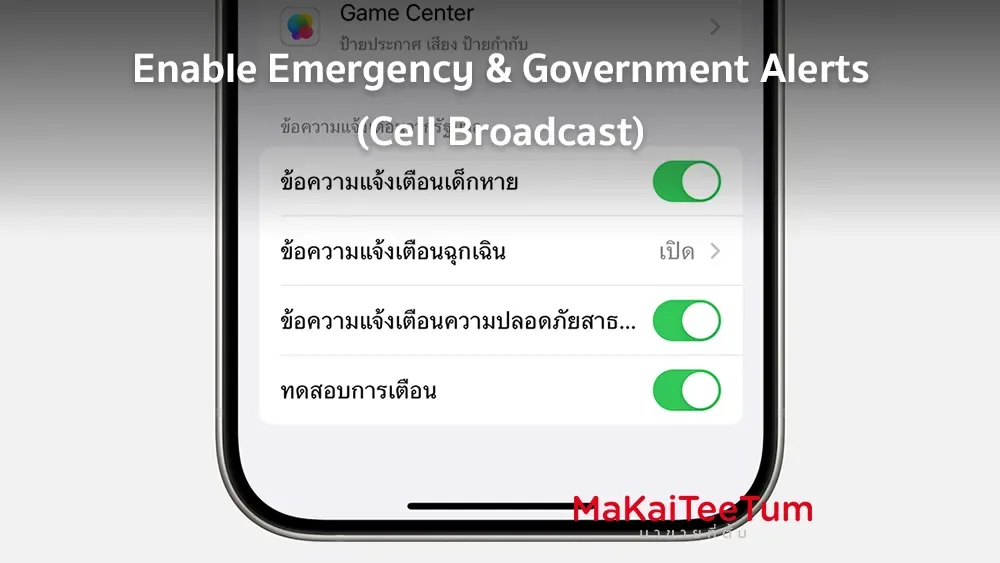
iPhones are equipped with an emergency alert system that delivers critical information from government agencies, such as natural disaster warnings or other urgent events. This article explains how to enable or disable these alerts and provides relevant information for users in Thailand.
Types of Alerts
iPhones can receive the following types of alerts:
- Government alerts specific to your country or region 
- Alerts about threats to safety or life
- Severe weather alerts
- AMBER Alerts (child abduction emergencies) 
- Public safety alerts
Note: Some types of alerts may not be turned off, depending on local government policies
How to Enable or Disable Government Alerts
- Go to Settings > Notifications. 
- Scroll down to the TH-ALEART section. 
- Toggle the types of alerts you wish to enable or disable.
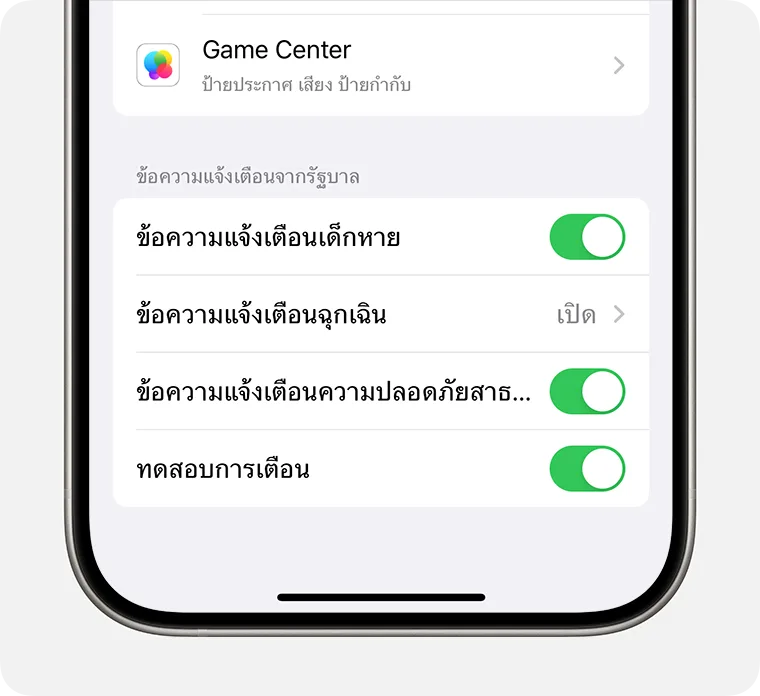
Note: Your device has government alerts turned on by default. If you don’t see this option, it may be because your carrier doesn’t support these alerts.
Alerts Specific to the United States
Features like location-based enhancements and test emergency alerts are available only in the United States and may not be accessible in Thailand.
Conclusion
Emergency alerts on iPhone are valuable tools for receiving important information from the government. If you wish to control these alerts, you can adjust the settings as outlined above.
References: About emergency and government alerts on iPhone