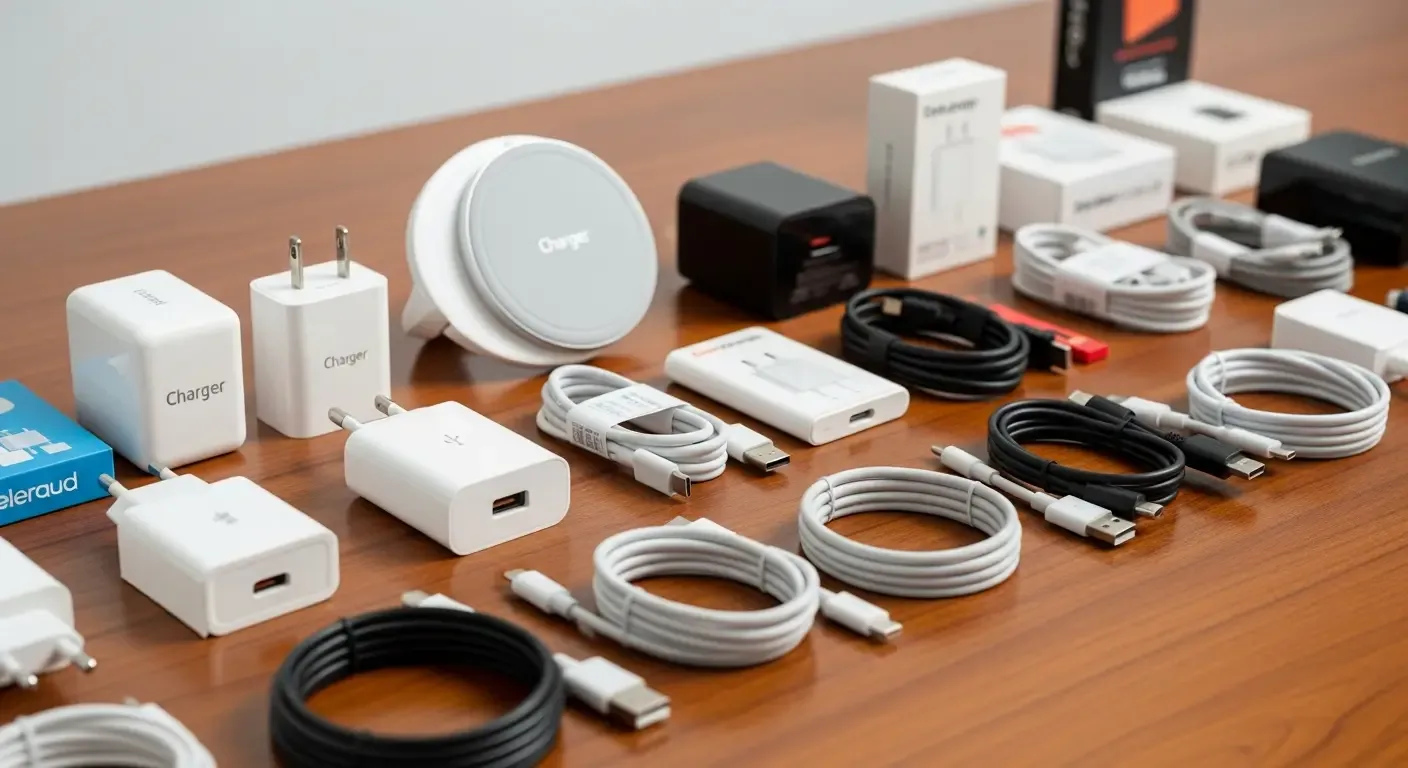
In an era where electronic devices play an essential role in daily life, choosing the right chargers and cables for safety and compatibility is crucial. Counterfeit products can cause device damage or even pose safety hazards. This article will guide you on how to identify genuine chargers in detail, as well as introduce the latest technologies and testing trends.
1. Checking Wireless Chargers (Qi2/MagSafe)
Qi2 and MagSafe technologies are the next-generation wireless charging standards gaining wide popularity. To confirm authenticity, follow these steps:
- Check for logos and certifications: Look for the “Made for MagSafe” logo or official Qi2 certification symbol issued by the Wireless Power Consortium (WPC).
- Test magnet strength: Authentic products have a stable magnetic connection—not too loose or too tight—when attached to compatible devices.
- Observe abnormal heat: If the charger gets excessively hot during use, it may indicate poor quality control.
2. How to Verify GaN Chargers and USB-C EPR 240W Cables
GaN (Gallium Nitride) chargers and USB-C EPR 240W cables are increasingly preferred by users who value fast and safe charging. Here’s how to verify them:
- Check authentic GaN chargers: Genuine models are compact, well-balanced, and maintain a stable temperature even after long use.
- Inspect ports and labels: Authentic GaN chargers clearly indicate support for PD 3.1 PPS.
- Verify USB-C EPR cables: They should have an embedded E-Marker chip, detectable using a new-generation USB Tester.
- Identify the E-Marker chip: When connecting the cable to a USB Tester, it should display a maximum power rating (240W) and support details such as 48V/5A.
3. Certification Symbols and Safety Standards
Recognizing product symbols helps ensure compliance with both international and local safety standards. Thai users should pay special attention to the TIS certification mark.
- ตรวจสอบ มอก. หัวชาร์จ: Look for the “TIS” mark and product code either on the device or its packaging.
- Scan QR Code: Use a smartphone to scan the QR Code linking to the Thai Industrial Standards Institute database for verification.
- Check global symbols: Such as CE, FCC, and UL, which indicate internationally recognized quality assurance.
4. Using Technology to Assist Verification
Modern technology makes authenticity checks easier for consumers, particularly through AI-powered verification apps—a growing trend.
- AI image comparison: Users can take product photos for AI analysis and comparison with a database of genuine and counterfeit images.
- Alert system: Some apps show confidence levels such as “95% genuine” or “80% counterfeit” almost instantly.
- Database updates: These apps often connect to global databases like USB-IF and WPC to ensure real-time accuracy.
5. Basic Tips Before Buying a Charger
- Buy only from authorized stores or reputable brands.
- Check that the packaging includes all proper certification marks.
- Avoid unusually cheap products.
- Read expert reviews from sources such as ChargerLAB or YouTube channels featuring real teardown analyses.
FAQ: Common Questions
Q: How can I verify a genuine GaN charger?
Check its size, weight, and heat levels during use. Genuine units typically support PD 3.1 PPS and have high build quality.
Q: Do 240W USB-C cables require an E-Marker chip?
Yes. The chip ensures safe high-power handling and can be verified using a USB Tester.
Q: How is Qi2 better than the original Qi?
Qi2 introduces a Magnetic Power Profile (MPP) for more stable magnetic alignment, faster charging, and reduced energy loss.
References
- Certified product database from the Thai Industrial Standards Institute (TISI)
- USB Implementers Forum (USB-IF)
- Wireless Power Consortium (WPC)
- Technical review websites such as ChargerLAB and expert YouTube channels specializing in electronics