Many users have encountered the message “Topic Not Found” when searching for ways to verify their iPhone’s warranty status or repair information. In fact, Apple has developed multiple tools and services to make it easier than ever to access this important information. This article compiles all the essential steps and details on checking warranty status, viewing parts history, and using the Self Service Repair program in 2025.
How to Check Warranty for All Devices in One Place via Apple ID
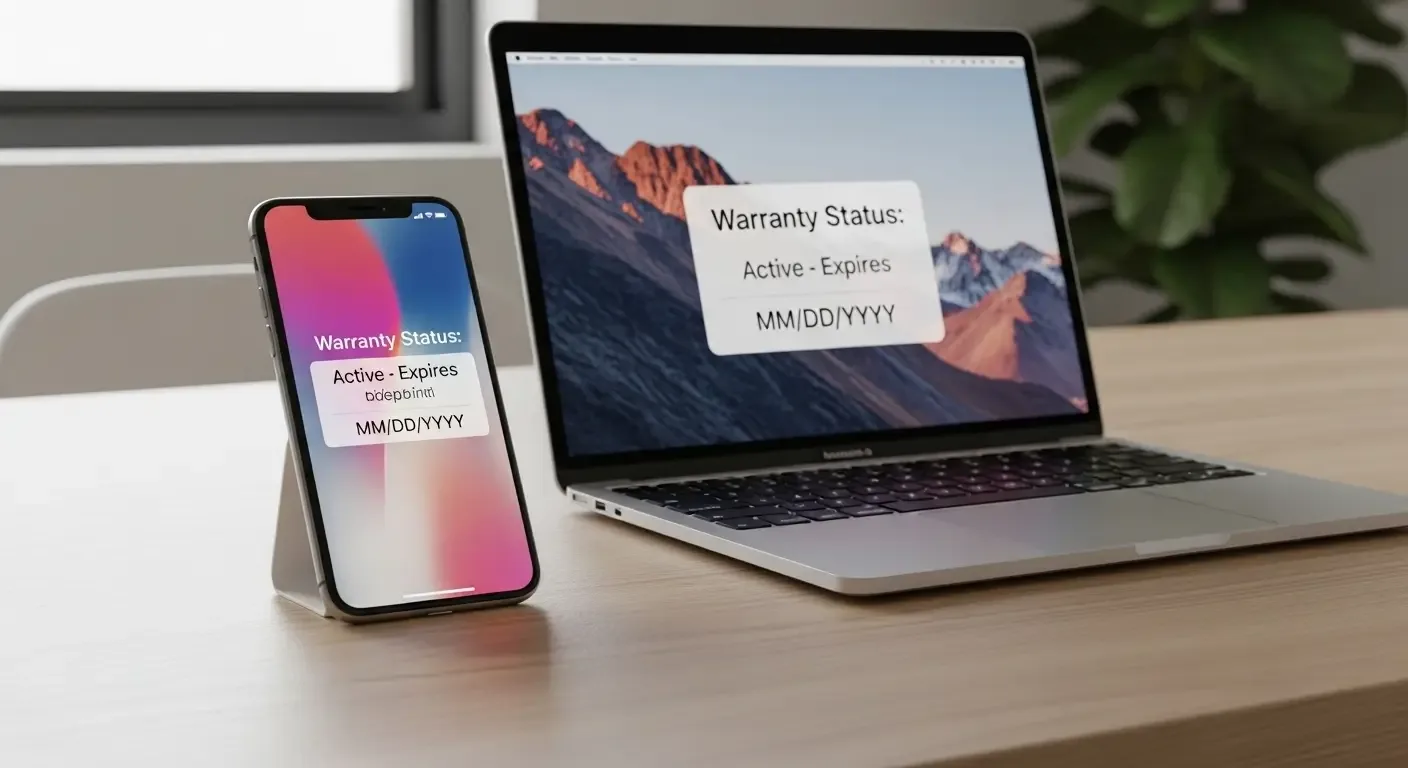
Apple now allows users to conveniently view the warranty status of all their devices linked to a single account. Here’s how to do it easily through Settings on iPhone or iPad:
- Open the Settings app
- Tap your name ([Your Name]) at the top of the screen
- Scroll down to see the list of all devices linked to your Apple ID
- Select the device you want to check, and you’ll instantly see warranty status, expiration date, and details of AppleCare+
This method lets you check Apple warranty coverage for all devices in one place — whether it’s an iPhone, iPad, MacBook, or even Apple Watch.
The Difference Between One-Time Purchase and Monthly/Yearly Subscription AppleCare+
AppleCare+ is available as both a one-time purchase and a monthly or annual subscription. Each option has its pros and cons:
- One-time Purchase: Ideal for long-term device owners. Coverage length is fixed, and the transfer of ownership to a new owner when reselling is straightforward, helping maintain a higher resale value.
- Subscription Plan: Offers flexibility as it can be canceled anytime. However, transferability may not be automatic, which can affect resale value.
Before purchasing AppleCare+, it’s recommended to consider your usage plan and potential resale value in the future.
Checking Repair and Parts History (Parts and Service History)
Starting with iOS 15, Apple introduced the Parts and Service History feature, allowing users to see whether their iPhone has been repaired or had any components replaced, and whether those parts are genuine Apple components. Navigate to:
- Go to Settings > General > About
- Scroll down to find Parts and Service History
- You’ll see whether the display, camera, or battery has been replaced, along with labels indicating if each part is a Genuine Apple Part.
This information greatly influences device credibility and resale value, especially in the second-hand market, as it reassures buyers that the device hasn’t been serviced with unauthorized or non-genuine parts.
What is Self Service Repair and How Does It Affect the Second-Hand Market?
Apple’s Self Service Repair program allows users to repair their own iPhones using genuine Apple parts available through an authorized online channel. Repairs include battery, screen, and camera replacements.
Notable outcomes include:
- Users can easily repair out-of-warranty devices without visiting third-party shops
- Reduces the risk of using non-genuine parts that could affect performance or safety
- The second-hand market becomes more transparent since sellers can show official Self Service Repair records
However, self-repair still requires special tools and assembly knowledge, so it may not be suitable for everyone.
Case Study: iPhone 15 and iPhone 16 in the 2025 Market
In 2025, used-device prices are influenced by several factors such as device age, warranty status, and repair history. For example:
- iPhone 15 Pro (with active AppleCare+) — Average resale price: 28,000–30,000 THB
- iPhone 15 Pro (expired warranty / no repairs) — Average resale price: around 24,000 THB
- iPhone 16 (newer model but shorter warranty) — Average resale price: 35,000–38,000 THB
This demonstrates that devices with AppleCare+ coverage or clear repair history can be worth several thousand baht more than those with expired warranties or third-party parts.
FAQ: Frequently Asked Questions
Q: Can you check Apple warranty via Apple ID for all devices?
Yes. All devices linked to the same Apple ID — including iPhone, iPad, Mac, and Apple Watch — can be checked under one account.
Q: Can I transfer a monthly AppleCare+ plan?
Generally, monthly AppleCare+ subscriptions are not automatically transferable, but the seller can cancel the plan, allowing the new owner to subscribe again as per Apple’s terms.
Q: Which models support the “Parts and Service History” feature?
Supported from iPhone 11 upward. Newer models like iPhone 15 and 16 display even more detailed information.
References