How to Check If a Second-Hand iPhone Has Changed Owners (Is It Possible?)
Buying a second-hand iPhone can save you a lot of money—but are you sure how many people have owned the device before you? Multiple previous owners may affect its lifespan and reliability. This article explores whether you can check how many times an iPhone has changed hands and the methods you can use to verify its history yourself.
Why Does Knowing Ownership History Matter?
- Device reliability: Fewer owners usually mean the phone was better cared for.
- Warranty and service status: Multiple owners may create confusion or shorten warranty coverage.
- Resale value: Ownership history can affect how much the device is worth.
Can You Directly Check How Many Owners an iPhone Had?
The answer is “not directly.” Apple does not provide a built-in feature to display the number of previous owners. However, you can still combine different checks and observations to estimate whether an iPhone has changed hands multiple times.
1. Check Activation Lock (iCloud Lock)
Before buying a second-hand iPhone, always check whether the device is locked to iCloud. If it is, it may mean the previous owner hasn’t removed their account—or worse, the phone could be stolen.
- Go to Settings > General > About to find the Serial Number or IMEI.
- Enter the number at Apple’s Check Coverage website to see the status.
2. Check Device History via IMEI or Serial Number
Several websites and services allow you to check an iPhone’s history using its IMEI or Serial Number, such as:
These services may reveal whether the iPhone:
- Was ever iCloud locked
- Originated from a specific carrier or country
- Is a refurbished unit
- Was reported lost or stolen
Limitations: No service can tell you exactly how many times the iPhone has changed owners. However, if the phone shows records across multiple countries or carriers, it may suggest multiple transfers.
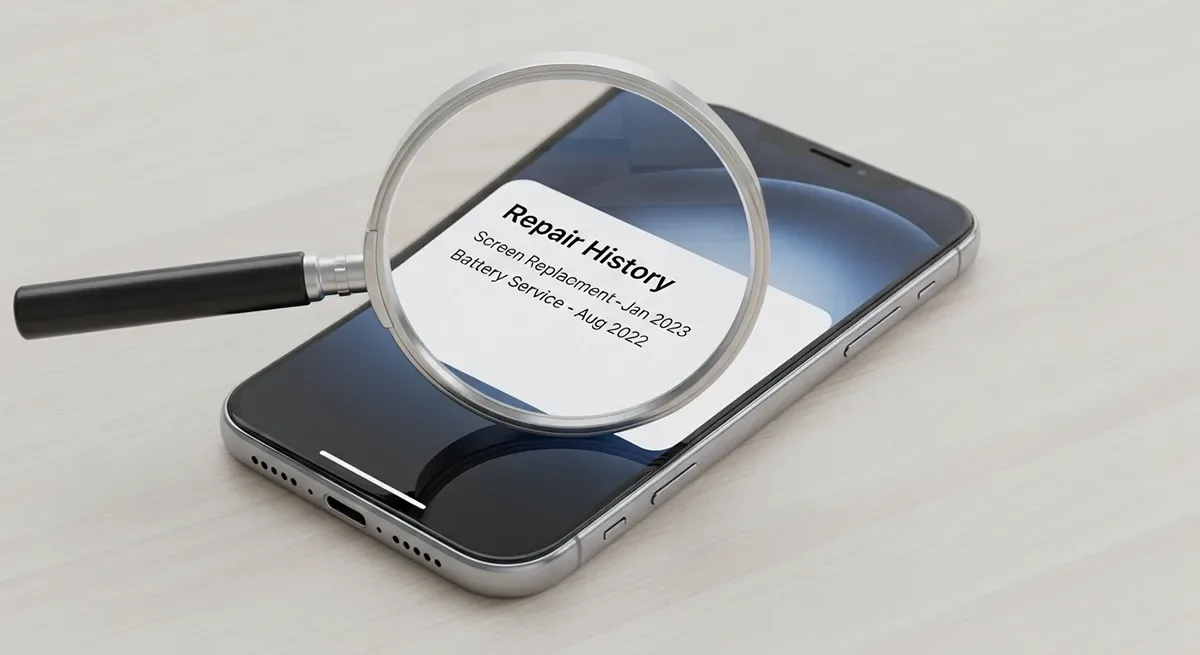
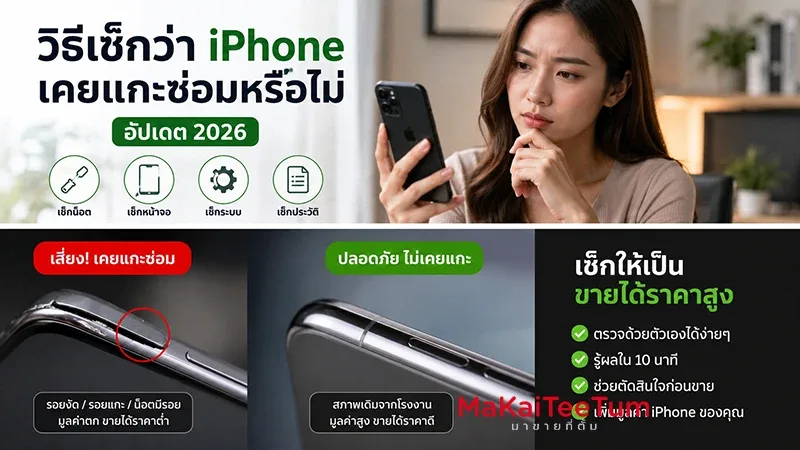
3. Check Repair History (Apple Support)
You can check the device’s repair history through Apple’s Support website or by contacting Apple service centers with the Serial Number.
If the phone has been repaired often or by non-Apple shops, it may indicate multiple owners in the past.
4. Inspect Packaging and Accessories
- Is the box the original match to the model?
- Does the Serial Number on the box match the device?
- Are all accessories (charger, earphones) included?
Missing or mismatched packaging and accessories may suggest the phone has changed hands several times.
5. Check Internal Settings
Go to Settings > General > iPhone Storage and see if there are traces of old apps or usage history, such as banking or social apps left behind by previous owners.
If you find leftover data, it may indicate that the iPhone has been passed through multiple users without a proper reset.
Tips Before Buying a Second-Hand iPhone
- Ask for the original receipt or proof of purchase if possible.
- Request the seller to reset the iPhone and remove iCloud lock in front of you.
- Always verify the IMEI to ensure it hasn’t been reported lost or stolen.
- Prefer buying from reputable stores or platforms that offer buyer protection.
Conclusion
Although Apple does not provide an official way to see how many owners an iPhone has had, you can still use the methods above to evaluate its reliability and trustworthiness. Checking iCloud, IMEI, repair history, and packaging can give valuable clues before making your purchase.
Buying second-hand isn’t risky if you know how to inspect carefully. With the right checks, you can get an iPhone that’s reliable, long-lasting, and worth the price.